Hello,
Thanks for reading this long post.
I need 03 help, meaning I have a total of 03 questions.
1. How to add Excel columns in the report generated from "Trail Balance Snapshot"?
2. Without downloading the report from D365, if I refresh the "Dynamic Excel add-in", will the report be updated directly in Excel?
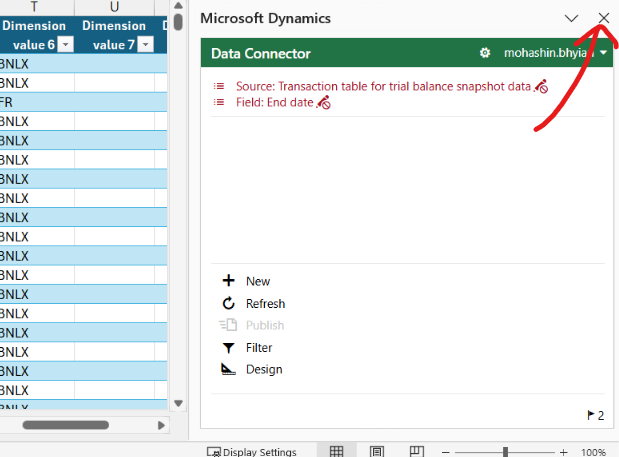
3. If I close the "Dynamic 365 Add-ins" in Excel, how can I get the left menu again?
Question 01: How to add Excel columns in the report generated from "Trail Balance Snapshot"?
I am trying to download the Trial Balance for multiple ledgers in one Excel file.
Previously, I downloaded the report from the section "Options"

I follow these steps to get the excel report.
After downloading the Excel report, I am getting the report as below.

Now, when I am downloading the Excel report from "Trail Balance Snapshot", I am getting all the ledger information in one Excel. This is great.
But the problem is that in this report, some columns that were generated in trail balance (highlighted with a red box in the above Excel sheet picture) are missing in this snapshot report.
1. Name
2. Opening balance - Reporting currency
3. Debit - Reporting currency
4. Credit - Reporting currency
5. Ending balance - Reporting currency
From "Trail Balance Snapshot" option, I am following these steps to download the report.
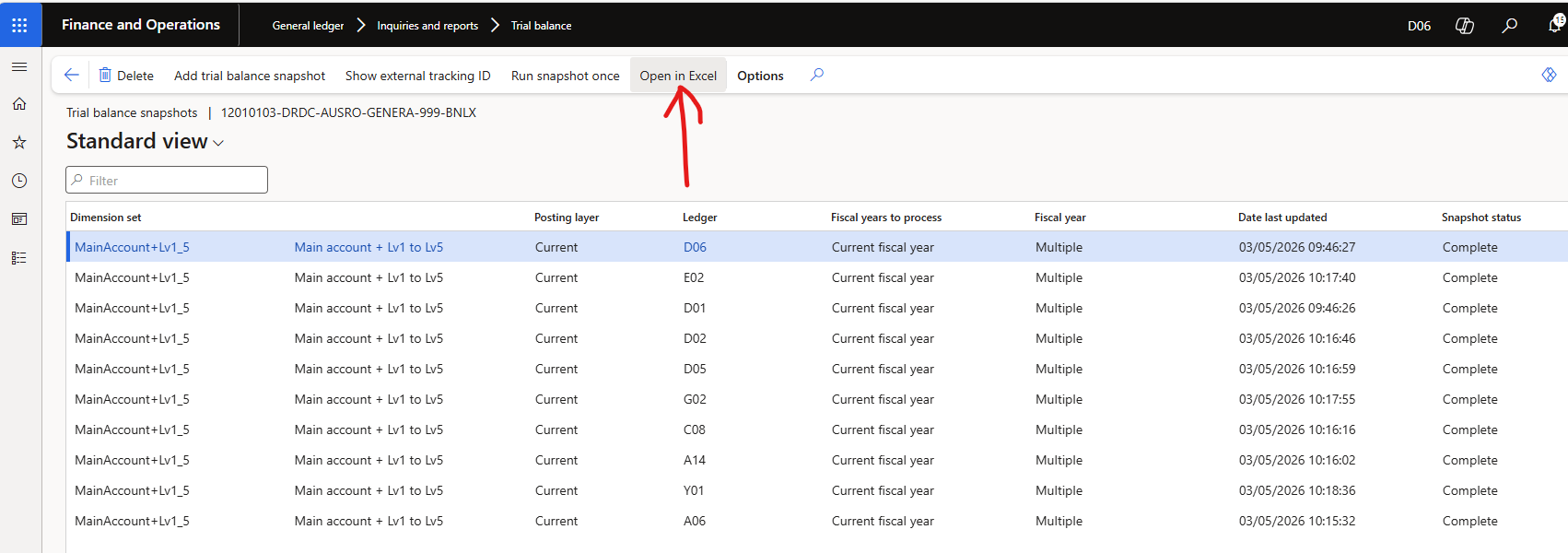
The Excel snapshot below is from "Trail Balance Snapshot". And here you can see 05 columns (highlighted with a red box in the above Excel sheet picture) are missing in the "Trail Balance snapshot" report.

How can I get the missing Columns in the report generated by "Trail Balance Snapshot"?
Question 02: Without downloading the report from D365, if I refresh the "Dynamic Excel add-in", will the report be updated directly in Excel?
If I click on this refresh button, will the report be updated automatically?
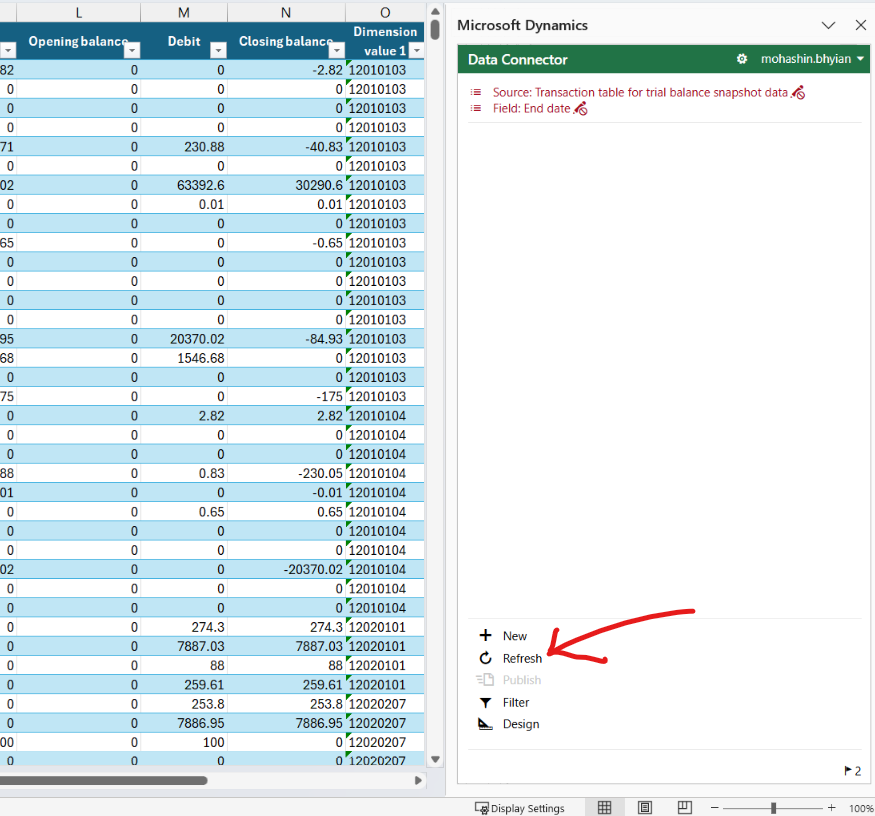
Question 03: If I close the "Dynamics 365 Add-ins" in Excel, how can I get the left menu again?
If I close this right menu, then how can I get this menu again?