Hi - apologies if this has already been answered but I cannot find it on the forum.
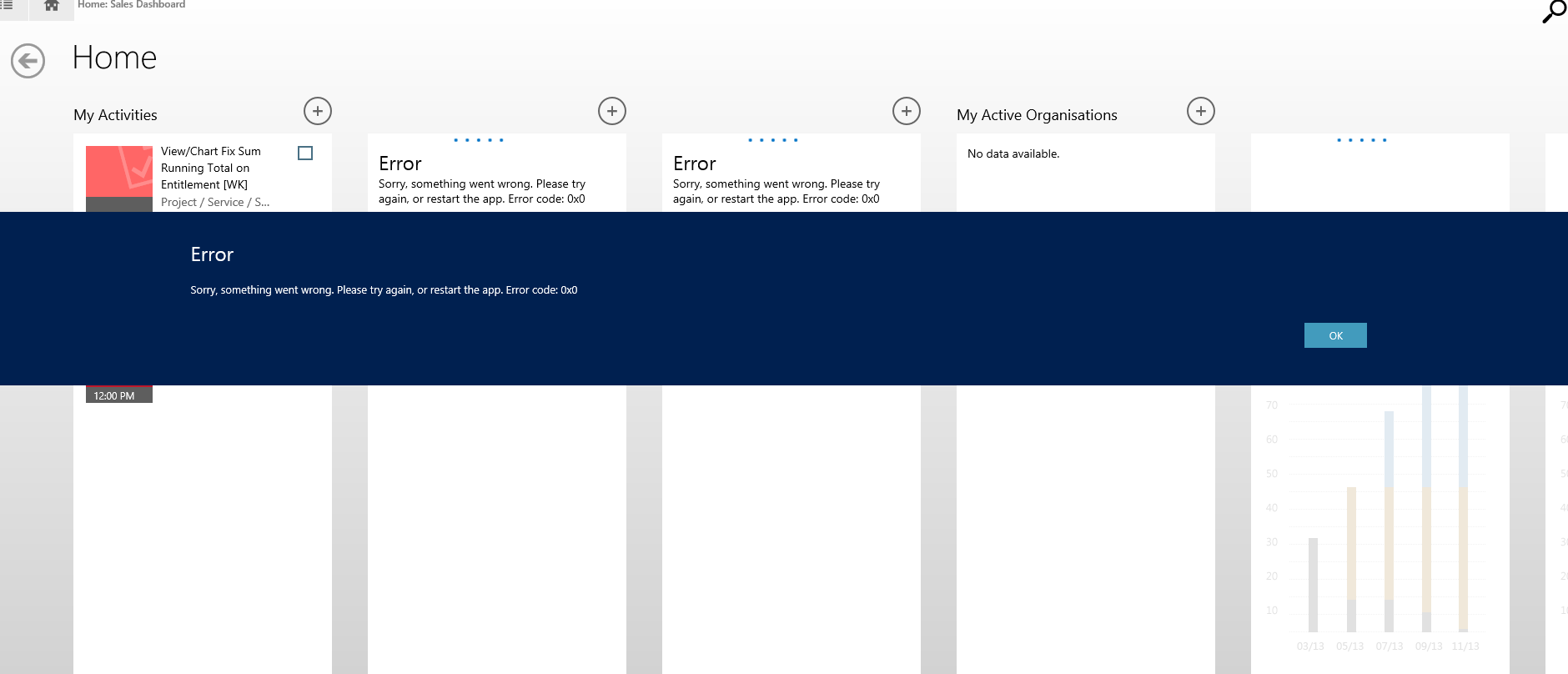
I am trying to install the Dynamics CRM app for Windows 8 on a client's desktop and laptop but keep getting the following error (see screenshot attached). This seems to appear on the Dashboards screen.
Error
Sorry something went wrong. Please try again, or restart the app. Error code: 0x0
It is an on-premise ADFS IFD 2015 deployment.
The user settings have been updated to be able to use CRM for tablets (Settings - Security - Business Management tab)
We were able to successfully install the app on an iPhone.
Does the app only work on phones/tablets but not on desktops/laptops? We are using a Lenovo yoga3 which doubles as a tablet so doubt this is the problem.
Any suggestions are most welcome
Thanks!!
*This post is locked for comments
I have the same question (0)







