web
You’re offline. This is a read only version of the page.
close
Skip to main content

Notifications

Announcements

No record found.

Community site session details

Community site session details

Session Id :
Customer experience | Sales, Customer Insights,...
Answered

How to customize Print/Email to PDF Templates? They are BLANK!?

(0) ShareShare
ReportReport
Posted on by 1,589

I need to modify the content and layout of the PDF file that is generated via the "Export to PDF" button shown below. 

Screen-Shot-2021_2D00_07_2D00_13-at-10.35.57-AM.png

The goal is that when users hit the "Export to PDF", the system uses my Modified Template instead of the default. 
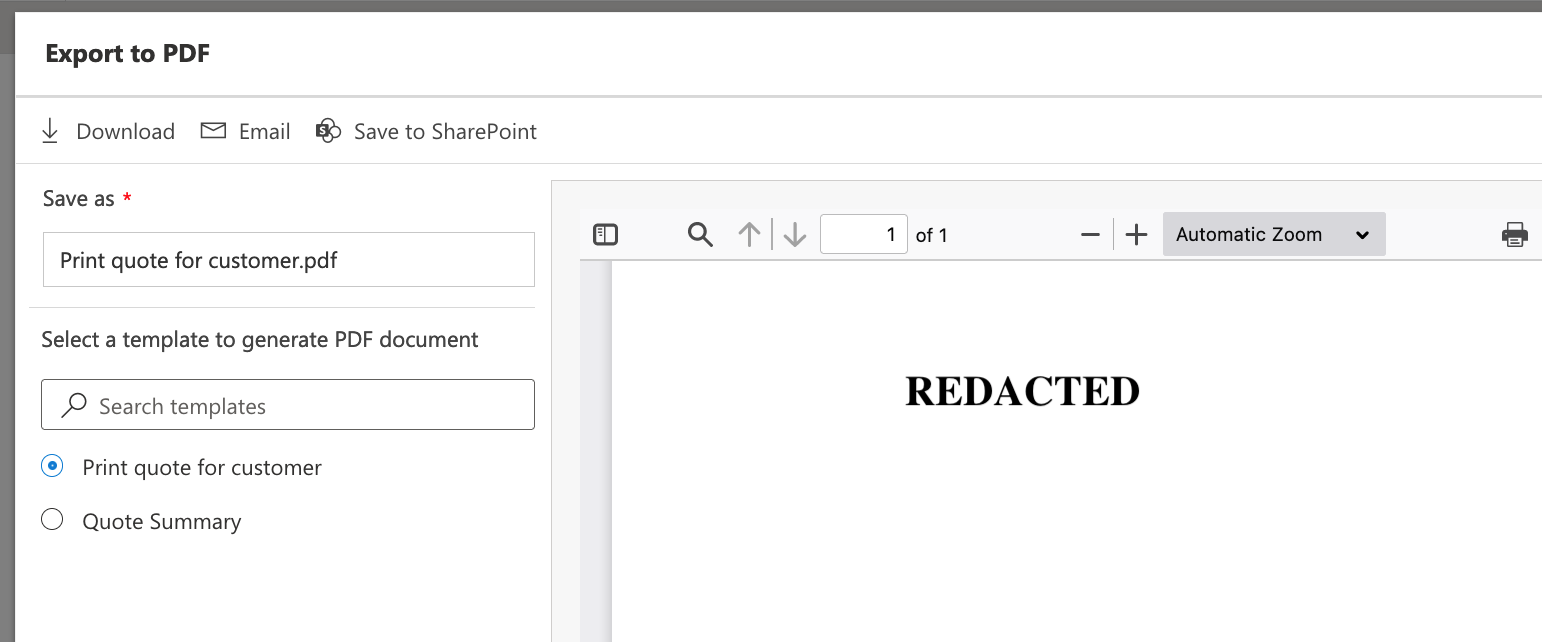
FIG2.png

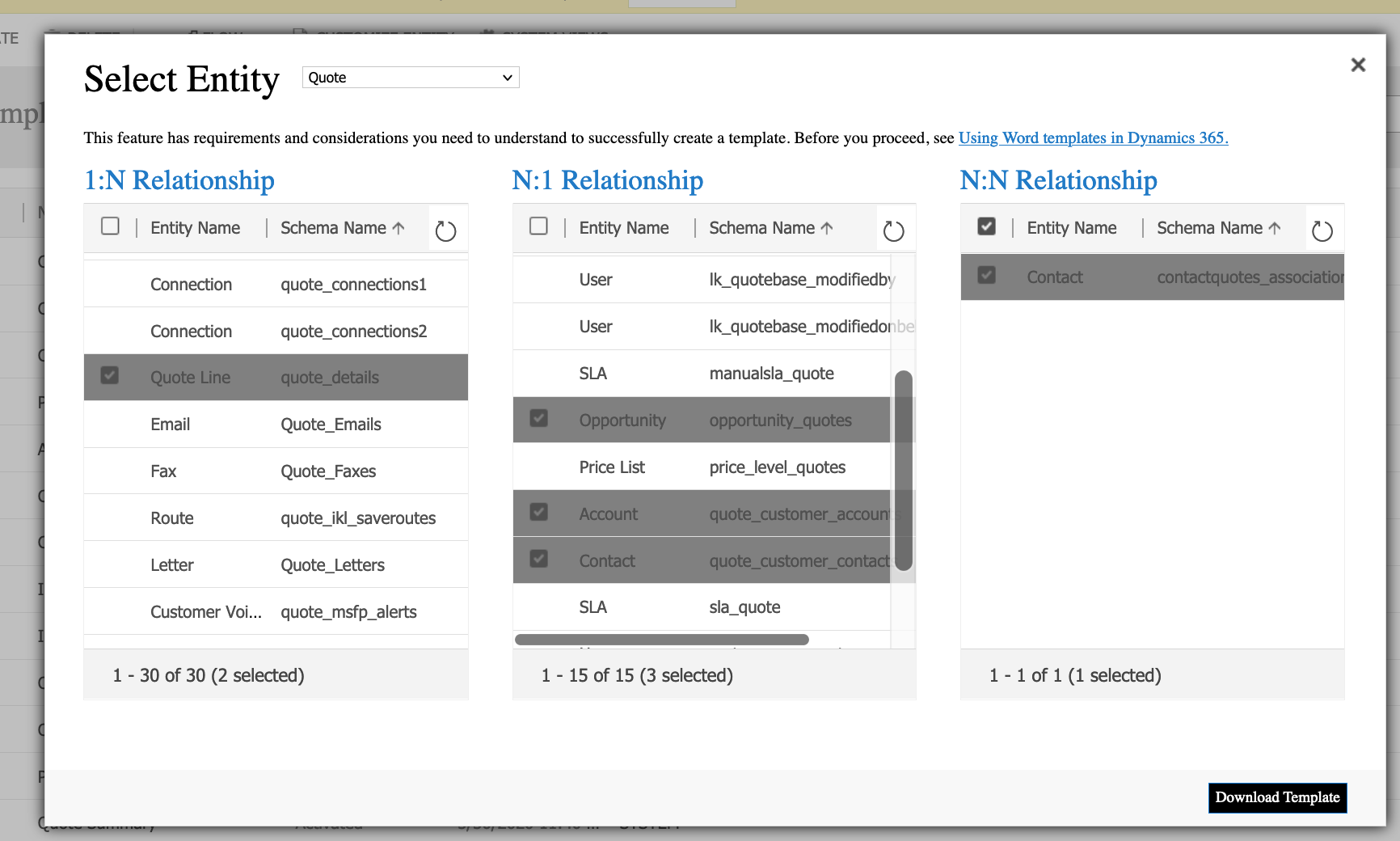
I have followed the advice laid out at https://d365goddess.com/dynamics-365-sales-generate-pdf-from-word-templates/

There are some differences, as shown below. 
Screen-Shot-2021_2D00_07_2D00_13-at-11.22.04-AM.png

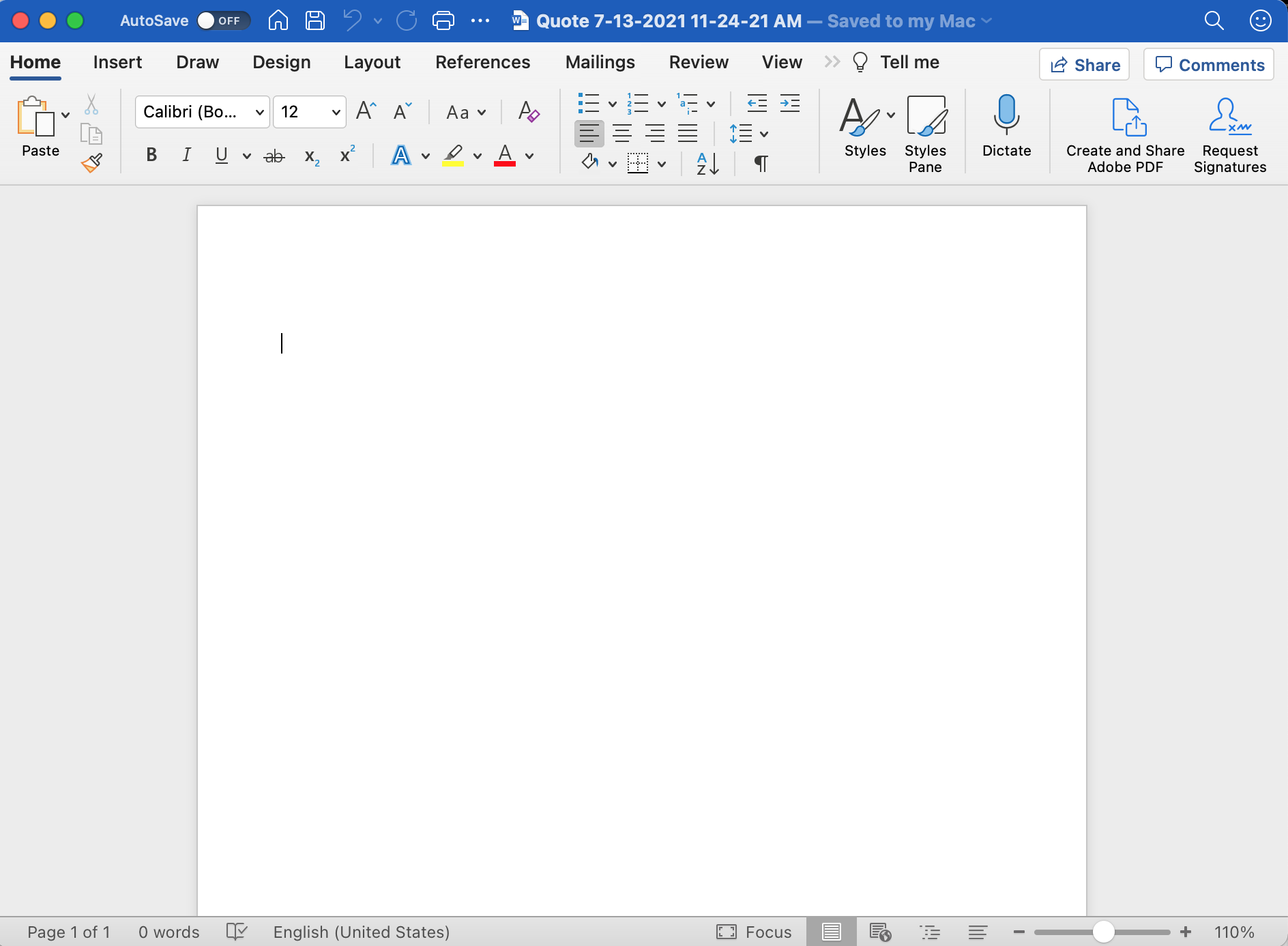
However, when I download the template, it is completely BLANK!!
Screen-Shot-2021_2D00_07_2D00_13-at-11.24.50-AM.png

What am I missing or doing wrong?

I have the same question (0)
  • Suggested answer
    Community Member Profile Picture
    on at

    Hi,

    Try to check this solution: community.dynamics.com/.../how-to-send-ssrs-report-as-a-pdf-in-email-in-dynamics-crm-online

    Also here is a code for On-Premise but you could do a small changes : github.com/.../GeneratePDFFromSSRS

  • ACECORP Profile Picture
    1,589 on at

    @Ossama Saleh, I believe you may have misunderstand my question as your answer is for something else. 

    I have followed the advice laid out at https://d365goddess.com/dynamics-365-sales-generate-pdf-from-word-templates/

    There are some differences, as shown below. 

    pastedimage1626190095084v1.png

    However, when I download the template, it is completely BLANK!!

    pastedimage1626190095084v2.png

    What am I missing or doing wrong?

    I need to edit the template so that the content and layout of the PDF file are different than what is presented out of box. 

  • Verified answer
    Community Member Profile Picture
    on at

    Sorry for my misunderstanding you, you talk about word template.

    ok when you download it  you need to do the template by using the developers tools in MS Wrd , see this: docs.microsoft.com/.../using-word-templates-dynamics-365

    you can see this tab by follow this steps: support.microsoft.com/.../show-the-developer-tab-in-word-e356706f-1891-4bb8-8d72-f57a51146792

  • ACECORP Profile Picture
    1,589 on at

    Thanks. This was the fix. docs.microsoft.com/.../using-word-templates-dynamics-365

Under review

Thank you for your reply! To ensure a great experience for everyone, your content is awaiting approval by our Community Managers. Please check back later.

Helpful resources

Quick Links

Responsible AI policies

As AI tools become more common, we’re introducing a Responsible AI Use…

Neeraj Kumar – Community Spotlight

We are honored to recognize Neeraj Kumar as our Community Spotlight honoree for…

Leaderboard > Customer experience | Sales, Customer Insights, CRM

#1
Tom_Gioielli Profile Picture

Tom_Gioielli 170 Super User 2025 Season 2

#2
#ManoVerse Profile Picture

#ManoVerse 70

#3
Jimmy Passeti Profile Picture

Jimmy Passeti 50 Most Valuable Professional

Last 30 days Overall leaderboard

Product updates

Dynamics 365 release plans
