web
You’re offline. This is a read only version of the page.
close
Skip to main content

Announcements

No record found.

News and Announcements icon
Community site session details

Community site session details

Session Id :
Microsoft Dynamics AX (Archived)

Hide product dimensions on form

(0) ShareShare
ReportReport
Posted on by

_21043D0438043C043E043A04_-_4D043A04400430043D043004_-2017_2D00_07_2D00_31-_3204_-12.45.25.png

Hi All,

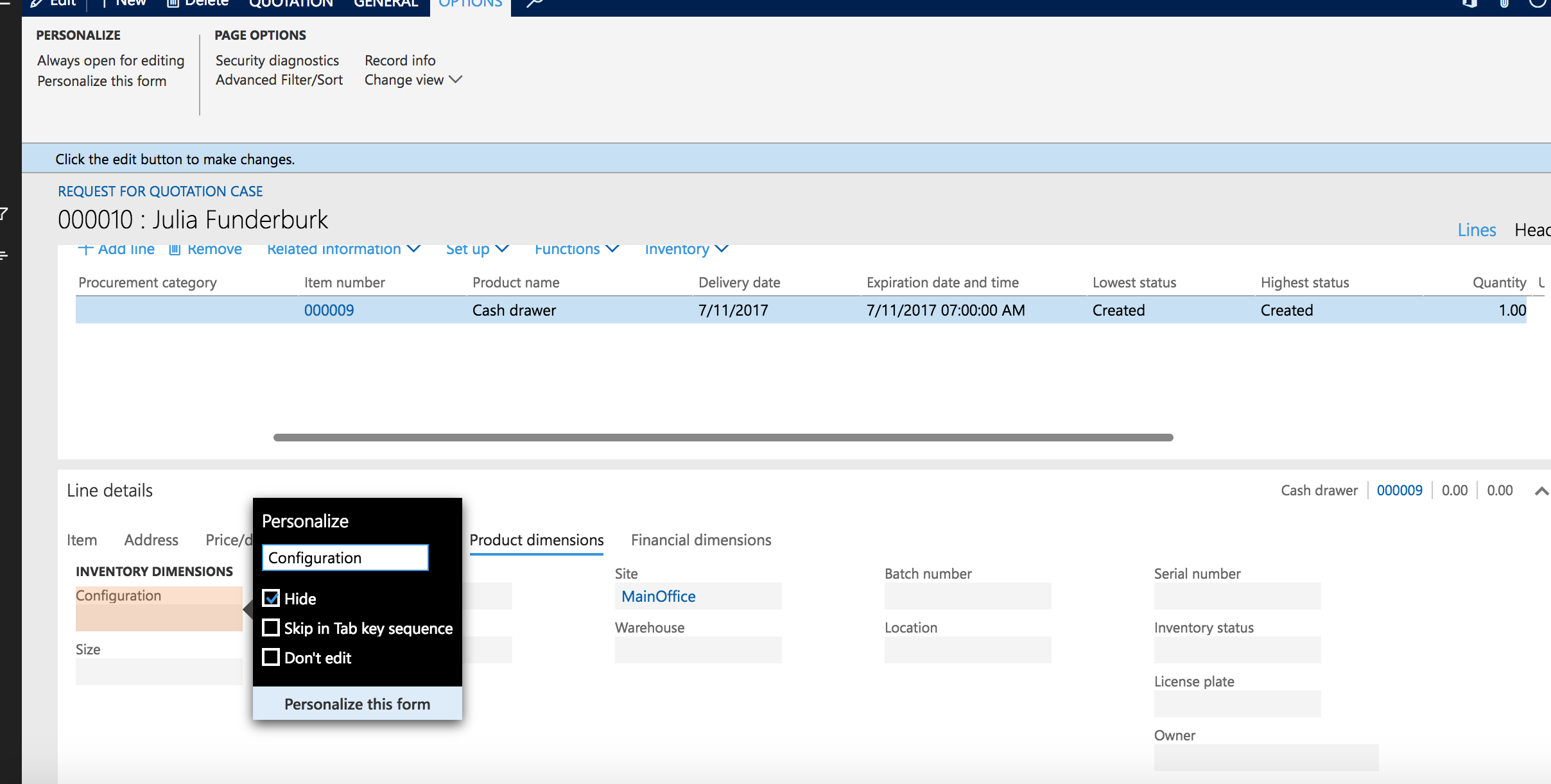
i'am hiding unnecessary fields in Request for quotations. So i tried personalisation functions. But it helps not always. As example i have unnecessary product dimension, i personlized it by flagging "Hide" but it still present on the form.

It's bug or by design?

If it's not bug then how i may hide fields without developer?

thank you

*This post is locked for comments

I have the same question (0)
  • Suggested answer
    Khaled Alloud Profile Picture
    3,658 on at

    Hello,

    Some fields form the main component of the screen and cannot be removed from here, maybe from AOT you can. Are you aware of the AOT?

    Thanks,

  • Maxim_msk Profile Picture
    on at

    hi Kaled,

    Working with AOT - it's development part so i wish not to touch this for now.

Under review

Thank you for your reply! To ensure a great experience for everyone, your content is awaiting approval by our Community Managers. Please check back later.

Helpful resources

Quick Links

Introducing the 2026 Season 1 community Super Users

Congratulations to our 2026 Super Stars!

Meet the Microsoft Dynamics 365 Contact Center Champions

We are thrilled to have these Champions in our Community!

Congratulations to the March Top 10 Community Leaders

These are the community rock stars!

Leaderboard > 🔒一 Microsoft Dynamics AX (Archived)

#1
Joris dG Profile Picture

Joris dG 5

#2
Andrew Jones a1x Profile Picture

Andrew Jones a1x 2

#3
GL-01081504-0 Profile Picture

GL-01081504-0 1

Last 30 days Overall leaderboard

Featured topics

Product updates

Dynamics 365 release plans
