web
You’re offline. This is a read only version of the page.
close
Skip to main content

Notifications

Announcements

No record found.

Community site session details

Community site session details

Session Id :
Microsoft Dynamics CRM (Archived)

Custom Filters on Entity View got removed when Going back on View page .

(0) ShareShare
ReportReport
Posted on by 460

Hi Experts,


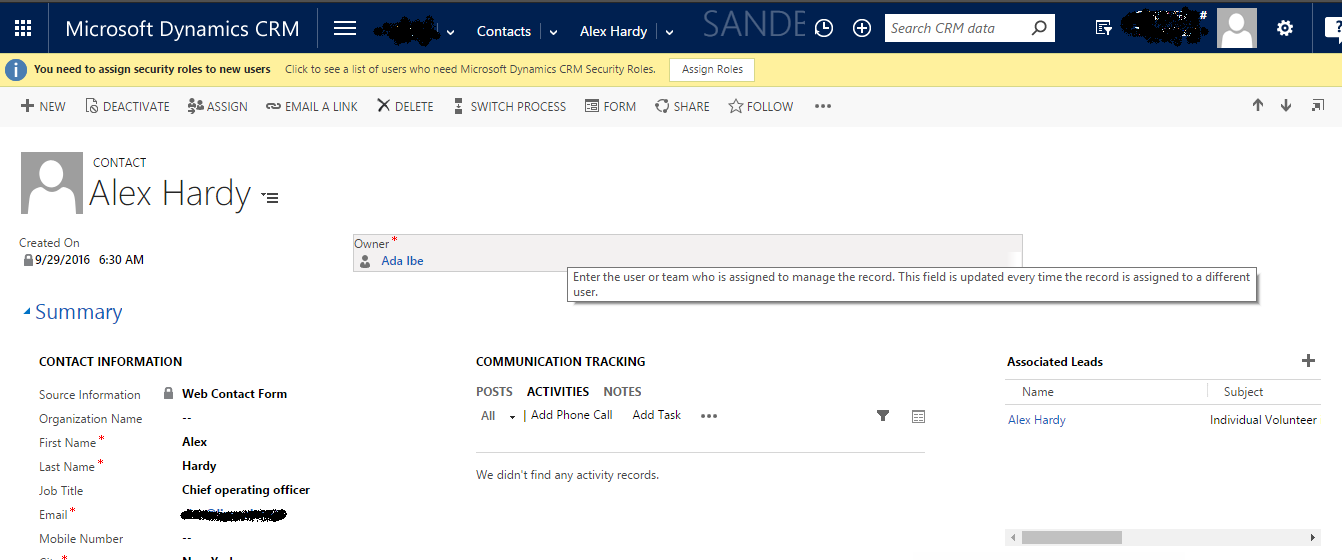
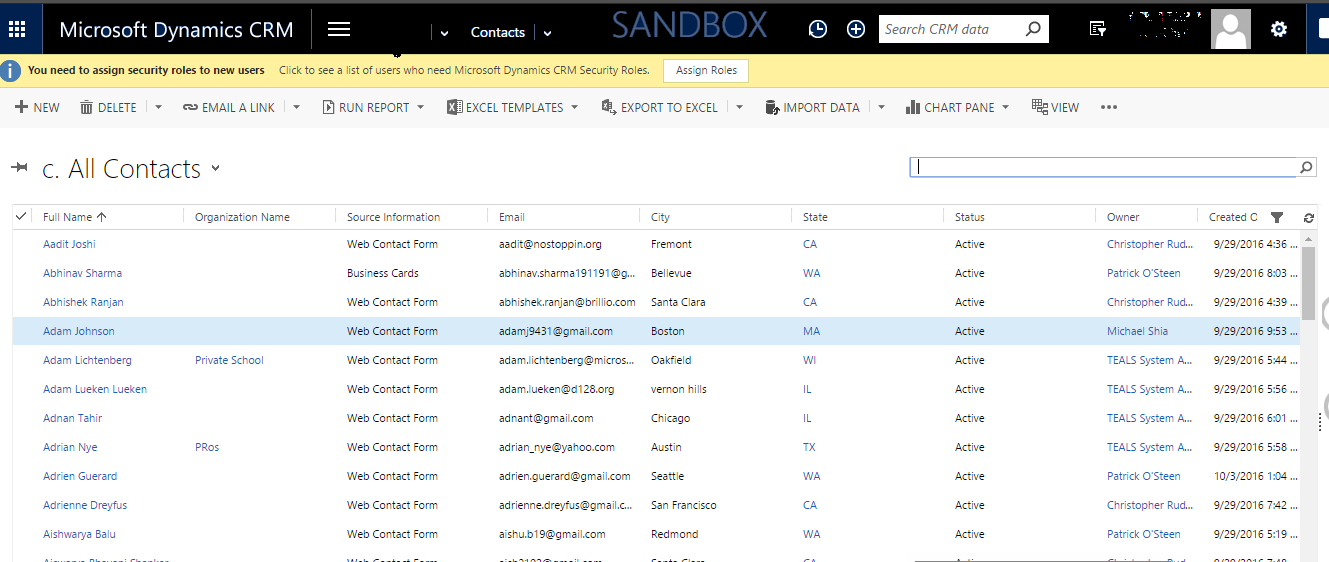
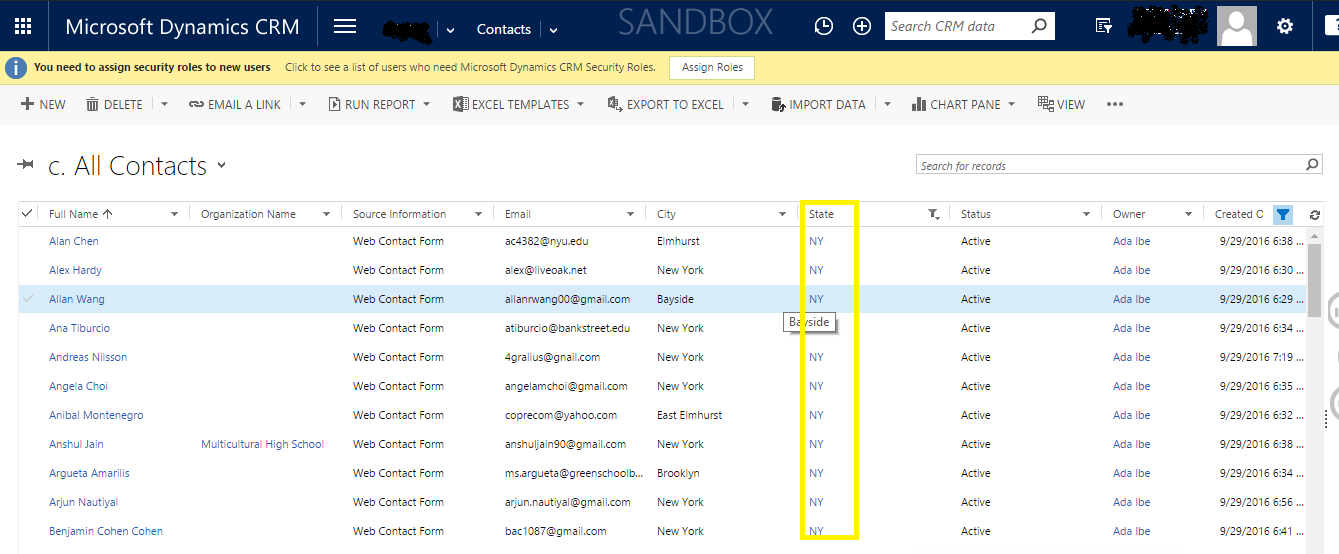
i am facing an issue with custom filters on entity view. The issue is happening when I applies the filter on view and open any record ,Click back button, the filter that i have selected has gone.

Applying Filter :
1715.1.png

Opening record :

5047.2.png

Clicking back to go on view page:

8662.3.png

Select custom filter is not available .

Any help ?

*This post is locked for comments

I have the same question (0)
  • Verified answer
    a33ik Profile Picture
    84,331 Most Valuable Professional on at

    Hello,

    I'm afraid this is how CRM works and can't be fixed without help from Microsoft. As for me it looks like a small glitch so if you interested in fixing this issue you should create an entry here crmideas.dynamics.com/ideas , vote for it and post it here to make it visible for other visitors of forum.

  • Suggested answer
    PS Profile Picture
    23,577 on at

    When ever you click back, previous grid/list refreshes itself and thats why filters are removed.

    To avoid this, instead of double clicking and opening the record directly; you should right click and open in new window

  • Akanksha Ranjan Profile Picture
    460 on at

    Hi Prashant,

    I have verified this same feature in On- Premise and online trail instance but the behavior there is as  expected, the filters  remains same.

  • Suggested answer
    PS Profile Picture
    23,577 on at

    Yeah its working fine on Online, just checked it.

    Have u checked on different browsers? Mine is working on Google Chrome. Give it a try

  • Akanksha Ranjan Profile Picture
    460 on at

    Yeah I have checked on IE, Edge,Mozilla,and Chrome. Its not a browser issue.

  • Suggested answer
    PS Profile Picture
    23,577 on at

    In that case you must raise a ticket to Microsoft

Under review

Thank you for your reply! To ensure a great experience for everyone, your content is awaiting approval by our Community Managers. Please check back later.

Helpful resources

Quick Links

Responsible AI policies

As AI tools become more common, we’re introducing a Responsible AI Use…

Neeraj Kumar – Community Spotlight

We are honored to recognize Neeraj Kumar as our Community Spotlight honoree for…

Leaderboard > 🔒一 Microsoft Dynamics CRM (Archived)

#1
SA-08121319-0 Profile Picture

SA-08121319-0 4

#1
Calum MacFarlane Profile Picture

Calum MacFarlane 4

#3
Alex Fun Wei Jie Profile Picture

Alex Fun Wei Jie 2

Last 30 days Overall leaderboard

Featured topics

Product updates

Dynamics 365 release plans