web
You’re offline. This is a read only version of the page.
close
Skip to main content

Notifications

Announcements

No record found.

Community site session details

Community site session details

Session Id :
Small and medium business | Business Central, N...
Suggested Answer

Error "You cannot perform this action because entries for item XXX are unapplied" when doing negative adjustment in item journal

(1) ShareShare
ReportReport
Posted on by 67

Hi Expert,

I having issue in Item Journal. Let me explain.

1. I was did the remove application in Application Worksheet for 1 item is XPCAJA-B. i did it because to solve another issue. After that i was applied it back. 

2. When i was to do negative adjustment i got the error. "You cannot perform this action because entries for item XXX are unapplied in Application Worksheet by user xxx"

WhatsApp-Image-2022_2D00_04_2D00_05-at-9.55.34-AM.jpeg

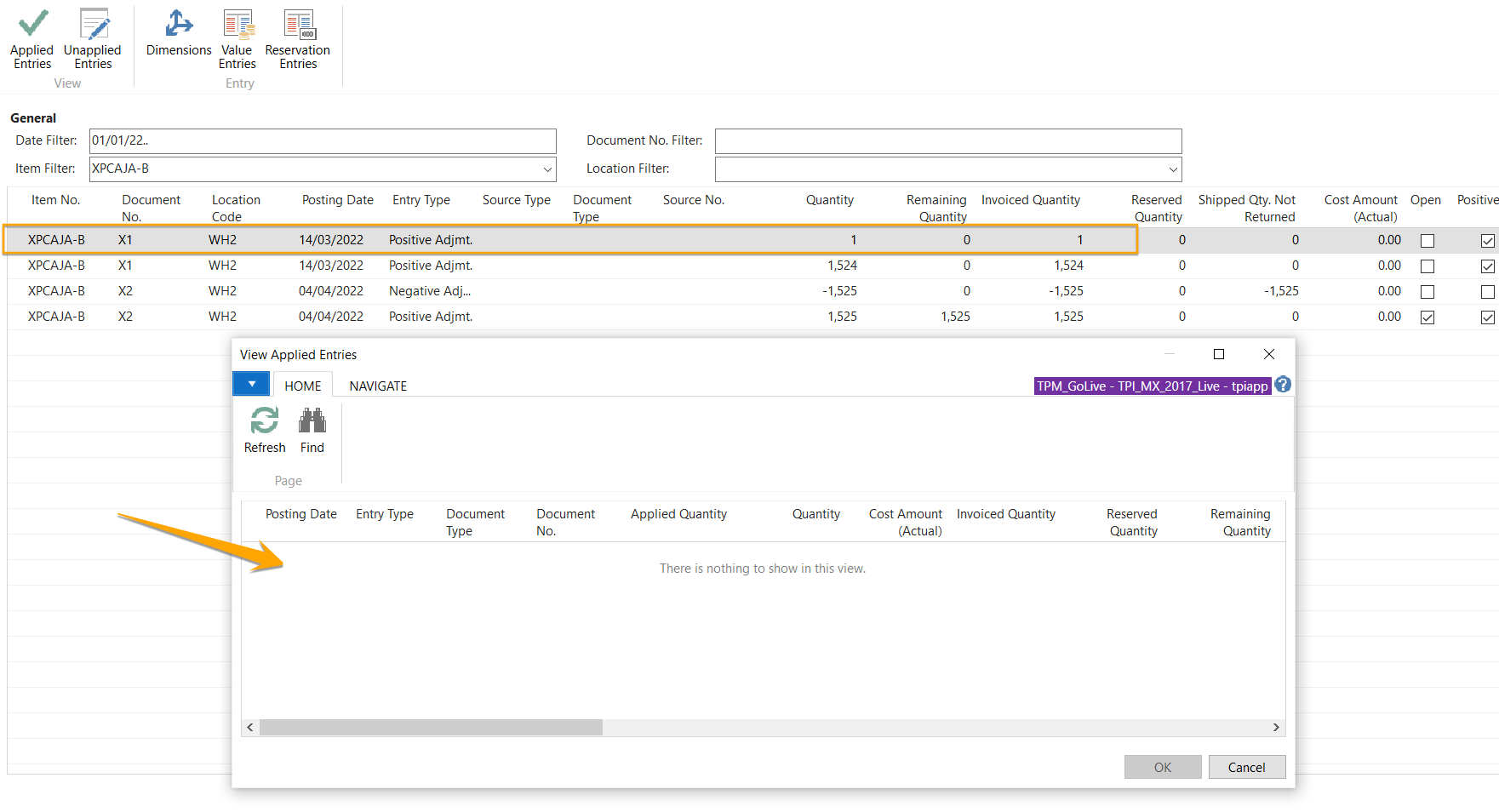
3. i thought missed some application. But when i checked in Application Work Sheet, there is nothing unapplied application.

Those the lastest adjustment i have made. i would like to do next negative adjustment with 239 then getting that error.

20220408010.png 

row 1 = nothing

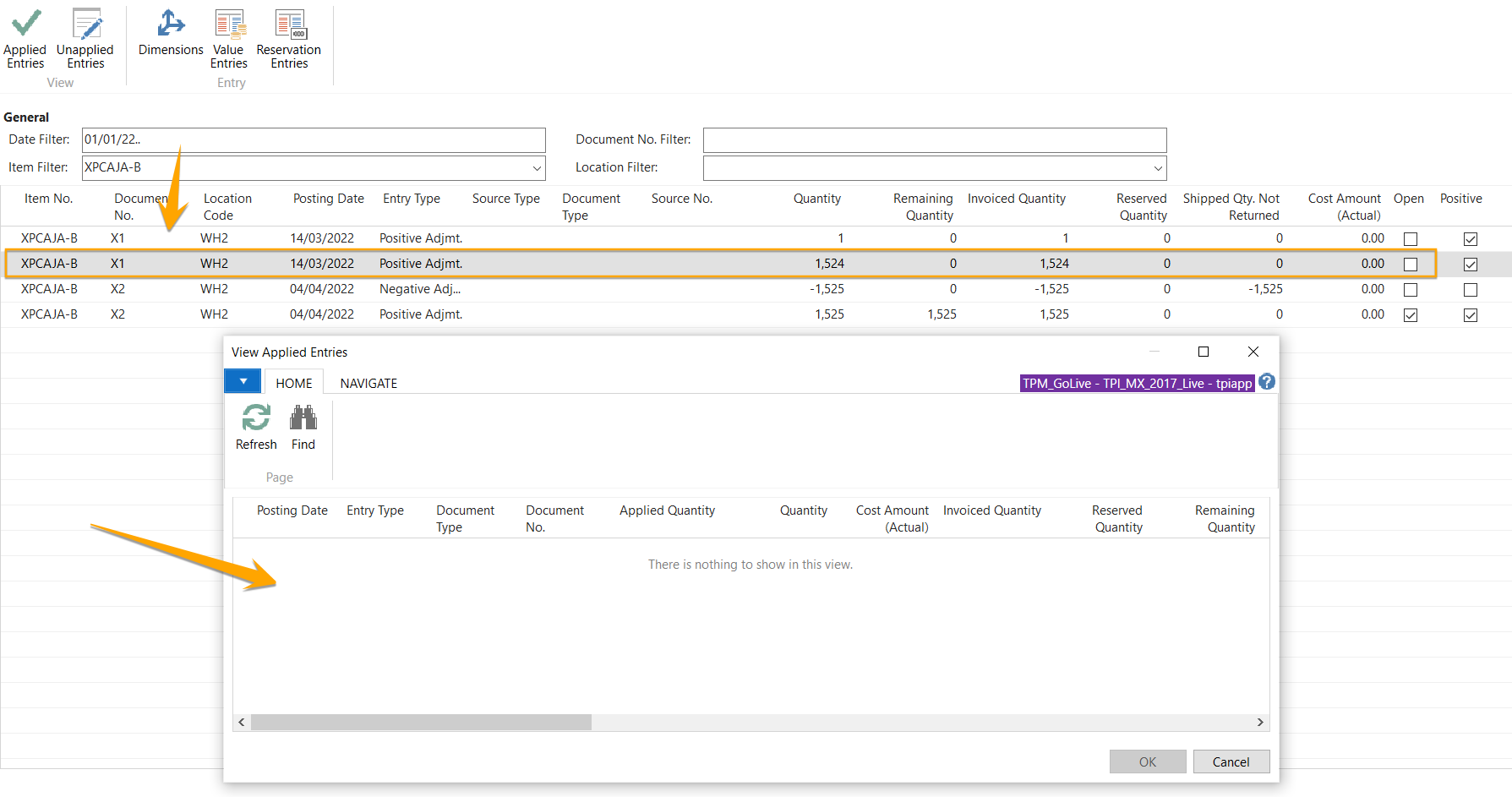
20220408011.png

row 2 = nothing

20220408012.png

row 3 = nothing

20220408013.png

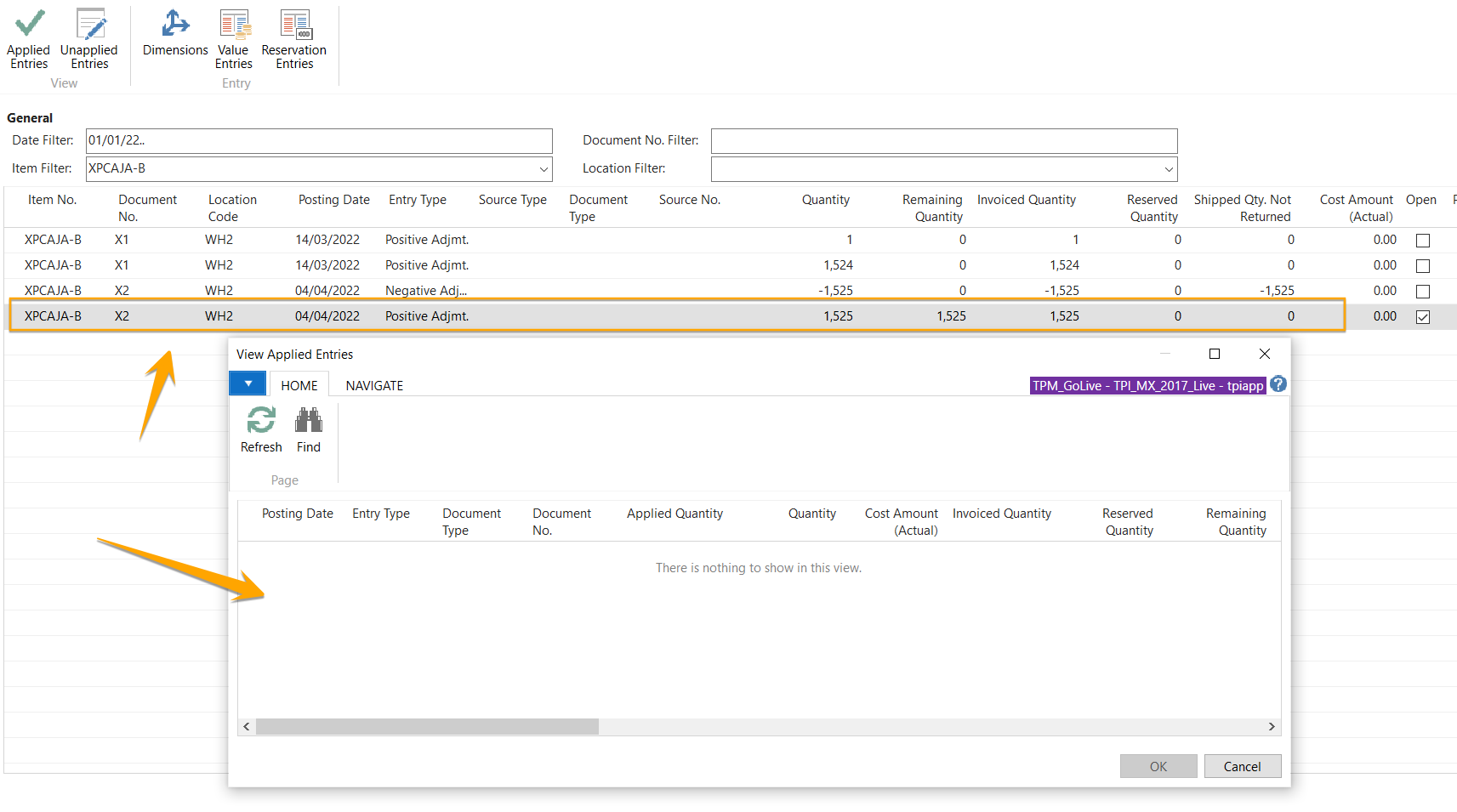
row 4 = nothing

20220408014.png

Now i confuse how to make it normal for this item.

Kindly any advice to solve this issue ??

thank you

I have the same question (0)
  • Suggested answer
    Dallefeld Profile Picture
    211 User Group Leader on at

    There is a field in table 27, that has the user id from the last application worksheet. If this field does not get cleared it can cause the error that you are getting. Though I'm not sure this is the complete issue, I would check that field for the item in question, clear it and see if you can proceed.

  • Suggested answer
    YUN ZHU Profile Picture
    95,381 Super User 2025 Season 2 on at

    Hi, This seems to be related to the following.

    More details: https://docs.microsoft.com/en-us/dynamics-nav-app/finance-how-to-remove-and-reapply-item-entries

    pastedimage1649632861409v1.png

    If you still can't find the reason, it is recommended to debug with Partner so that you can quickly find the problem. It's possible that, there is a problem with the data that needs to be fixed manually.

    https://docs.microsoft.com/en-us/dynamics-nav/activating-the-debugger

    Hope this will help.

    Thanks.

    ZHU

  • Suggested answer
    Community Member Profile Picture
    on at

    Raimun,

    As Kim noted, you should check Table 27 (Item ledger Entry) to reflects the User who made the last application. Clear this and try again. There could be other issues causing the message but please start here.

    If not, I will say follow the link Yun sent: docs.microsoft.com/.../finance-how-to-remove-and-reapply-item-entries

    Or contact your Partner who can debug the issue quickly.

    Hope this helps.

    Thanks,

    Steve

  • Jun Wang Profile Picture
    8,200 Super User 2025 Season 2 on at

    Kim's answer is correct, Raimun needs to verify the answer to give credit to the one who helped.

Under review

Thank you for your reply! To ensure a great experience for everyone, your content is awaiting approval by our Community Managers. Please check back later.

Helpful resources

Quick Links

Responsible AI policies

As AI tools become more common, we’re introducing a Responsible AI Use…

Neeraj Kumar – Community Spotlight

We are honored to recognize Neeraj Kumar as our Community Spotlight honoree for…

Leaderboard > Small and medium business | Business Central, NAV, RMS

#1
OussamaSabbouh Profile Picture

OussamaSabbouh 2,990

#2
Jainam M. Kothari Profile Picture

Jainam M. Kothari 1,576 Super User 2025 Season 2

#3
YUN ZHU Profile Picture

YUN ZHU 1,028 Super User 2025 Season 2

Last 30 days Overall leaderboard

Featured topics

Product updates

Dynamics 365 release plans