web
You’re offline. This is a read only version of the page.
close
Skip to main content

Announcements

No record found.

News and Announcements icon
Community site session details

Community site session details

Session Id :
Service | Customer Service, Contact Center, Fie...
Suggested Answer

Omnichannel chat escalated by bot do not open communication panel automatically

(0) ShareShare
ReportReport
Posted on by 15

Hello All,

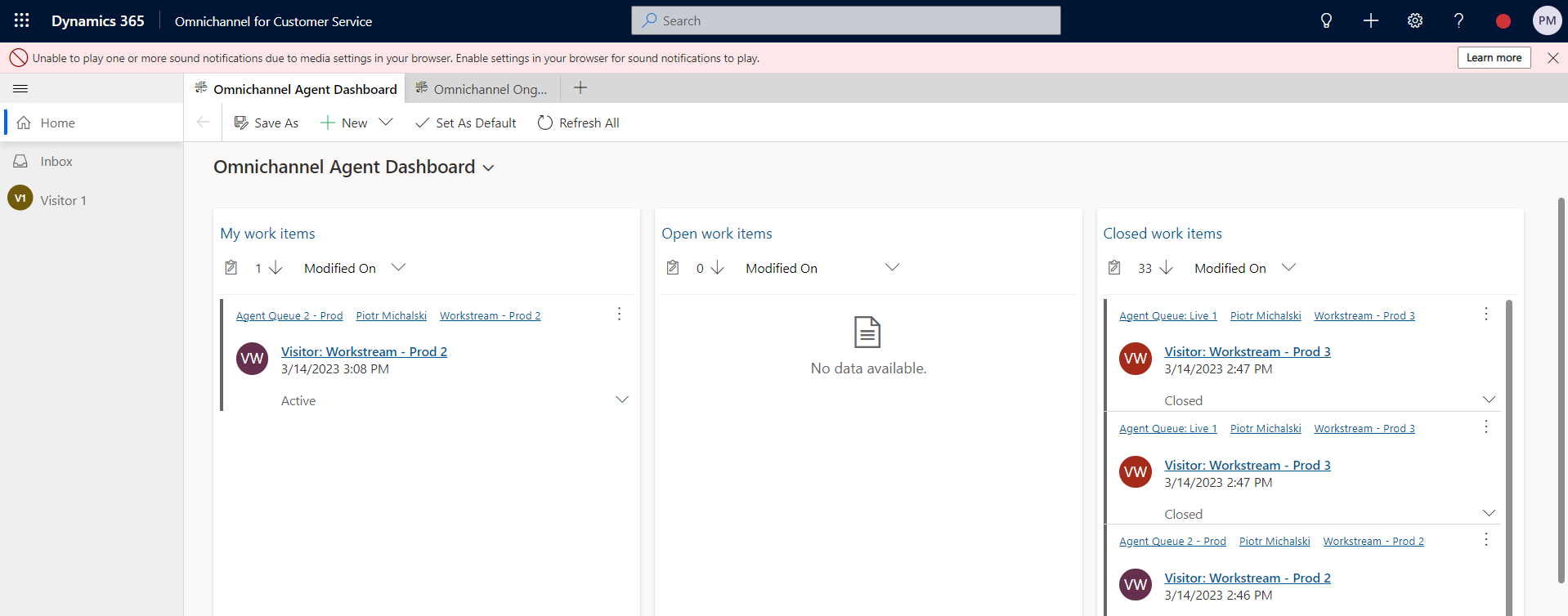
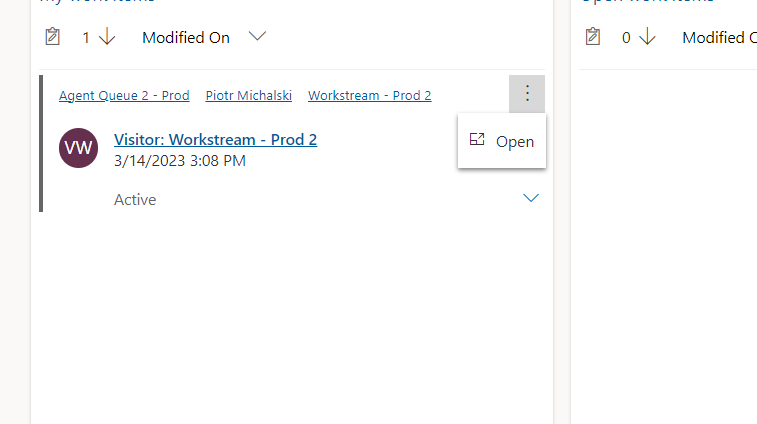
I have configured Omnichannel for customer and one of the environments works perfectly. The other one is copy of the previous one (Copy option in Admin Centre was used to create this environment), however when agent picks up the call, communication panel does not open automatically, thus agent is forced to click on "Open" button revealed after pressing three vertical dots attached to item in "My work items" column.
pastedimage1678811498318v2.png

pastedimage1678811432564v1.png

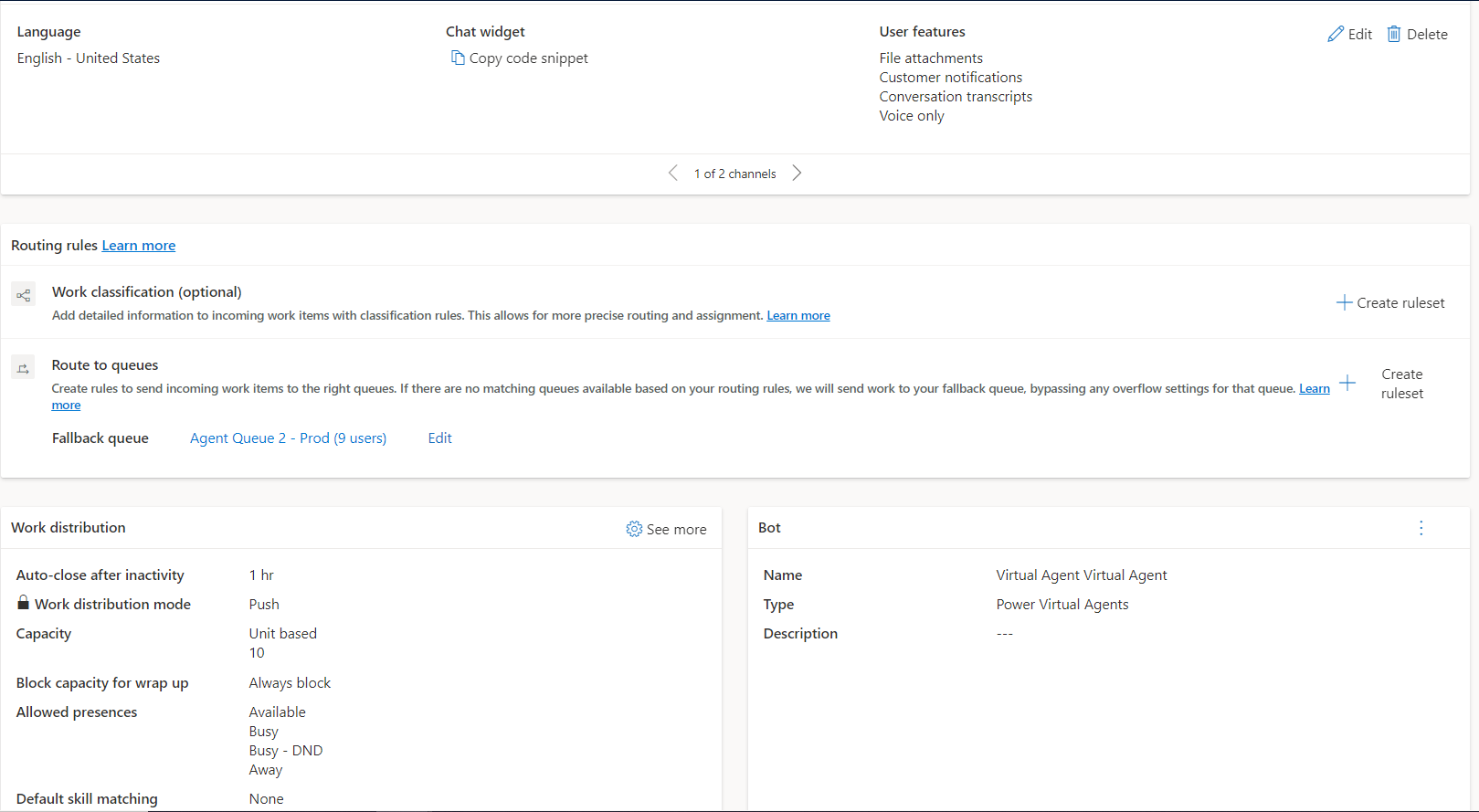
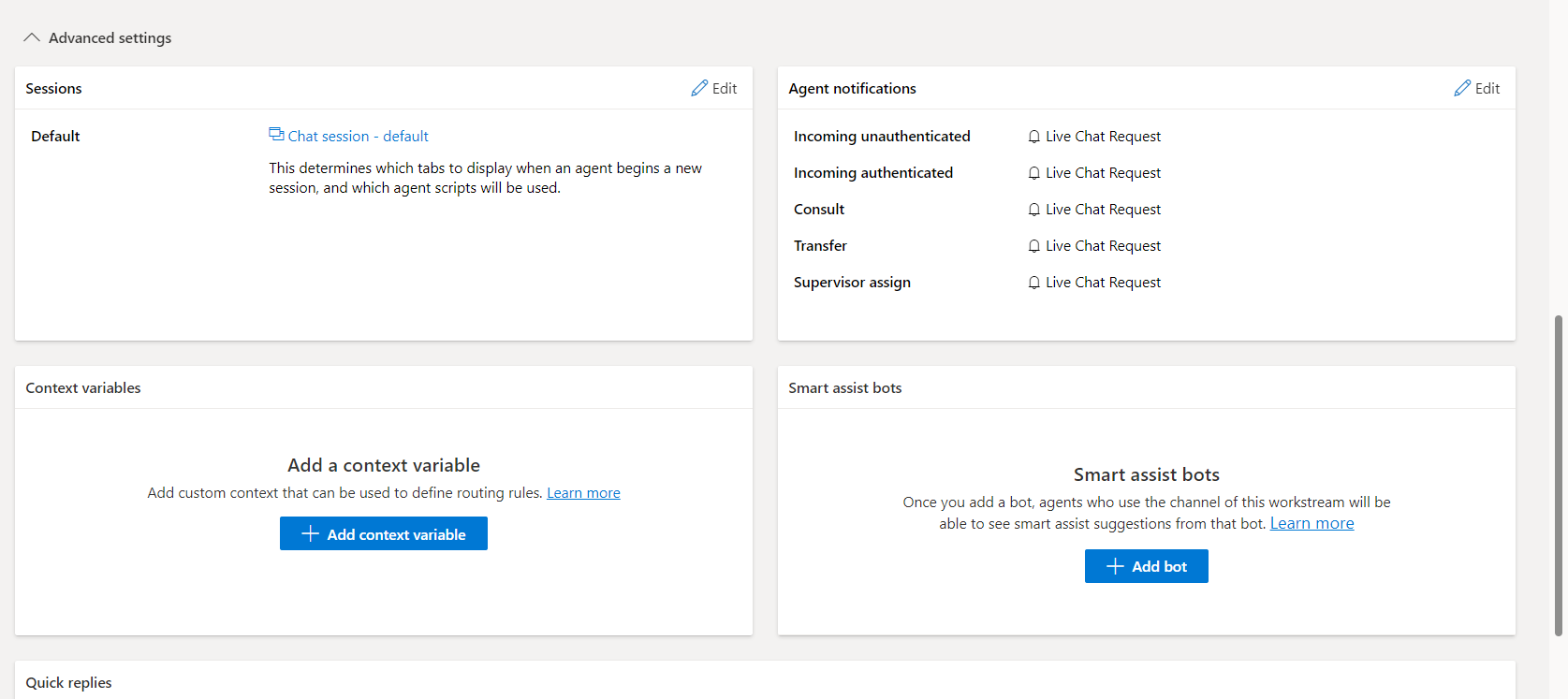
Workstream, channel and queue is configured in the same way as counterparts in working environment. Each agent has capacity set to up to 100 and each chat consumes 10. 

pastedimage1678811728339v3.png

pastedimage1678811770178v4.png

pastedimage1678811792051v5.png

Channel Integration Framework 2.0 seems to be configured properly: 
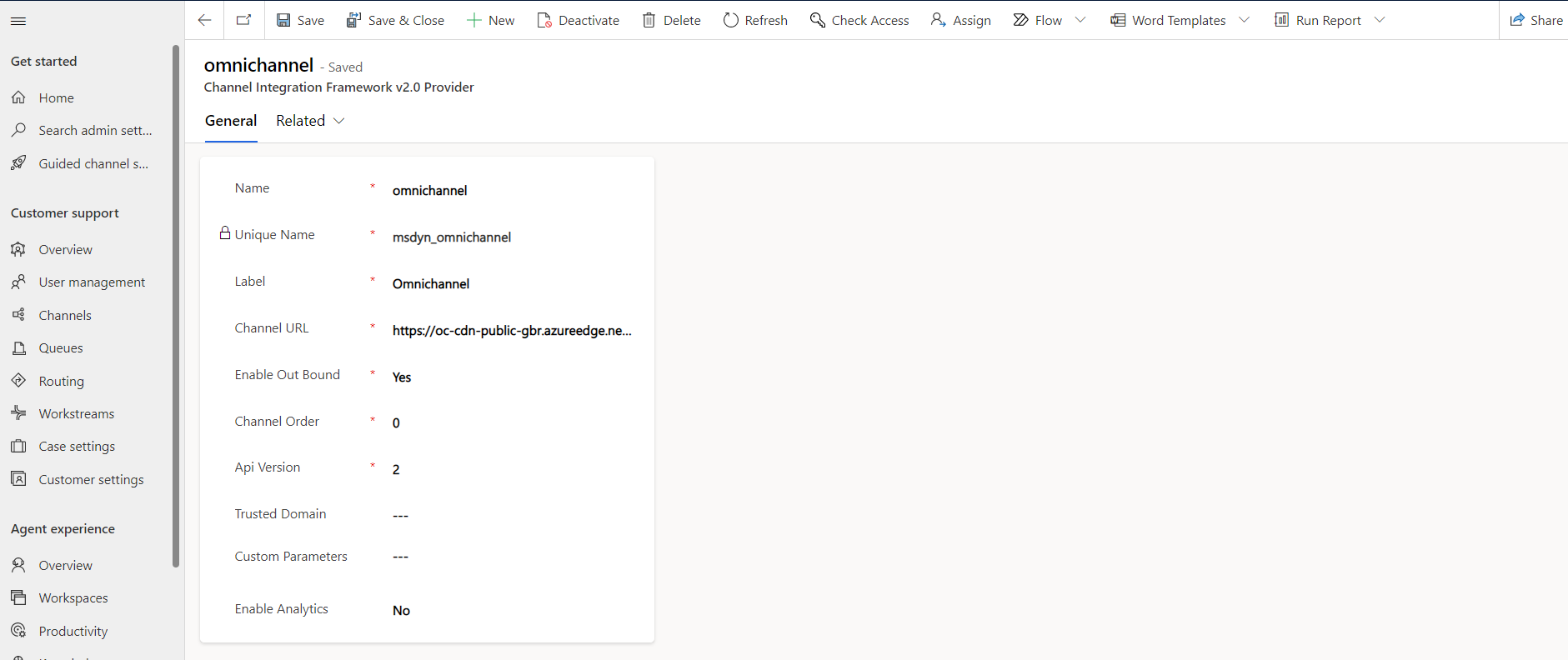
pastedimage1678811843549v6.png

oc-cdn-public-gbr.azureedge.net/.../ChatControl.htm

Interestingly when widget is generated it has wrong value under data-org-url, perhaps because it is copy of the other environment.

<script id="Microsoft_Omnichannel_LCWidget" src="">oc-cdn-public-gbr.azureedge.net/.../LiveChatBootstrapper.js" data-app-id="XXXX" data-lcw-version="prod" data-org-id="XXXX" data-org-url="https:ZZZZZZZ-crm11.omnichannelengagementhub.com"></script>

I have tried various different settings. Do you know what could be the issue?

Best Regards

I have the same question (0)
  • Steve Zhao2 Profile Picture
    Microsoft Employee on at

    Hi NewPeter,

    Have you check the security roles of these agents in the different environments? Are them the same?

  • NewPeter Profile Picture
    15 on at

    Hello Steve,

    I have just double checked security roles and they are the same. I have also tried to refresh the user, removed all omnichannel roles, re-added them and refreshed again. Then attempted the test with D365, however the problem still persists.

    Kind Regards

  • Suggested answer
    Steve Zhao2 Profile Picture
    Microsoft Employee on at

    Hi NewPeter,

    It's really hard to say which causes this strange behavior.(Maybe due to copying environment) It's recommended to raise a ticket to get help from Microsoft.
    You could raise a ticket here:

    Help + support | Power Platform admin center (microsoft.com)

  • NewPeter Profile Picture
    15 on at

    Hi. It seems the communication panel opens up correctly for the agents but me.

    @Steve Zhao2 Thank you for suggestion.

Under review

Thank you for your reply! To ensure a great experience for everyone, your content is awaiting approval by our Community Managers. Please check back later.

Helpful resources

Quick Links

Introducing the 2026 Season 1 community Super Users

Congratulations to our 2026 Super Stars!

Meet the Microsoft Dynamics 365 Contact Center Champions

We are thrilled to have these Champions in our Community!

Congratulations to the April Top 10 Community Leaders

These are the community rock stars!

Leaderboard > Service | Customer Service, Contact Center, Field Service, Guides

#1
FSRon Profile Picture

FSRon 70

#2
Gerardo Rentería García Profile Picture

Gerardo Rentería Ga... 32 Most Valuable Professional

#3
Jimmy Passeti Profile Picture

Jimmy Passeti 29 Most Valuable Professional

Last 30 days Overall leaderboard

Featured topics

Product updates

Dynamics 365 release plans