web
You’re offline. This is a read only version of the page.
close
Skip to main content

Announcements

No record found.

News and Announcements icon
Community site session details

Community site session details

Session Id :
Finance | Project Operations, Human Resources, ...
Answered

Find the code where localization report is called from

(0) ShareShare
ReportReport
Posted on by 2,413

Hello,

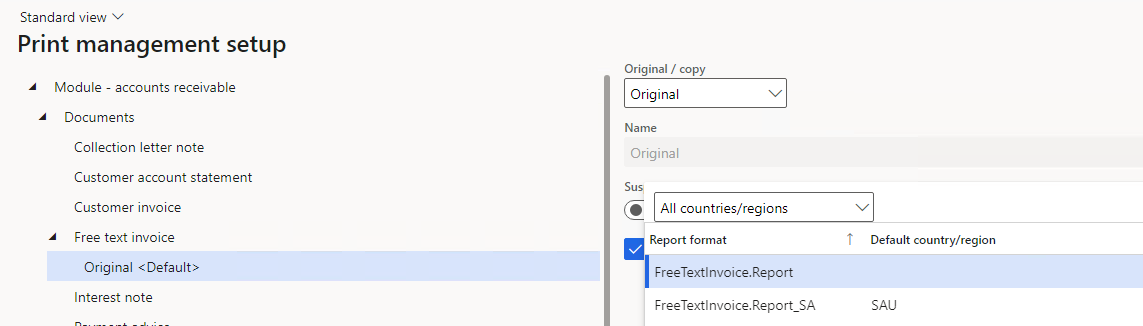
For Country Saudi Arabia, if we turn on the feature QR Code E-Invoicing, we can select the report design FreeTextInvoice.Report_SA.

I'm unable to find the code from where this selection is being run. 
pastedimage1638342738560v1.png

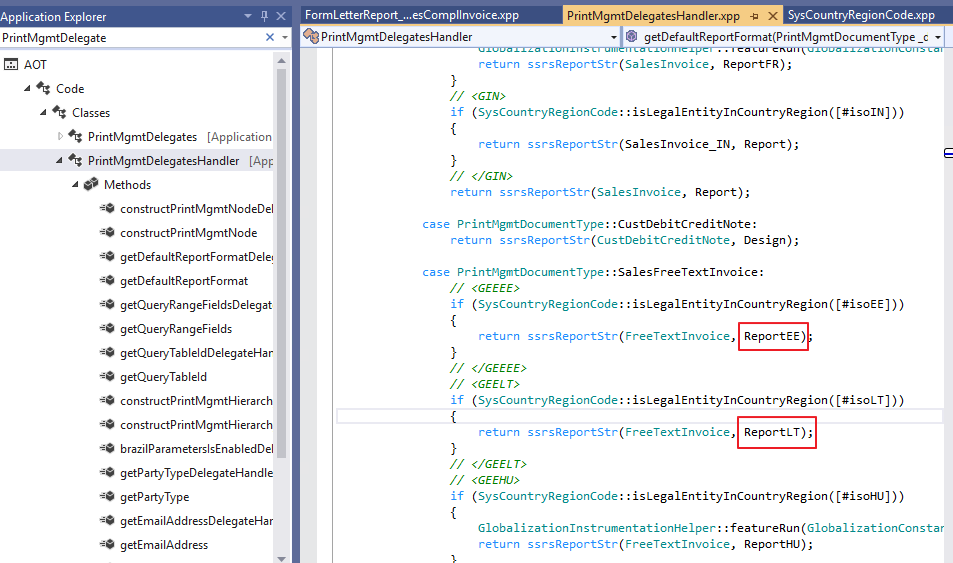
In the Class PrintMgmtDelegateHandler, there are other designs present but not Report_SA.
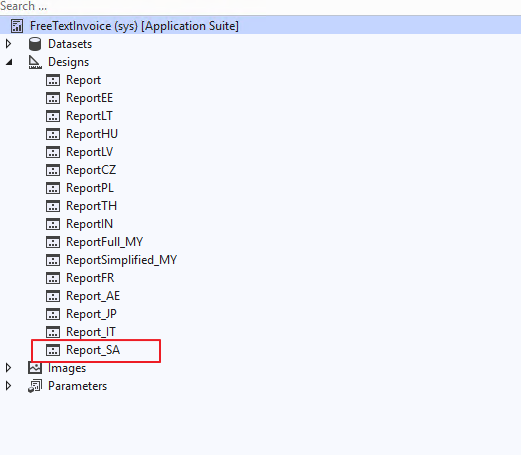
pastedimage1638342994805v2.png

pastedimage1638343016162v3.png

Ideally it should have been there in this class, but it's not there:
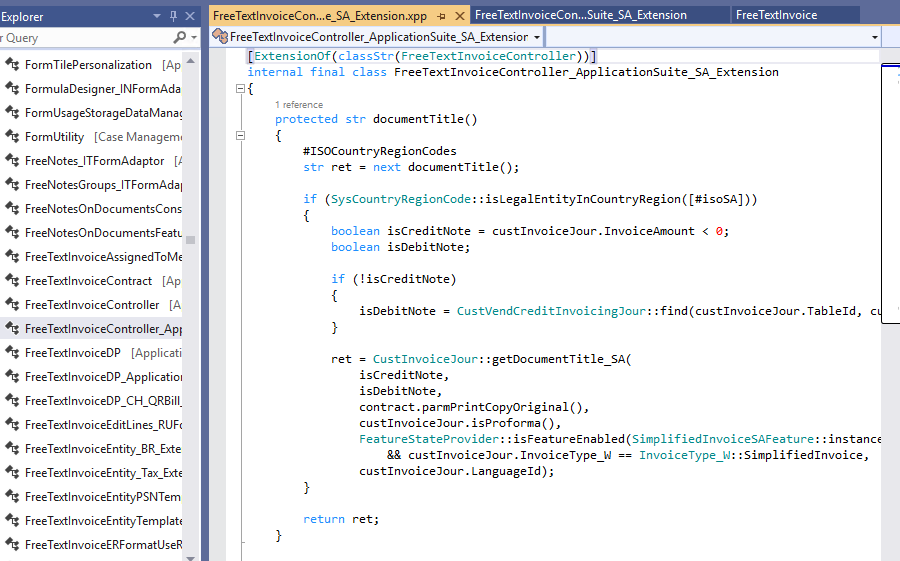
pastedimage1638343269321v1.png

How can I search from there the Report_SA is being set on runtime.

Appreciate any tips.

Best Regards,

I have the same question (0)
  • MYGz Profile Picture
    2,413 on at

    I followed Kurt Hatlevik 's method by using the Agent Ransack:

    kurthatlevik.com/.../

    I found the class where this Report is being called ie PrintMgmtReportFormatPopulatorAppSuite_Extension

    but why I'm not able to create an extension of this class? Create extension is greyed out.

  • Verified answer
    Alex VN Profile Picture
    1,994 on at

    Hi,

    PrintMgmtReportFormatPopulatorAppSuite_Extension is already a extension class and marked as final so you can not do a Chain Of Command for that class.

    If you want to add some new logic, I would recommend you to use Chain of Command to extend the same class and method that PrintMgmtReportFormatPopulatorAppSuite_Extension  is extending:

    PrintMgmtReportFormatPopulator

    Please also be noted that class can only be extended using Chain Of Command so the option for Create Extension from AOT is not available for any classes.

    Hope this helps.

    Regards,

    Anh Ong

Under review

Thank you for your reply! To ensure a great experience for everyone, your content is awaiting approval by our Community Managers. Please check back later.

Helpful resources

Quick Links

Introducing the 2026 Season 1 community Super Users

Congratulations to our 2026 Super Stars!

Meet the Microsoft Dynamics 365 Contact Center Champions

We are thrilled to have these Champions in our Community!

Congratulations to the April Top 10 Community Leaders

These are the community rock stars!

Leaderboard > Finance | Project Operations, Human Resources, AX, GP, SL

#1
Giorgio Bonacorsi Profile Picture

Giorgio Bonacorsi 802

#2
André Arnaud de Calavon Profile Picture

André Arnaud de Cal... 636 Super User 2026 Season 1

#3
Subra Profile Picture

Subra 534

Last 30 days Overall leaderboard

Product updates

Dynamics 365 release plans