web
You’re offline. This is a read only version of the page.
close
Skip to main content

Notifications

Announcements

No record found.

Community site session details

Community site session details

Session Id :
Microsoft Dynamics CRM (Archived)

How to call external web service from Dynamics 365 CRM web resource?

(0) ShareShare
ReportReport
Posted on by 45

I am trying to call our web service, from web resource. It gets invoked on Sales Order save. Entity Order -> Form -> onSave. It calls our web service. 

The problem is I get empty response.  

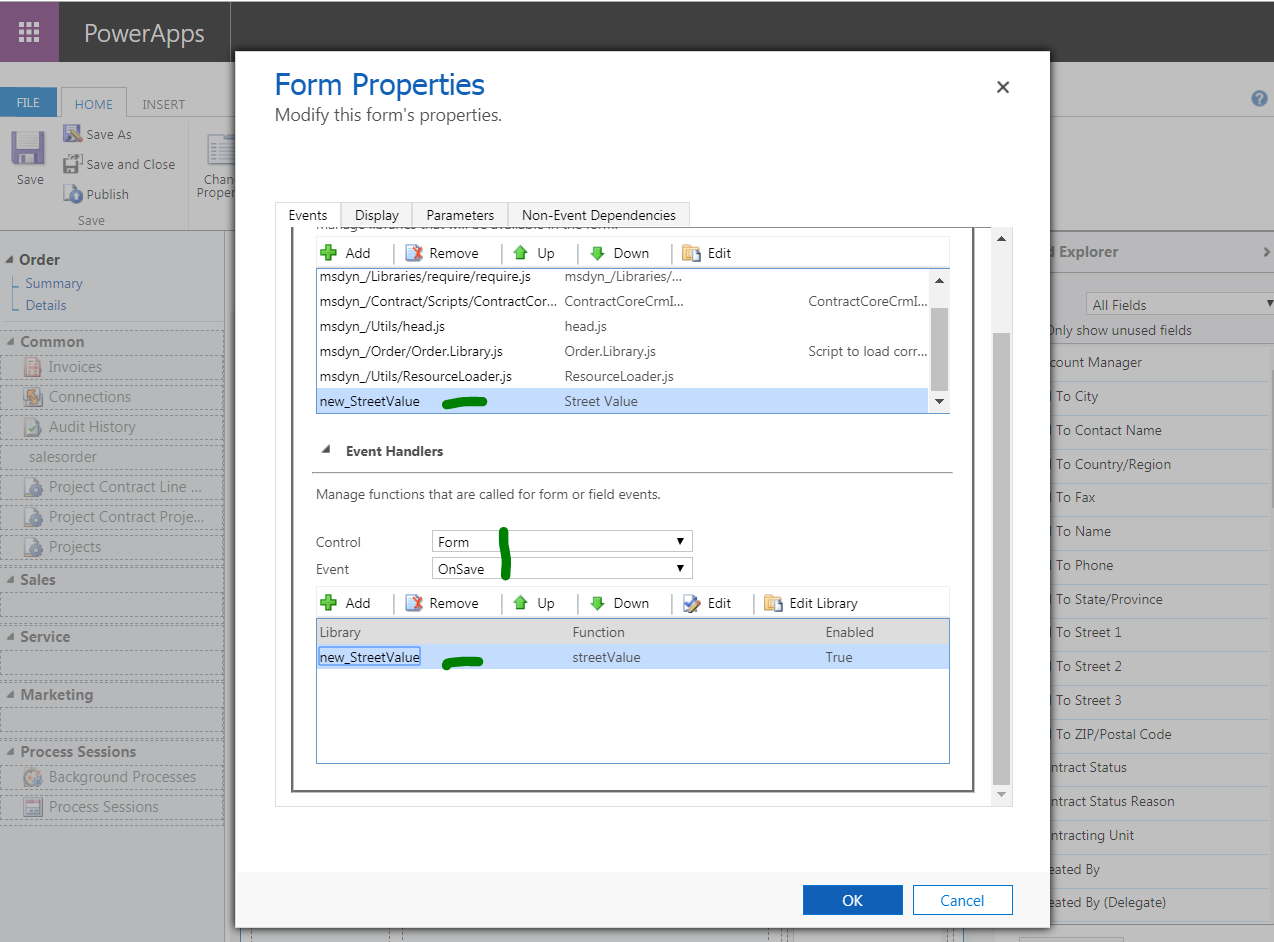
Here is the form
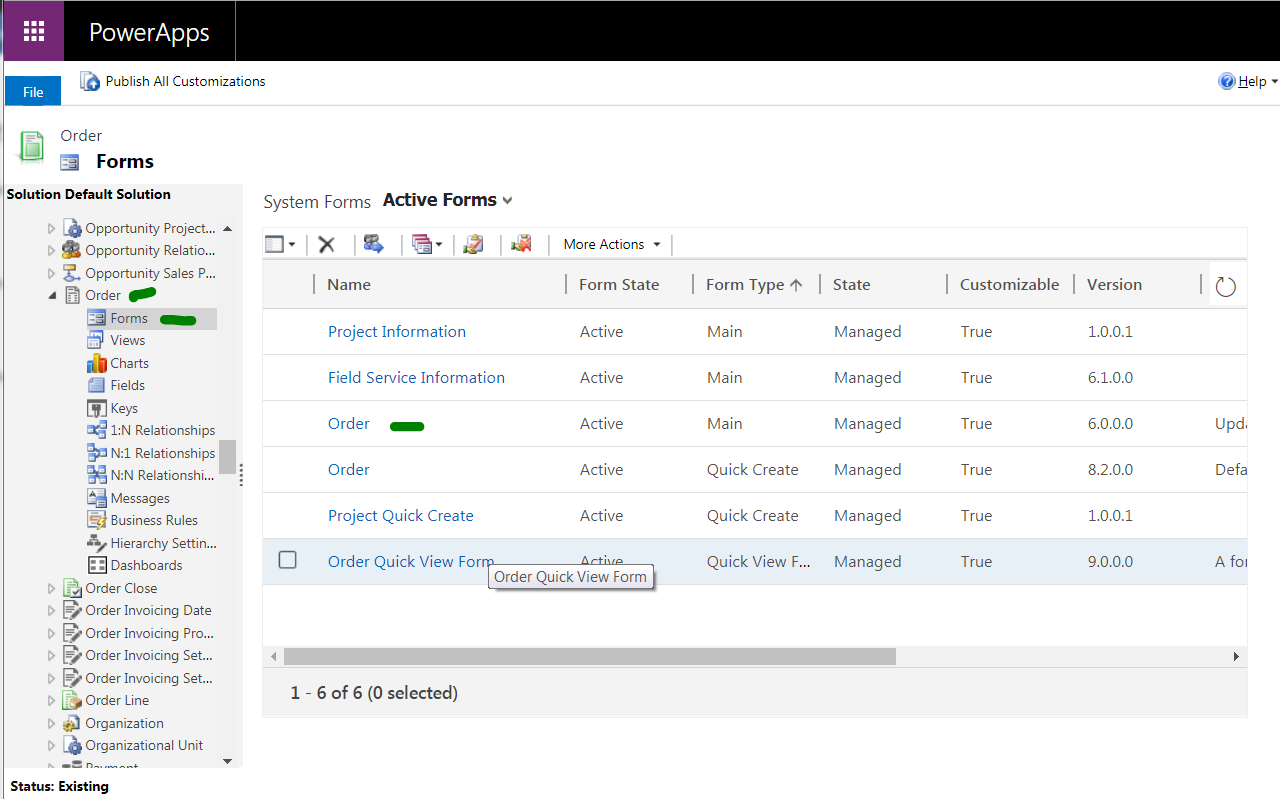
6735.order1.PNG

Here is where I am adding the script 

order2.PNG

When I debug this in chrome browser, the request goes in properly and but response is empty. 

At this line

 xmlhttp.onreadystatechange = function () {
        if (xmlhttp.readyState == 4) {
            if (xmlhttp.status == 200) {
                alert('done. use firebug/console to see network response');
            }
        }
    }

The highlighted line gets status code as 0.  The request is in correct format, I have it from working JS from some other application. 

*This post is locked for comments

I have the same question (0)
  • Anas Rafik Profile Picture
    365 on at

    Can please post the complete request ?

  • newtomsworld Profile Picture
    45 on at

    var xmlhttp = new XMLHttpRequest();

       xmlhttp.open('POST', 'myurl.net/.../myurl.asmx&;, true);

       /*xmlhttp.setRequestHeader('Access-Control-Allow-Origin','*');

       xmlhttp.setRequestHeader('Authorization','Basic UzAwMTkyMTMyNzY6Umh0ZG1AODY4Nw==');

       if ("withCredentials" in xmlhttp) {

           console.log(xmlhttp.withCredentials)

           xmlhttp.withCredentials = true;

       }*/

       // build SOAP request

       var sr =

           '<soap:Envelope xmlns:soap="schemas.xmlsoap.org/.../&quot; xmlns:xsi="www.w3.org/.../XMLSchema-instance&quot; xmlns:xsd="www.w3.org/.../XMLSchema&quot;>\n' +

           '   <soap:Header/>\n' +

           '   <soap:Body>\n' +

           '      <ns1:SoapRequest xmlns:ns1="http://tempuri.org/&quot;>\n' +

           '         <ns1:request>\n' +

           '            <all elements>

           '         </ns1:request>\n' +

           '      </ns1:SoapRequest>\n' +

           '   </soap:Body>\n' +

           '</soap:Envelope>';

       xmlhttp.onreadystatechange = function () {

           if (xmlhttp.readyState == 4) {

               if (xmlhttp.status == 200) {

                   alert('done. use firebug/console to see network response');

               }

           }

       }

       // Send the POST request

       xmlhttp.setRequestHeader('Content-Type', 'text/xml');

       xmlhttp.send(sr);

  • Verified answer
    a33ik Profile Picture
    84,331 Most Valuable Professional on at

    Hello,

    Check following posts:

    salimadamoncrm.com/.../making-cross-domain-ajax-calls-from-crm-form-jscript

    salimadamoncrm.com/.../crm-2013-actions-to-get-around-javascript-cross-domain-challenges

    I strongly recommend to go with second option.

Under review

Thank you for your reply! To ensure a great experience for everyone, your content is awaiting approval by our Community Managers. Please check back later.

Helpful resources

Quick Links

Responsible AI policies

As AI tools become more common, we’re introducing a Responsible AI Use…

Neeraj Kumar – Community Spotlight

We are honored to recognize Neeraj Kumar as our Community Spotlight honoree for…

Leaderboard > 🔒一 Microsoft Dynamics CRM (Archived)

#1
SA-08121319-0 Profile Picture

SA-08121319-0 4

#1
Calum MacFarlane Profile Picture

Calum MacFarlane 4

#3
Alex Fun Wei Jie Profile Picture

Alex Fun Wei Jie 2

Last 30 days Overall leaderboard

Featured topics

Product updates

Dynamics 365 release plans