web
You’re offline. This is a read only version of the page.
close
Skip to main content

Notifications

Announcements

No record found.

Community site session details

Community site session details

Session Id :
Customer experience | Sales, Customer Insights,...
Answered

Marketing Emails and Social Share Links/Buttons

(0) ShareShare
ReportReport
Posted on by 895

We're implementing Dynamics 365 Marketing and moving email marketing from Spottler to Dynamics as first pphase of this project. However, there is one function we can't find: Social Sharing Links/Buttons.

We are not looking for the Social Media Posting feature (https://docs.microsoft.com/en-us/dynamics365/marketing/social-posting). That's for posting to our company's social media pages. We want our readers/subscribers to be able to click a link/button to share our info on their own social media pages. 

Am I missing something here or is that just simply not available yet?

I have the same question (0)
  • Verified answer
    cloflyMao Profile Picture
    25,210 on at

    Hi Marc,

    Thanks for your feedback.

    Currently "Social Sharing Links/Buttons" is not directly supported for marketing email or marketing page.

    However, as we know, social sharing is just working with a hyperlink with some parameters to open social media page,

    so we only need to attach a link to custom button elements to achieve social sharing feature.

    e.g:

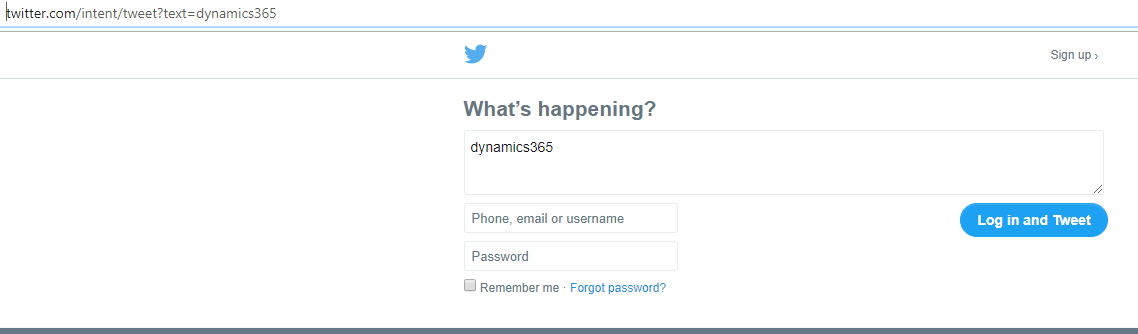
    For twitter, it's:

    twitter.com/intent/tweet?text=dynamics365
    pastedimage1588146694141v1.png

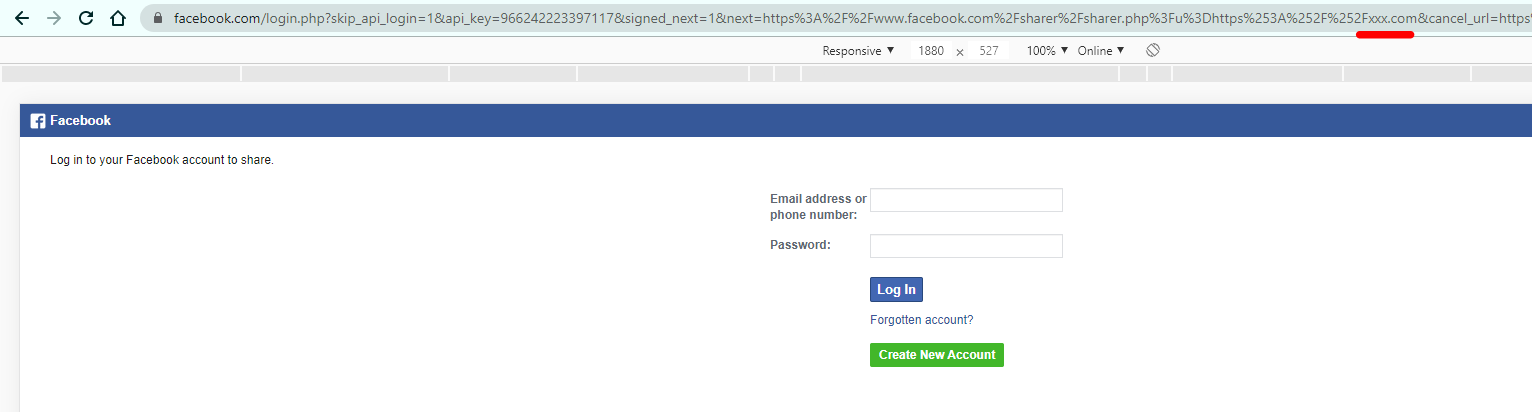
    Facebook: (parameter should be website format)

    www.facebook.com/sharer/sharer.php?u=https://xxx.com
    pastedimage1588147056626v2.png

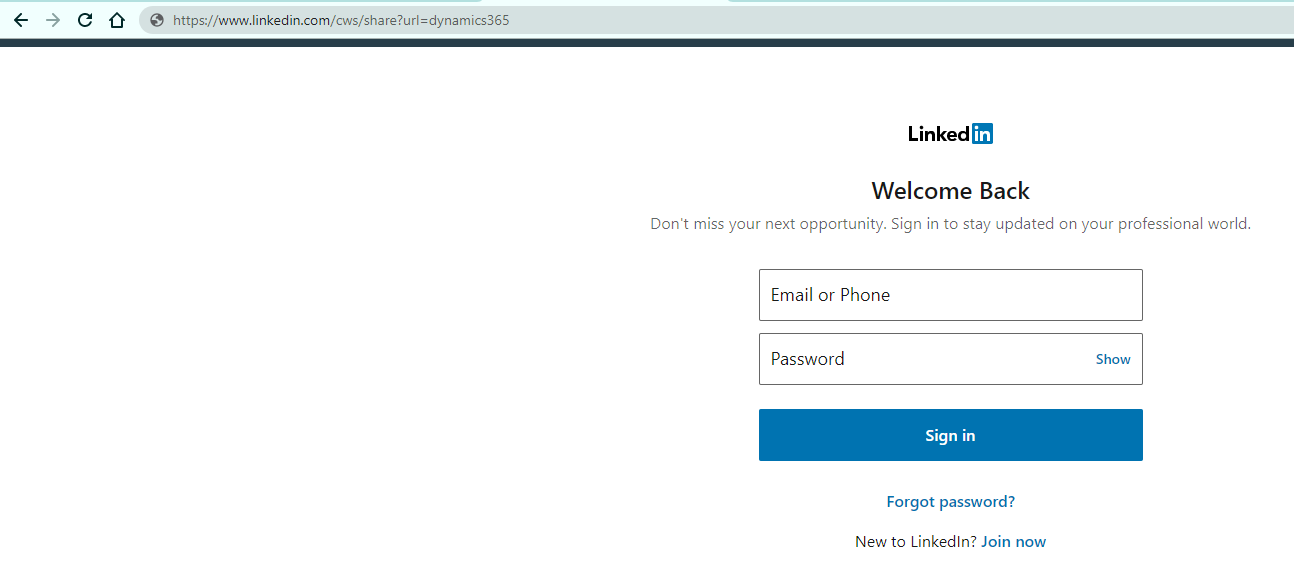
    LinkedIn:

    www.linkedin.com/cws/share?url=dynamics365
    pastedimage1588147115257v3.png

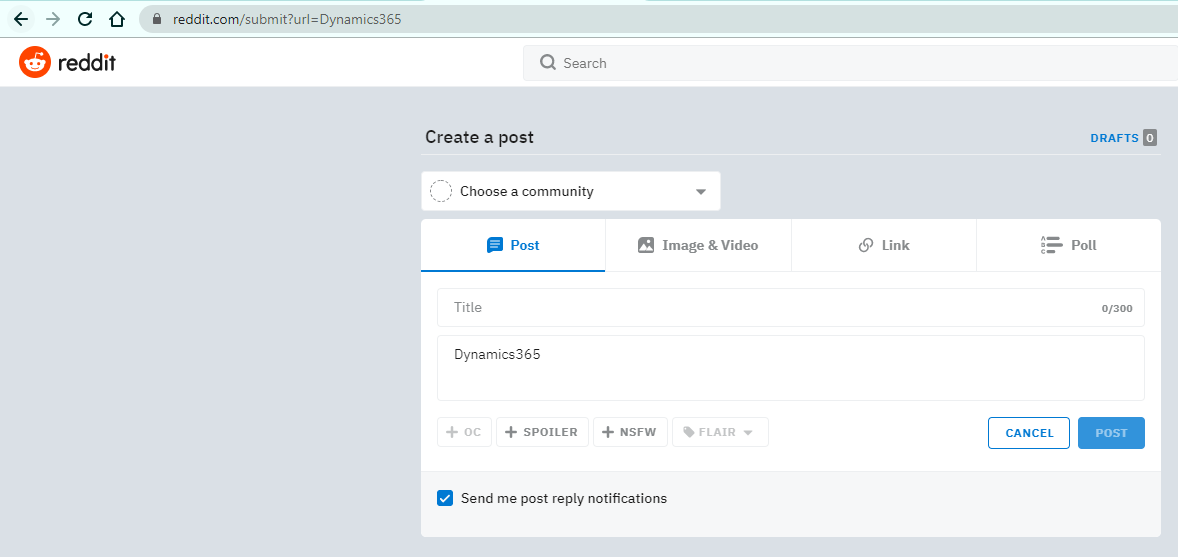
    Reddit: (We will be redirected to Login page quickly)

    www.reddit.com/submit?url=Dynamics365
    pastedimage1588147345248v4.png

    For more social media, you could search for correct format from their official website or on stackoverflow.

    Marketing email:

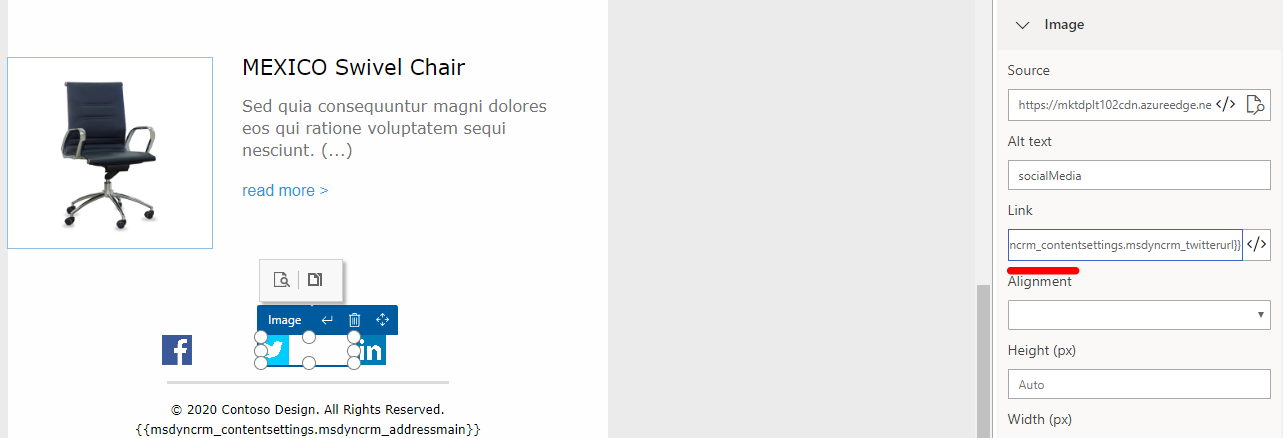
    In many of default marketing email templates, social media buttons are provided, 

    what we need to do is just inserting a link to the button.
    pastedimage1588147869194v5.png

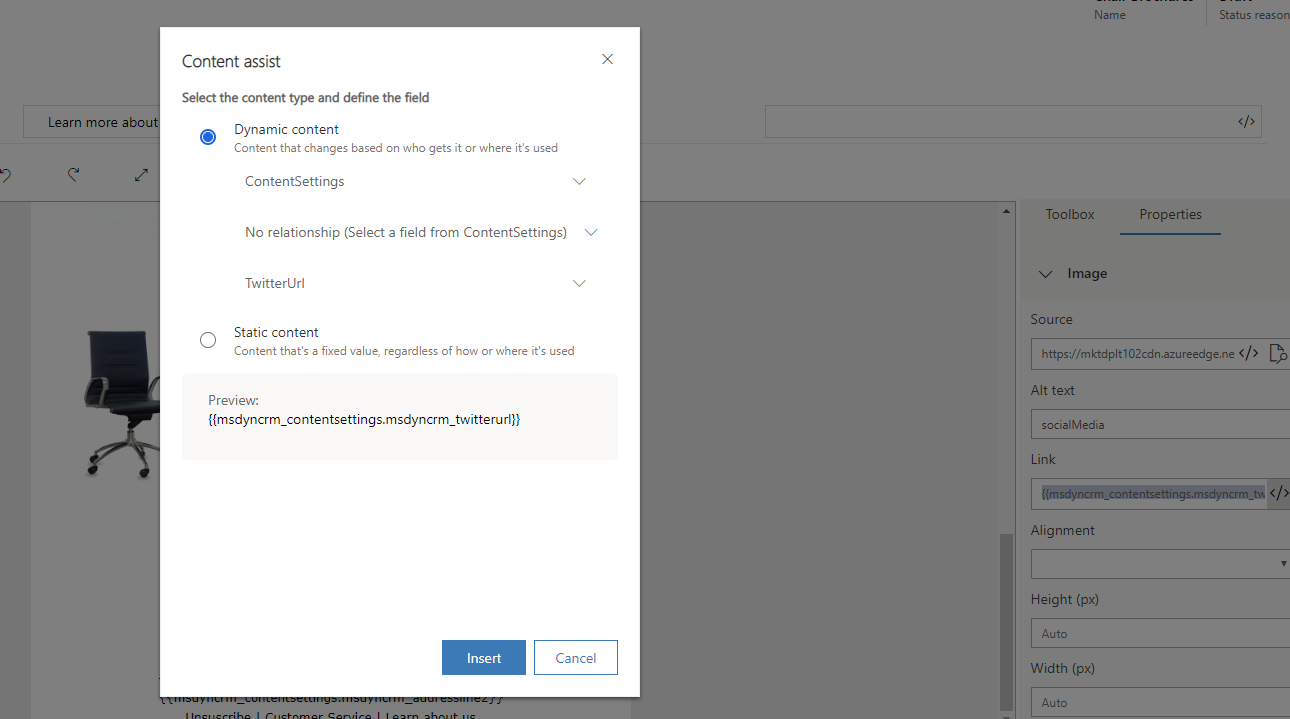
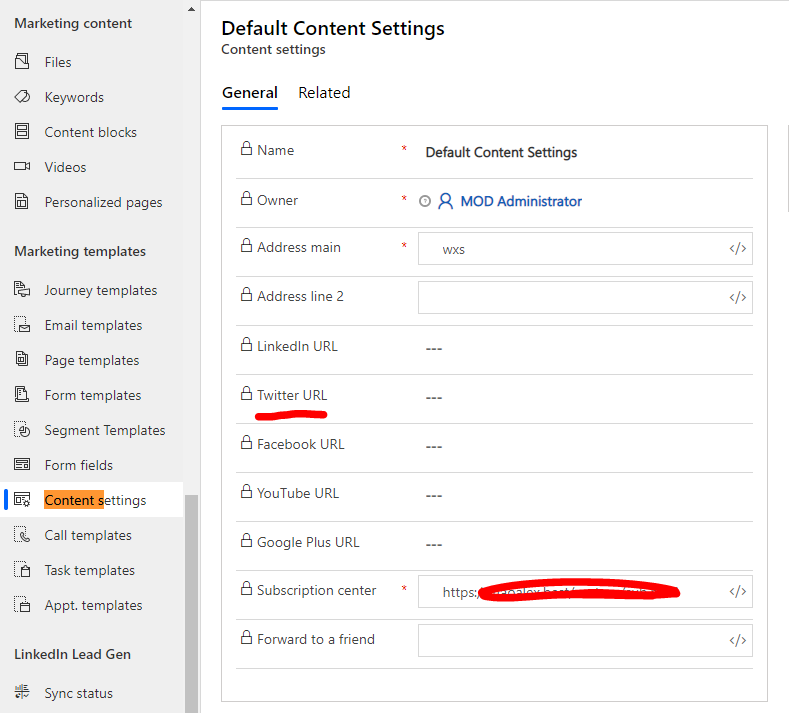
    With assist-edit(</>) and content setting entity, we could quickly attach a social link to buttons.
    pastedimage1588148018586v6.png

    pastedimage1588148070462v7.png

    You could read article below for what is Content Settings in Dynamics 365 for Marketing.

    https://us.hitachi-solutions.com/knowledge-center/dynamics-365-marketing-content-settings/

    (Only one content setting record could be in Live status.)

    Marketing page:

    It's very similar to what we do in marketing email:

    add a button element and attach it with link, but we need to populate the link field manually in marketing page editor because assist-edit is not available.

    (We could add icon to button elements with some custom CSS rules in source code of marketing page.)

    Regards,

    Clofly

  • Gemma2020 Profile Picture
    61 on at

    Hi

    We also need this feature. Ideally, we would have social links saved as a content block so that we don't have to use an email template in order to have them appear on an email. Seems like a standard feature.

    Thanks

Under review

Thank you for your reply! To ensure a great experience for everyone, your content is awaiting approval by our Community Managers. Please check back later.

Helpful resources

Quick Links

Responsible AI policies

As AI tools become more common, we’re introducing a Responsible AI Use…

Neeraj Kumar – Community Spotlight

We are honored to recognize Neeraj Kumar as our Community Spotlight honoree for…

Leaderboard > Customer experience | Sales, Customer Insights, CRM

#1
Tom_Gioielli Profile Picture

Tom_Gioielli 170 Super User 2025 Season 2

#2
#ManoVerse Profile Picture

#ManoVerse 70

#3
Jimmy Passeti Profile Picture

Jimmy Passeti 50 Most Valuable Professional

Last 30 days Overall leaderboard

Product updates

Dynamics 365 release plans
