Hello everyone!
After Google Chrome Update 73.0.3683.86, when I try to open a custom activity from the social pane of an incident, the CRM freezes and does not open the form:
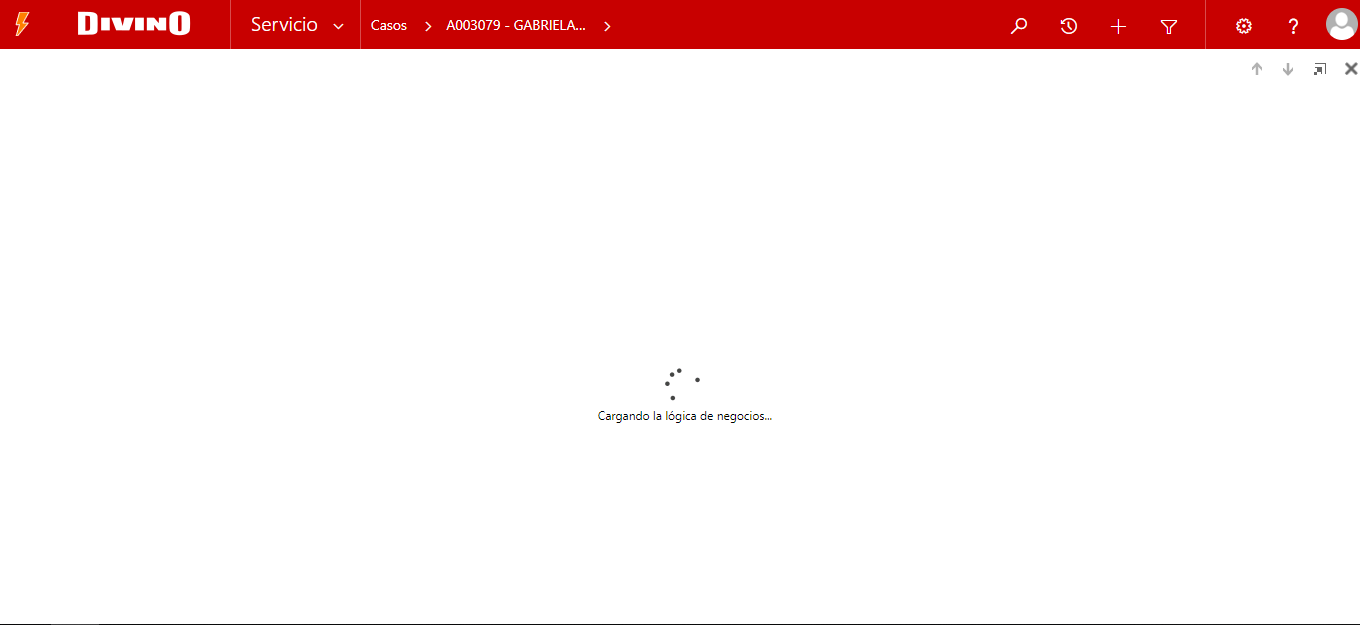
The previous version of Chrome works fine, but after the update I'm experiencing this error. If I refresh the page, the form opens correctly. With other browsers like Edge, Firefox and IE everything works fine.
I checked the javascript console of Chrome and shows following error:
CrashReport:
FileName:/_static/form/formcontrols.js
LineNumber:3356
Function:anonymousr:Mscrm.TurboForm.Control.CustomScriptsManager.frameElement.contentWindow[$v_0.$8G_1]isnotafunction
ErrorReport:<CrmScriptErrorReport>
<ReportVersion>1.0</ReportVersion>
<ScriptErrorDetails>
<Message>Uncaught TypeError: Mscrm.TurboForm.Control.CustomScriptsManager.frameElement.contentWindow[$v_0.$8G_1] is not a function</Message>
<Line>3356</Line>
<URL>/_static/form/formcontrols.js?ver=1322525124</URL>
<PageURL>/form/page.aspx?lcid=3082&themeId=e1fe6a40-936c-4a69-c8b4-3485c011c877&tstamp=3317008&updateTimeStamp=636391891339883974&userts=131980276099052268&ver=1322525124#etc=10165&extraqs=%3f_CreateFromId%3d%257b32871E7E-C24A-E911-80D6-0050569F09A2%257d%26_CreateFromType%3d112%26_gridType%3d10165%26etc%3d10165%26id%3d%257bAD79B9F7-214F-E911-80D6-0050569F09A2%257d%26rskey%3d%257bAB685BBA-4A65-E811-80CA-0050569F09A2%257d&pagemode=iframe&pagetype=entityrecord&rskey=%7bAB685BBA-4A65-E811-80CA-0050569F09A2%7d&counter=1553555245351</PageURL>
Maybe someone is experiencing the same issue?
Any clue?
CRM Version: Dynamics 365 8.2.4.6 OnPremise
Thanks in advance!
*This post is locked for comments
I have the same question (0)


