1. Form capture is front-end feature, so connector services such as Zapier is not necessary.
To make form capture works for your website, you just need to create a marketing website record, then copy and paste generated code on your own website.
Form capture code is used to let Dynamics 365 could detect fields on your web page.
You can read this section for detailed steps:
https://docs.microsoft.com/en-us/dynamics365/marketing/embed-forms#capture-a-new-external-form
To make your fields could be detected, the recommended way is to give your input fields with proper name attribute.
E.g, First Name field name attribute could be "firstname", Email field name attribute could be "emailaddress1".(t)
2. Due to captured form not requires us to authenticate website domain, so prefill feature not supports to captured form.
You can check summary table in previous article to compare different type of marketing forms.
3. If everything had configured well and the submitted data does not come over to D365,
please check whether there is any form submission record in Insights data of Marketing website record at first.
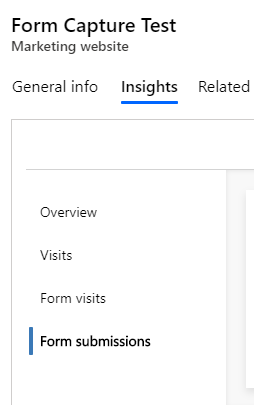
Then check whether corresponding contact or lead records have been actually created.
Also, you can check Submissions tab and Insights data under Marketing form record.(where you add external website URL)
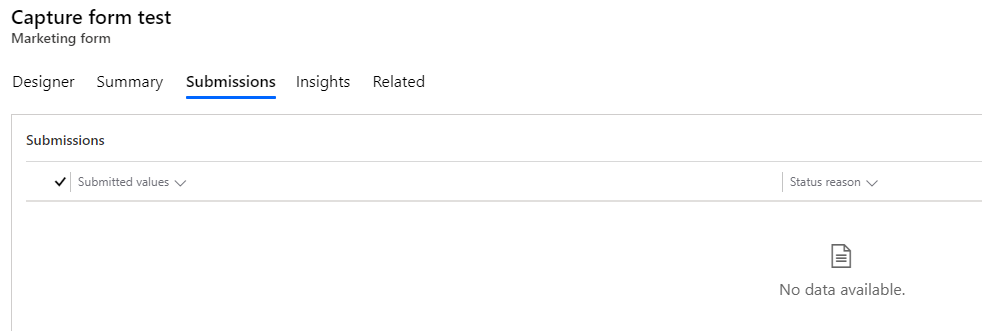
The failed submissions shall appear in Submissions tab, here are reasons for why submission failed:
https://docs.microsoft.com/en-us/dynamics365/marketing/failed-submissions#why-submissions-can-fail
4. If above steps not work, could you share your web page HTML code?
I'll help you do troubleshot on my own website.
Regards,
Clofly


