Hi,
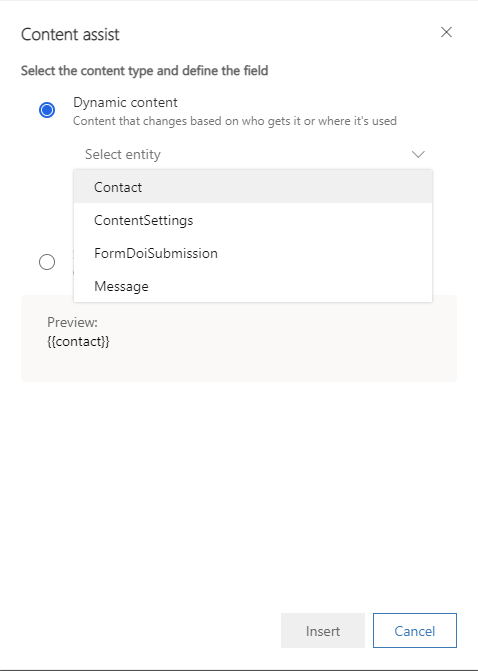
The entity which you’re using is only able to be inserted as a static content instead of dynamic content. There are only four entities showing in the screenshot can be used in Dynamic content.
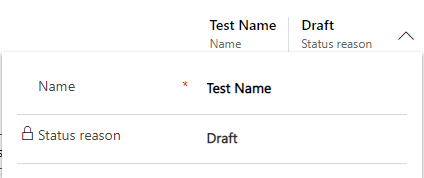
If you’d like to insert the name of the email into the email itself, first of all, edit the name field of the email and do save it.
Make sure that the Marketing Email entity has been added into the Dataset configuration.

Then add a static content referring to the next screenshot. The id of the email must be appointed by selecting the certain email.
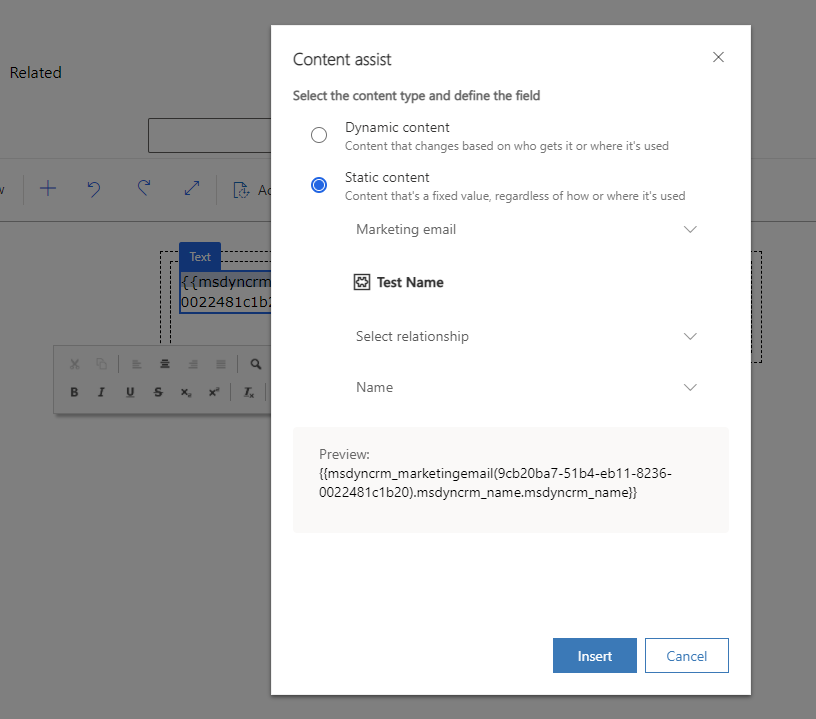
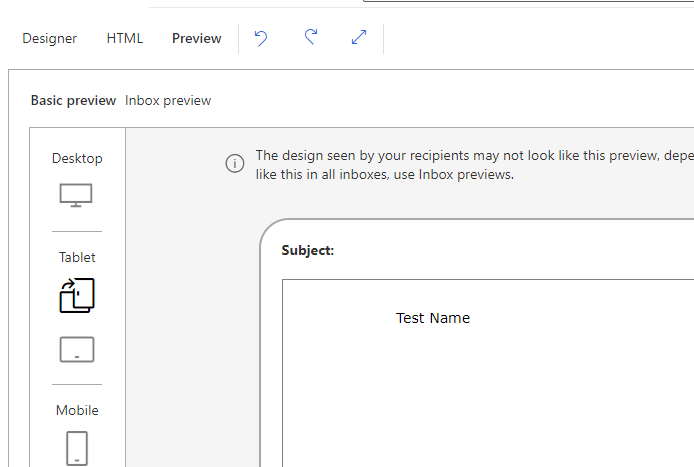
After setting the above steps, the name can be shown in the email.
To know more about dynamic content and static content, please refer to:
Add dynamic content to email messages (Dynamics 365 Marketing) | Microsoft Docs
If this helped you, I'd appreciate it if you'd mark this as a Verified Answer, which may in turn help others as well.
Best Regards,
Nya


