Hi everyone,
I'm working on a D365 for Operations project VM with VS 2015 connected to VSTS.
I have a Visual Studio project on a new package/model.
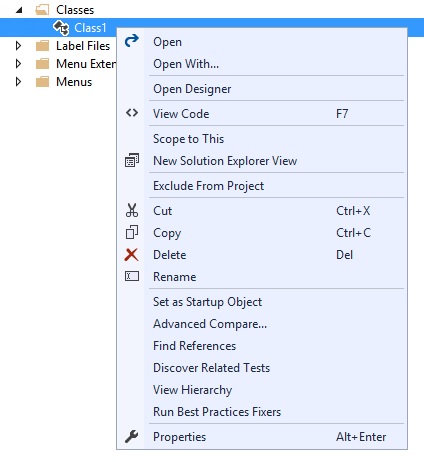
When I add new items, I don't get an "Add to version control" option when I right-click on the new items and new items are not automatically added to the pending changes in team explorer.
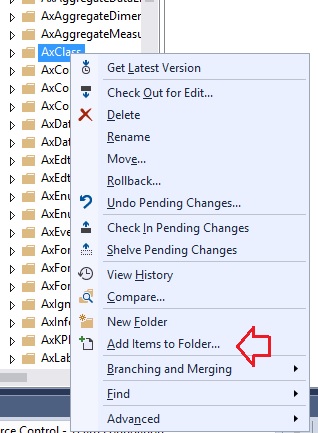
The only way I managed to add new items was to go to Source Control Explorer, right-click on the VSTS folder where the new file should be added and select "Add items to Folder...", then select the local file and add to VSTS. Although this works it is not very practical.
My workspace has the following two mapped folders:
$/Project/Trunk/Main/Metadata -> C:\AOSService\PackagesLocalDirectory
$/Project/Trunk/Main/Projects -> C:\Users\Administrator\Documents\Visual Studio 2015\Projects
When changing existing items already added to version control this works fine as I can see the edited objects in the Pending Changes.
So I was wondering, if I missed something like a VS setting or this is normal behavior when adding new items to version control for D365 for Ops.
regards,
Robert
*This post is locked for comments
I have the same question (0)


