Hi Simon,
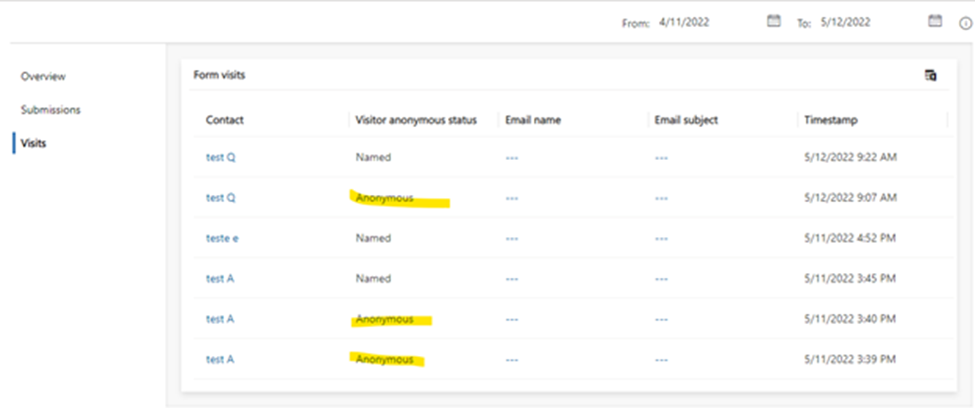
1.I tested it, and it can display the insights data, but it takes about a minute to wait.
Design a marketing form and go live.

Design the marketing page and put the form you just designed into it.
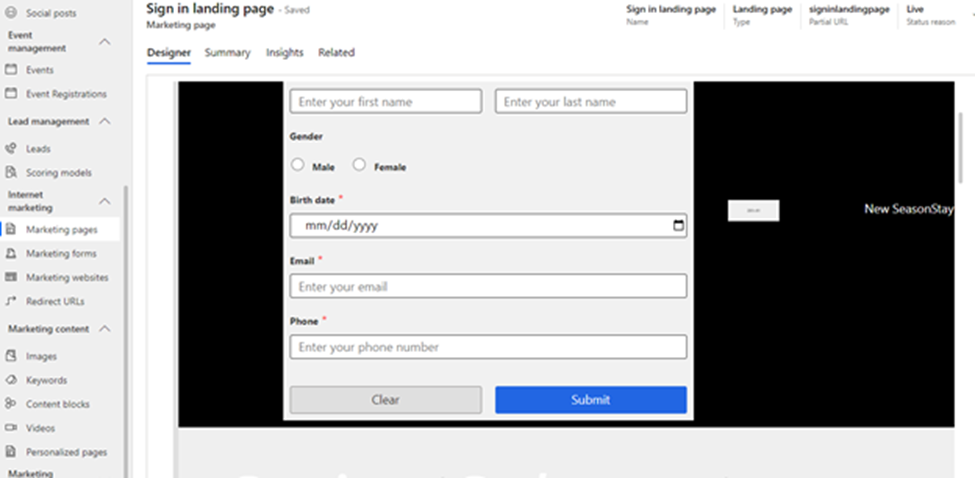
Copy the URL of the designed marketing page.

Add the URL to the 'marketing websites' section and save.

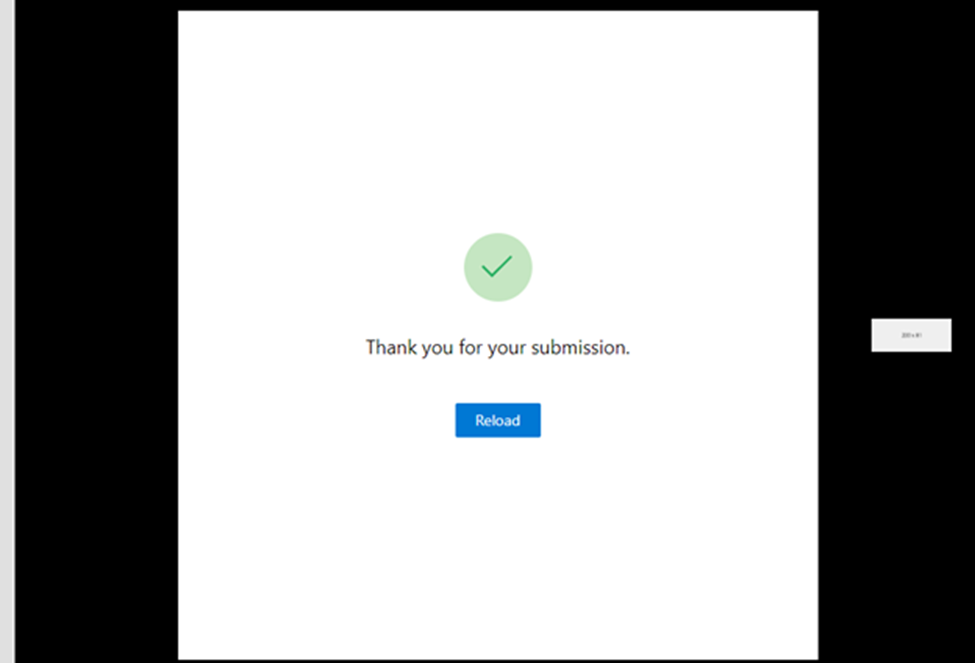
Open this website and fill in the information in the form on the website.
The insights data can be displayed in marketing form.

2.D365 mkt identifies website visitors by cookies, the cookie for behavioral-analysis remains active for two years.
You could take article below as reference for how Dynamics 365 for Marketing uses cookies:
https://docs.microsoft.com/en-us/dynamics365/marketing/cookies
If a known contact switches to a new device, a new browser, or to private-browsing mode, website visits will again be recorded as anonymous until that contact submits a marketing page using that device/browser combination.
There is a Landing Page website.
Contact test A loaded the website twice. -> Two (--- Anonymous) form visit records are created.
Contact test A opened the page URL link in marketing website. A (Contact test A Named) form visit record is created.
Due to cookies will still be save into visitor browser from form visit 1 and form visit 2, and form visit 3 is generated from same browser, thus form visit 1 and form visit 2 records will match to updated contact, but "Visitor anonymous status" of 1 & 2 are still anonymous.
When you re-login to this page with another browser, the site visit will be recorded as anonymous again.