Hi!
I need to import timesheets through Data Management. There are 2 entities, the one that corresponds to the header (timesheet headers) and the lines (timesheet lines).
When I see the format to import the lines I only see the possibility of indicating the hours for each day, there are 7 fields available where you can enter the hours.
My question is the following, if I want to import timesheet that correspond to an entire month, how do I register the different times of the different weeks?
When I indicate new lines with the same timesheet code in the header, it continues to be added within the same week and does not go to the next one.
If I observe how a timesheet is manually registered within D365FO, there is a drop-down to change the weeks within the registration month, How is that indicated in the excel if I do not have a field to indicate the date or week?
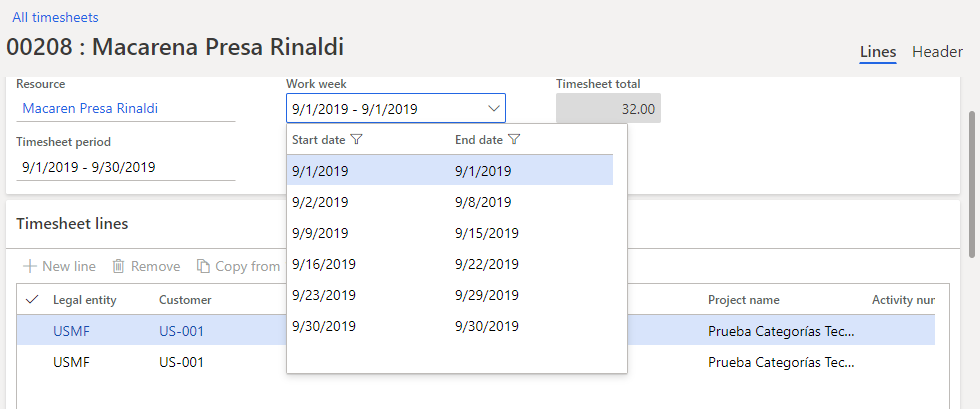
I have already tried the export of a timesheet with registration of hours in different weeks and it indicates them to me in different lines with the same header, but when i import that (with other data) it doesn't enter the system correctly... it enters it within the same week ...
When I see the format to import the header I see that there is a field called "Start date", but if i indicate two lines with the stard date in the different weeks, i got an error for duplicate the timesheet id.
Any idea?
Thanks!!


