Hi Robert,
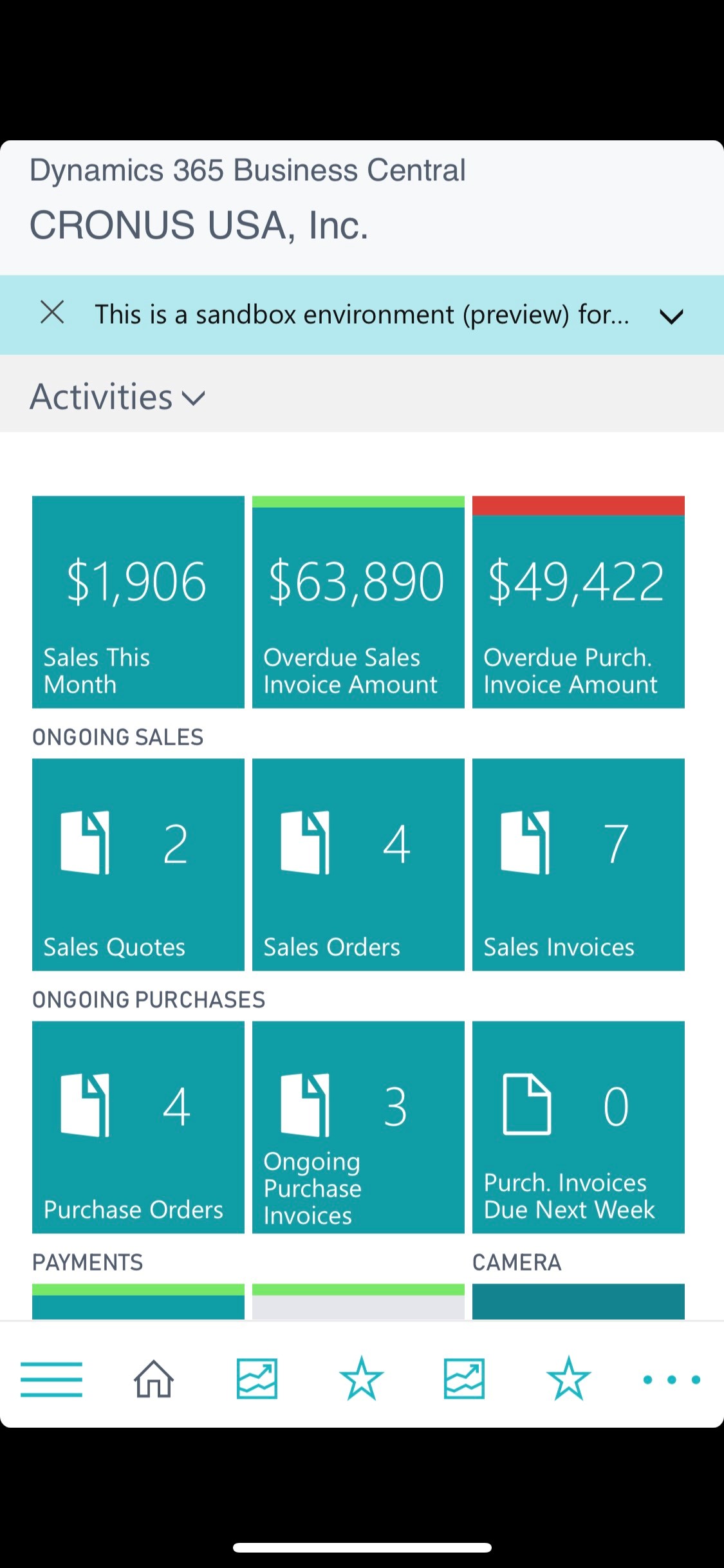
I just tried on my iPhone X and it is working just fine. I have the Business Central app installed.
When I type in ms-businesscentral://businesscentral.dynamics.com/sandbox in my Safari browser on my phone, it prompts me to launch the Business Central app. I accept, and then it thinks for a while, and finally asks me to enter my tenant id. I simply put in the tenant prefix (if it's #####.onmicrosoft.com, I just put #####). Then it prompts me for user name and password, and finally logs me in to the sandbox environment.
Here is a screenshot:
PS: Credit to Stefano for actually sharing with us that this was possible, and the URL to use. My response only validates that I am able to get to the sandbox on my mobile using the URL Stefano shared. And the reason I am validating it is because Mohana and Robert asked for clarification as to whether it worked.
I hope this helps. If my response has answered your question, please verify by clicking Yes next to "Did this answer your question?"


