web
You’re offline. This is a read only version of the page.
close
Skip to main content

Announcements

No record found.

News and Announcements icon
Community site session details

Community site session details

Session Id :
Customer experience | Sales, Customer Insights,...
Suggested Answer

How to log on Crm 2016 on-premise apart from Admin user?

(0) ShareShare
ReportReport
Posted on by 10

Hello, we are installed Dynamics CRM 2016 on-premise on windows server 2016 and sql server 2016 standart.Everything is fine and all menu and functions works properly But when we try to connect over network with any user apart from "administrator" we get the error below.

(No Dynamics CRM User exist with the specified domain name and user id)
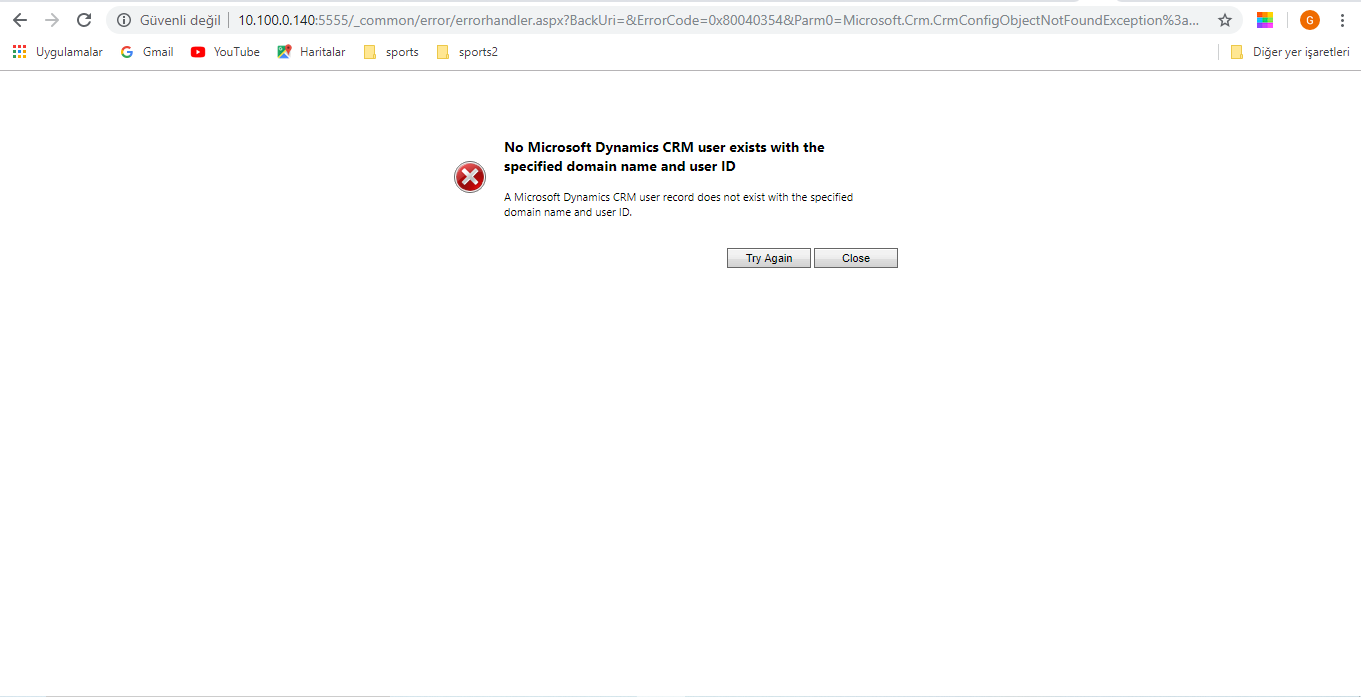
Hata_2D00_2.PNG

Only Admin user can connect without any error.

We have read a lot of articles and set up all the permissions needed on active directory users.

UserGroup
ReportingGroup
PrivUserGroup
SQLAccessGroup
Also checked the System.users and system.usersauthenticarion and roles in the database and we can see the users correctly. Furthermore we changed roleId as Administrator for the other users in the database table But nothing changed.

Also,we try to add new user to CRM and SETTINGS->SECURITY->USERS. when we click users GET ERROR Too.

IT just Says "An error occured and contact to your Administrator"

We could not find a solution and need urgent help,please!!

Thanks.

I have the same question (0)
  • Suggested answer
    a33ik Profile Picture
    84,331 Most Valuable Professional on at

    Hello,

    Turn on tracing - kishoredhanekula.com/.../

    Restart IIS and try to add a user again, get an error, check log folder for logs - there should be an explanation why error occurs.

  • Suggested answer
    gdas Profile Picture
    50,091 Moderator on at

    Hi ,

    When you are navigating to users , can you see all the users in the grid ?

    Open one user and put same user name and press tab  , it will auto populate with the domain name. Then try to save and reassign security role and see the results.

    Are you sure the all the user available in the Active directory?

Under review

Thank you for your reply! To ensure a great experience for everyone, your content is awaiting approval by our Community Managers. Please check back later.

Helpful resources

Quick Links

Introducing the 2026 Season 1 community Super Users

Congratulations to our 2026 Super Stars!

Meet the Microsoft Dynamics 365 Contact Center Champions

We are thrilled to have these Champions in our Community!

Congratulations to the April Top 10 Community Leaders

These are the community rock stars!

Leaderboard > Customer experience | Sales, Customer Insights, CRM

#1
ManoVerse Profile Picture

ManoVerse 103 Super User 2026 Season 1

#2
11manish Profile Picture

11manish 83

#3
Muhammad Shahzad Shafique Profile Picture

Muhammad Shahzad Sh... 69 Most Valuable Professional

Last 30 days Overall leaderboard

Product updates

Dynamics 365 release plans
