Hi Ravi,
I also meet the same issue that "Show image in the form" is grey and can’t be checked through my test, which is because that legacy web client will be deprecated in Oct this year.
You can enable image in the Power Apps platform, the following are steps.
1.Go Power Apps(https://make.powerapps.com/ ).
2.Expand Data and click entities to select the entity you need.
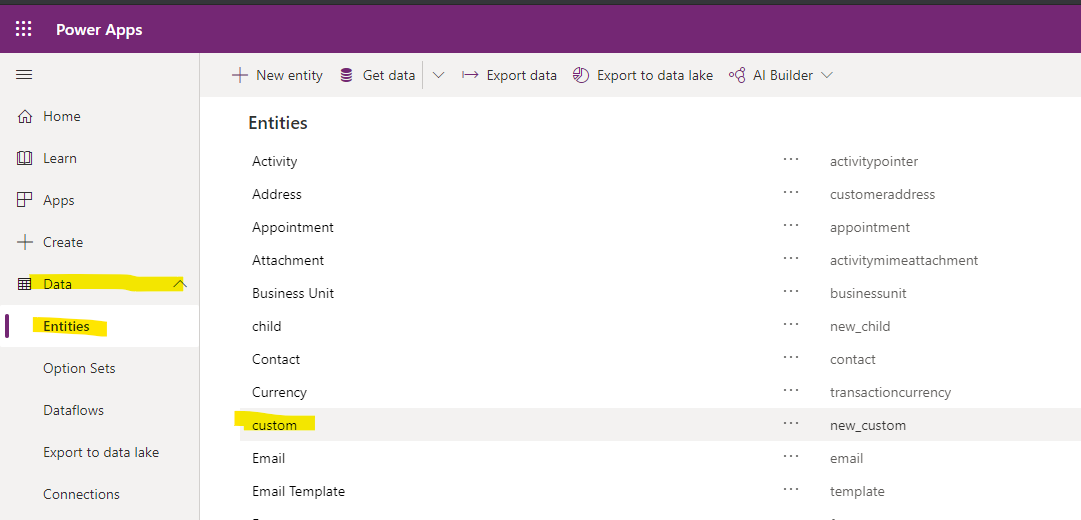
3.Clcik Fields tab to create a ‘image’ type field, and check Primary Image.

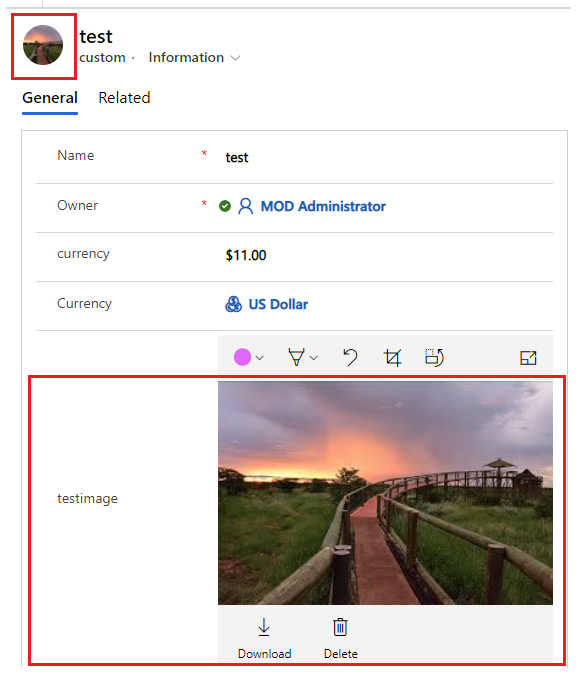
Primary Image – If you check the box, this image field will replace the entity image as the default image for the record. This means that any image uploaded to this field becomes the record image that is displayed on the record header.
4.Go to Form tab to drag the field that just created to the form, and check Show image.


5.Save and publish.
6.Test
Before:

After:
Regards,
Leah Ju
Please mark as verified if the answer is helpful. Welcome to join hot discussions in Dynamics 365 Forums.







