Hey Jim,
You can achieve it from the Portals front-end as ::
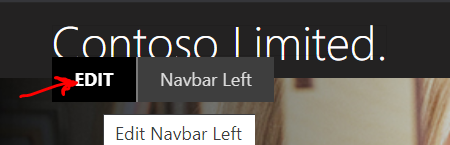
That should open up this content editor where you can browse the server files and it has advanced option to align the image based on the requirements ::

Chose the image if you have already uploaded it before else you can upload it from here and make a selection ::
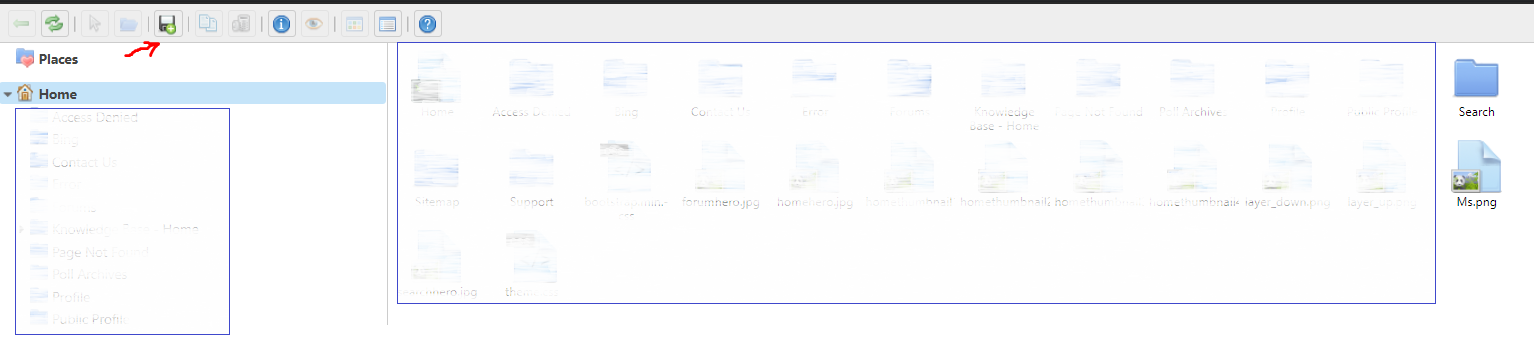
Also, the files uploaded in the root folder (homepage) can be accessed directly as <img src="myPortals.powerappsportals.com/river.jpg">
or
Please mark my comment as answered if this helps.
Thanks,
Saurabh







