web
You’re offline. This is a read only version of the page.
close
Skip to main content

Announcements

News and Announcements icon
Community site session details

Community site session details

Session Id :
Small and medium business | Business Central, N...
Suggested Answer

Delete multiple document attachement

(1) ShareShare
ReportReport
Posted on by 101

Hi everybody,

We have the following case, we need to delete multiple documents from the table in the picture, we need to do it for Purchase orders and posted purchase orders, I'm trying with add-in edit excel which works but only for one document at a time.

Any idea for a way to do it by batch
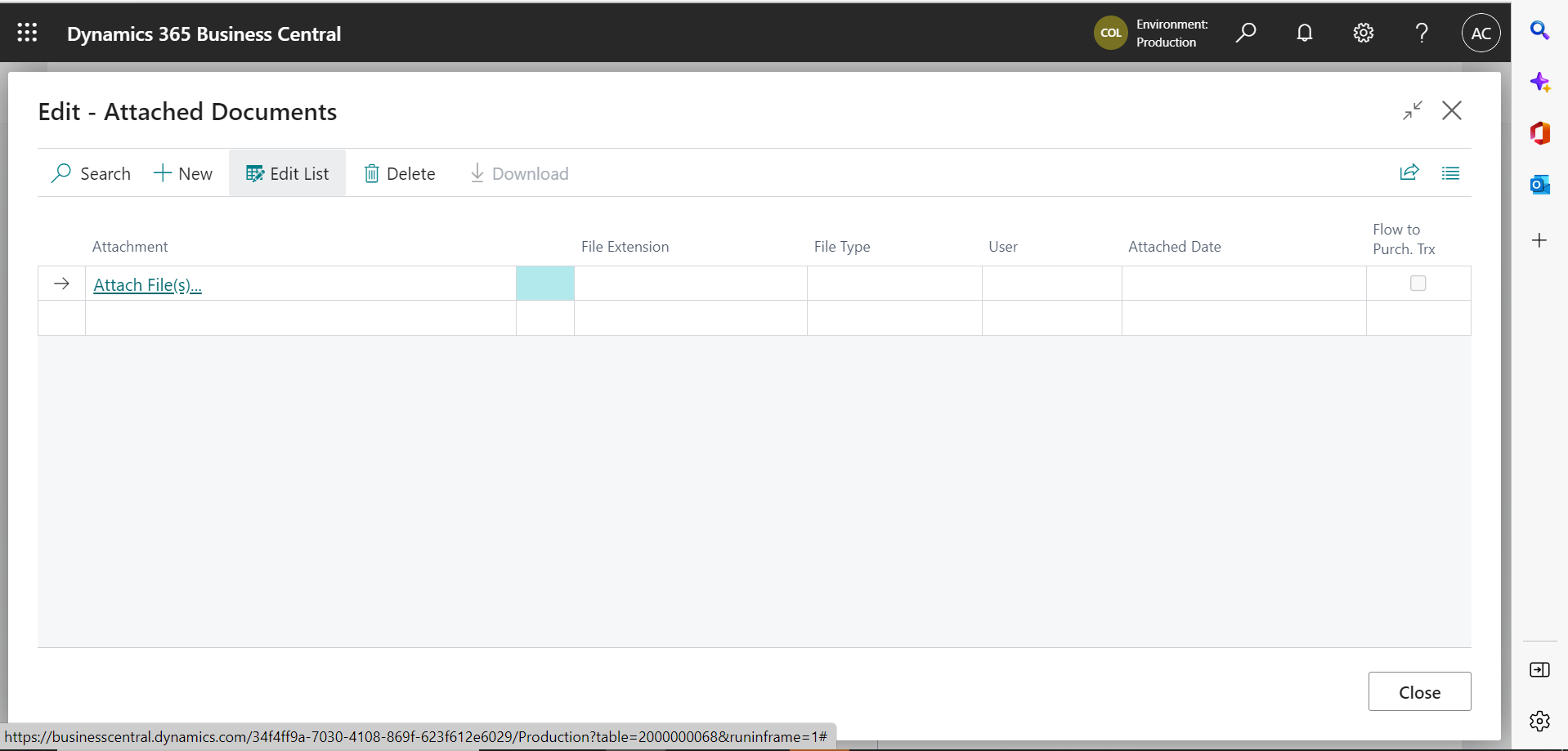
pastedimage1670601386636v2.png

Thanks in advance if someone can help me

I have the same question (0)
  • Suggested answer
    pankaj.k Profile Picture
    1,020 on at

    Hi Alejandro,

    you need to create one Batch Job That is based on Table "Document Attachment" Id: 1173

    you can choose  1. "Document  No filter" 2."table no Filter". etc

    Have a great day!

    Don't forget to help the community by verifying the answer if your question has been answered. It will let others know that the topic has verified answer.

    Thanks,

    Contact Info: kuwalpankaj97@gmail.com

  • Alejandro Bohorquez Profile Picture
    101 on at

    Hi

    Thanks for your answer, It's possible that you can give me what steps I must follow to do the batch job?

  • Suggested answer
    pankaj.k Profile Picture
    1,020 on at

    Hi Alejandro,

    Please use the below code that will help to delete document one by one  on the bases of Document No..

    report 60005 DeleteAttechment
    {
        UsageCategory = ReportsAndAnalysis;
        ApplicationArea = All;
        ProcessingOnly = true;
        Caption = 'Delete Attechment';

        dataset
        {
            dataitem(DocumentAttachment; "Document Attachment")
            {
                trigger OnPreDataItem()
                begin
                    DocumentAttachment.SetFilter("No.", DocumentNoVar);
                end;

                trigger OnAfterGetRecord()
                begin
                    if Confirm(DocumentAttachment."No.") then
                        DocumentAttachment.Delete(true);
                end;

            }
        }

        requestpage
        {
            layout
            {
                area(Content)
                {
                    group(GroupName)
                    {
                        field(DocumentNoVar; DocumentNoVar)
                        {
                            ApplicationArea = All;
                            TableRelation = "Document Attachment"."No.";

                        }
                    }
                }
            }

        }
        var
            DocumentNoVar: Text;

    }
    Have a great day!

    Don't forget to help the community by verifying the answer if your question has been answered. It will let others know that the topic has verified answer.

    Thanks,

    Contact Info: kuwalpankaj97@gmail.com
  • Alejandro Bohorquez Profile Picture
    101 on at

    Hi

    Thanks for your answer we'll check this option.

    Best regards.

Under review

Thank you for your reply! To ensure a great experience for everyone, your content is awaiting approval by our Community Managers. Please check back later.

Helpful resources

Quick Links

Season of Sharing Community Challenge Winners!

Congratulations to our community stars!

Women in Power Builds Momentum

Expanding mentorship, skilling, and AI innovation

Congratulations to the July Top 10 Community Leaders

These are the community rock stars!

Leaderboard > Small and medium business | Business Central, NAV, RMS

#1
OussamaSabbouh Profile Picture

OussamaSabbouh 524 Super User 2026 Season 2

#2
YUN ZHU Profile Picture

YUN ZHU 399 Super User 2026 Season 2

#3
Grigorios Mavrogeorgis Profile Picture

Grigorios Mavrogeorgis 354 Super User 2026 Season 2

Last 30 days Overall leaderboard

Featured topics

Microsoft Training Manuals

Product updates

Dynamics 365 release plans
