Hi all,
While trying to access the Enterprise Portal host on a local machine, I am getting the below given error.
I have ensured that the necessary 'Application pools' in 'IIS manager' are running.
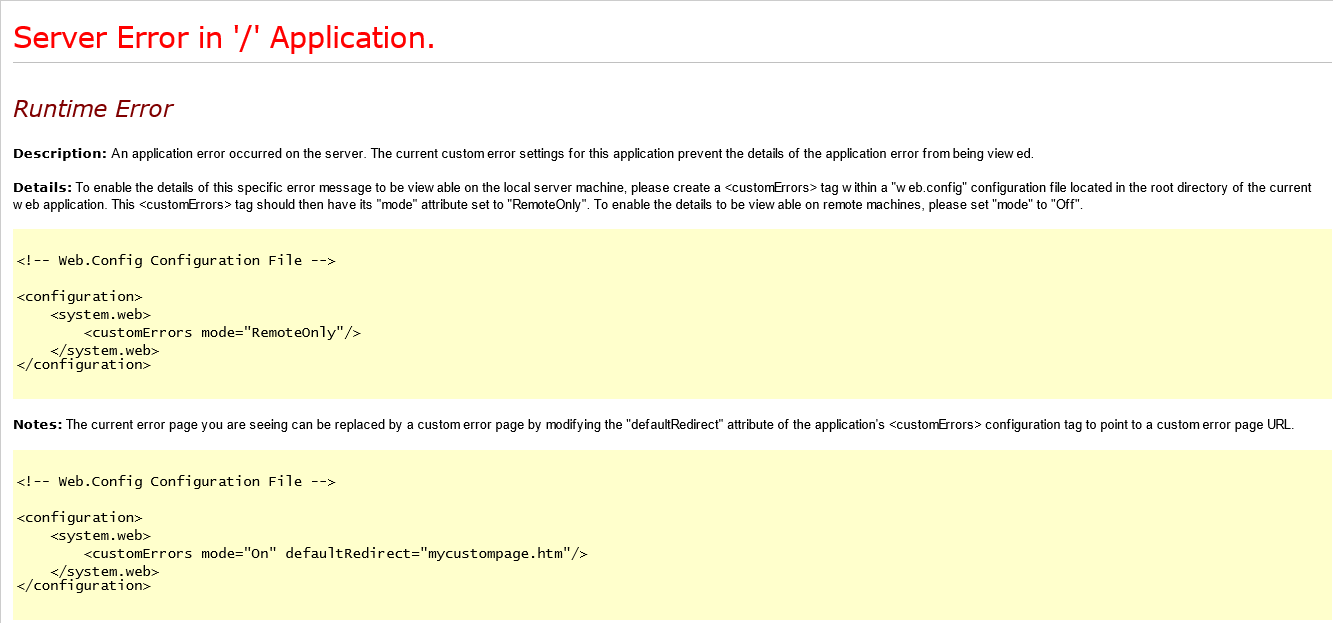
Server Error in '/' Application.
--------------------------------------------------------------------------------

Runtime Error
Description: An application error occurred on the server. The current custom error settings for this application prevent the details of the application error from being viewed.

Details: To enable the details of this specific error message to be viewable on the local server machine, please create a <customErrors> tag within a "web.config" configuration file located in the root directory of the current web application. This <customErrors> tag should then have its "mode" attribute set to "RemoteOnly". To enable the details to be viewable on remote machines, please set "mode" to "Off".


<!-- Web.Config Configuration File -->

<configuration>
    <system.web>
        <customErrors mode="RemoteOnly"/>
    </system.web>
</configuration>


Notes: The current error page you are seeing can be replaced by a custom error page by modifying the "defaultRedirect" attribute of the application's <customErrors> configuration tag to point to a custom error page URL.


<!-- Web.Config Configuration File -->

<configuration>
    <system.web>
        <customErrors mode="On" defaultRedirect="mycustompage.htm"/>
    </system.web>
</configuration>
*This post is locked for comments
I have the same question (0)


