web
You’re offline. This is a read only version of the page.
close
Skip to main content
Community site session details

Community site session details

Session Id :
Service | Customer Service, Contact Center, Fie...
Suggested Answer

How to access the "open" view of knowledge articles outside of Knowledge search

(0) ShareShare
ReportReport
Posted on by 15

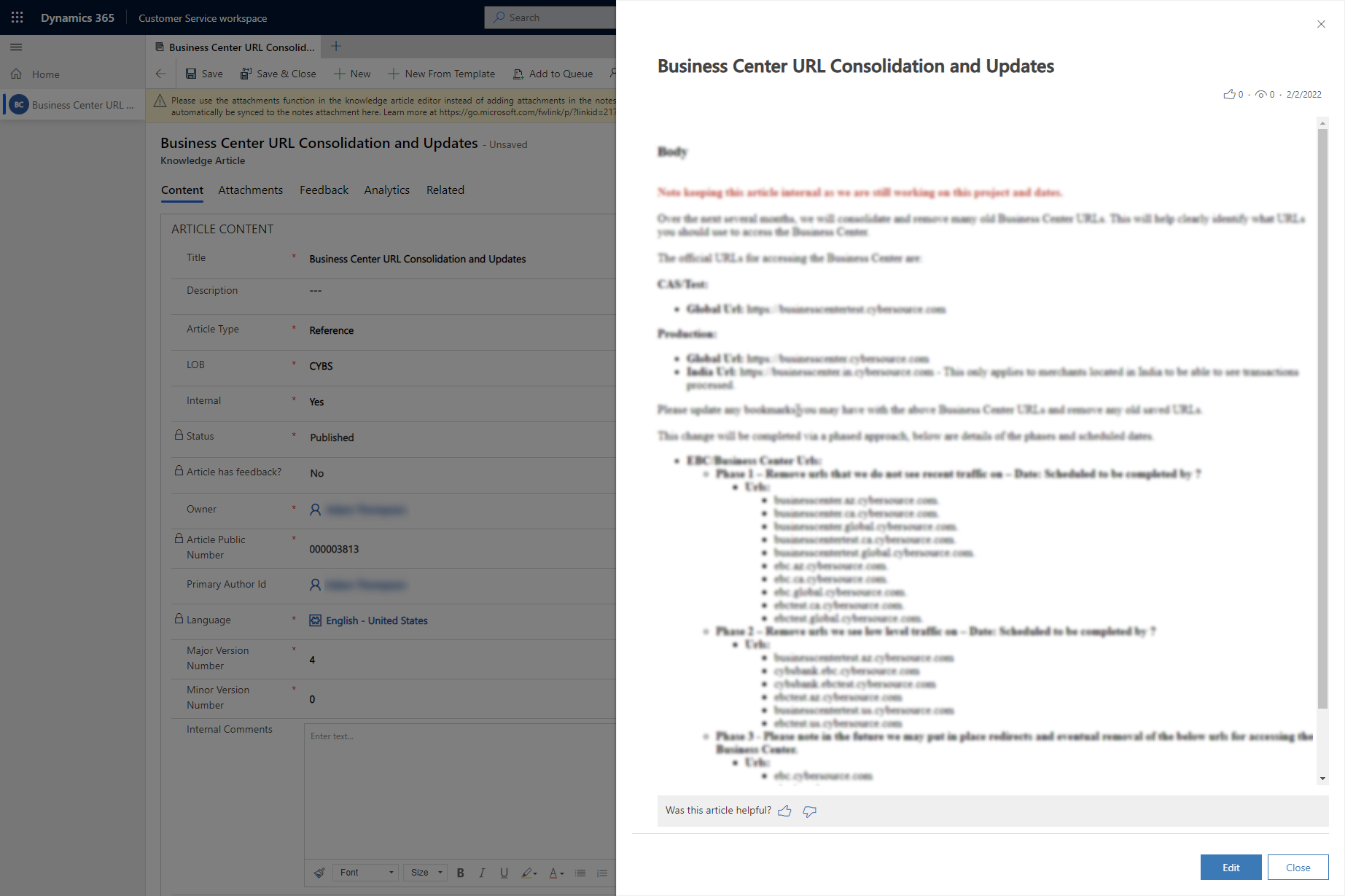
We are using a third-party search solution from Coveo, and would like to view clicked Knowledge article results in a simplified view, similar to how they appear when selected from Knowledge search or when double-clicking a Related version from within the Knowledge article form in CSW.

Is there a way to call the code that presents that simplified article view? Documentation for Knowledge refers to it as an "open" article, where anchors function correctly  

article view after double-clicking item in Related versions list
pastedimage1646326584098v1.png

I have the same question (0)
  • Community Member Profile Picture
    on at
    RE: How to access the "open" view of knowledge articles outside of Knowledge search

    Hi Brian,

    Through my test, the Related version is one quick view control.

    pastedimage1646729632499v2.png

    pastedimage1646729609379v1.png

  • Brian P. Profile Picture
    15 on at
    RE: How to access the "open" view of knowledge articles outside of Knowledge search

    Thanks, Leah. This tells me how to recreate the Related Versions section.

    What I'm hoping to do is generate the same article view that appears after double-clicking a row listed in Related Versions. I want to trigger that view to appear from a third party component displayed in the Productivity pane (to the right of a case).

  • CRMLearning Profile Picture
    on at
    RE: How to access the "open" view of knowledge articles outside of Knowledge search

    Team, 

    Could you please help if we got any way to achieve this

  • Suggested answer
    Shawnsauve Profile Picture
    1,093 on at
    RE: How to access the "open" view of knowledge articles outside of Knowledge search

    To answer your question, if you'd like to display Knowledge article results in a simplified view similar to what you see when selecting them from Knowledge search or double-clicking on a related version from within the Knowledge article form in CSW, it may be possible to call the code that presents that simplified view.

    However, it's difficult to provide an exact answer without more information on your specific implementation and setup. I recommend reaching out to Coveo's support team or consulting their documentation to see if there are any available options for customizing the display of clicked Knowledge article results.

    In general, this simplified view of Knowledge articles is referred to as an "open" article, which allows for anchors to function correctly. Hopefully, with a bit more digging, you'll be able to find a solution that meets your needs.

  • Brian P. Profile Picture
    15 on at
    RE: How to access the "open" view of knowledge articles outside of Knowledge search

    Hi Shawn,

    Thanks for responding. We definitely can customize the Coveo results. The key thing we are missing is knowing how to call/reference the "open" article to display it. Can you point us in the right direction to find code or a URL that can display the "open" article?

Under review

Thank you for your reply! To ensure a great experience for everyone, your content is awaiting approval by our Community Managers. Please check back later.

Helpful resources

Quick Links

Responsible AI policies

As AI tools become more common, we’re introducing a Responsible AI Use…

Neeraj Kumar – Community Spotlight

We are honored to recognize Neeraj Kumar as our Community Spotlight honoree for…

Leaderboard > Service | Customer Service, Contact Center, Field Service, Guides

#1
Tom_Gioielli Profile Picture

Tom_Gioielli 65 Super User 2025 Season 2

#2
Siv Sagar Profile Picture

Siv Sagar 52 Super User 2025 Season 2

#3
Daniyal Khaleel Profile Picture

Daniyal Khaleel 32 Most Valuable Professional

Last 30 days Overall leaderboard

Featured topics

Product updates

Dynamics 365 release plans
