Hi Shaun;
I assume that you need to sell expired stock to customers that are specialized in scrap/waste processing and this being seen a lot in different industries that run similar businesses.
When you use FEFO date-controlled and Expiration date selected in the pick criteria inside (Item Model Group) under inventory policies tab along with manual reservation for the sales order line, the expired batch will not appear in the reservation form that is accessible from 'Inventory' action on the sales order line.
To be able to sell from this expired batch, you will need to disable the FEFO date-controlled from Item Model Group that is associated to the product you are using, then the expired batch will appear in the sales order reservation and then will allow you to reserve from it and proceed with the sales order until invoicing.
I have prepared a quick example for reference in the below snapshots.
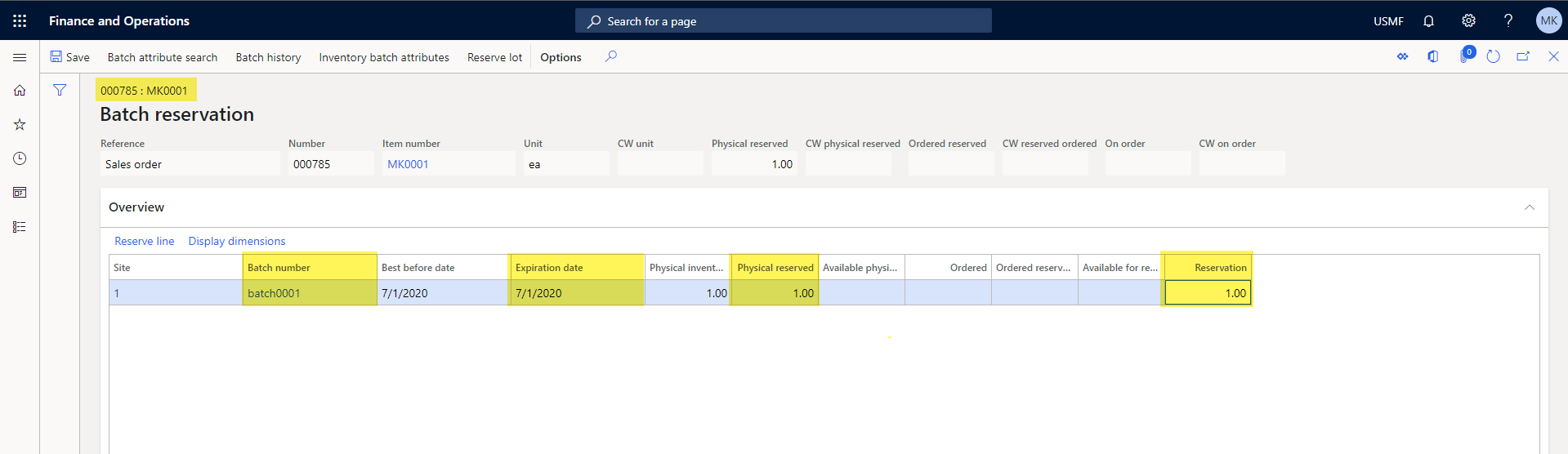
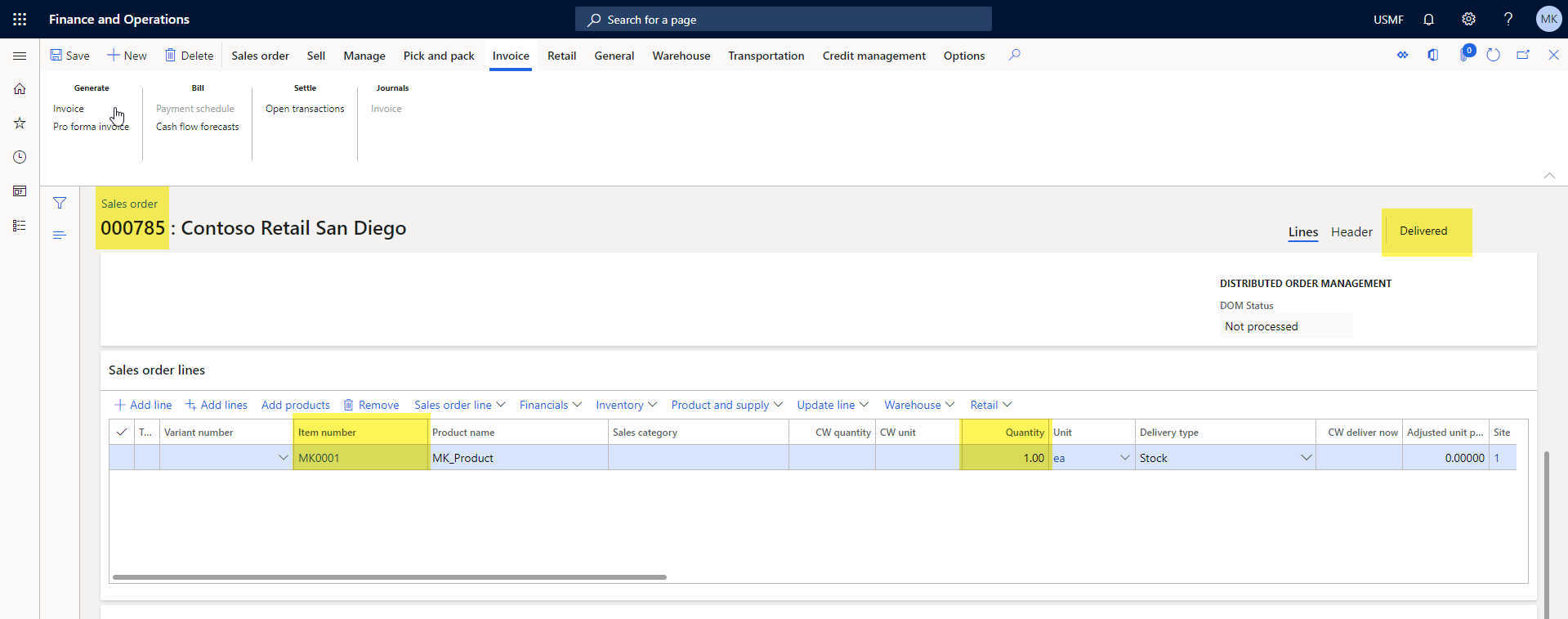
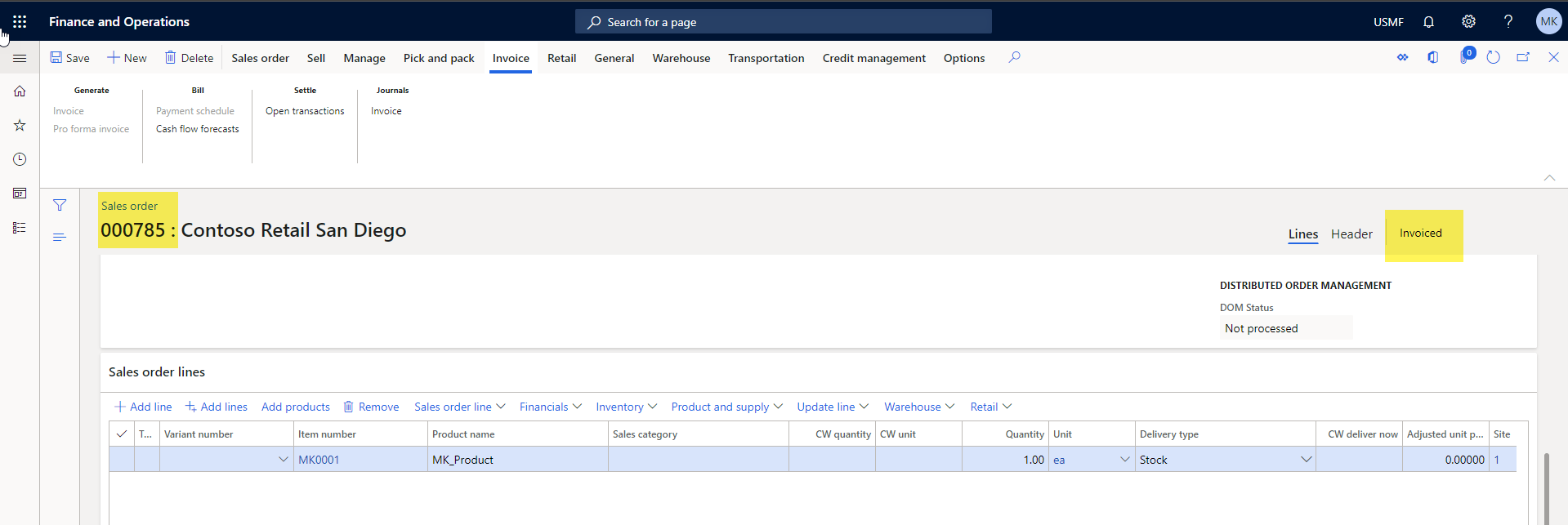
I used an expired batch that passed since 1/7/2020 and Created / Delivered / Invoice a sales order today 14/7/2020 and was able to reserve from the expired batch.
Batch reservation
Sales order delivered
Sales order invoiced
Sales history - track packing slip

I hope this helps.
Best;
Mohamed
Business Solution & Support Engineer - Dynamics 365 for Finance & Operations
Microsoft - EMEA







