Hi Jahangir,
Marketing Email Template is template for marketing email only.
In Dynamics Marketing app, marketing email can be only sent from user interface(via customer journey), it is not supported to insert Marketing Email Template to workflow.
Would you like to send graphically rich activity email to contact via workflow?
If so, there is a workaround:
1. Open marketing email template and copy its HTML output.
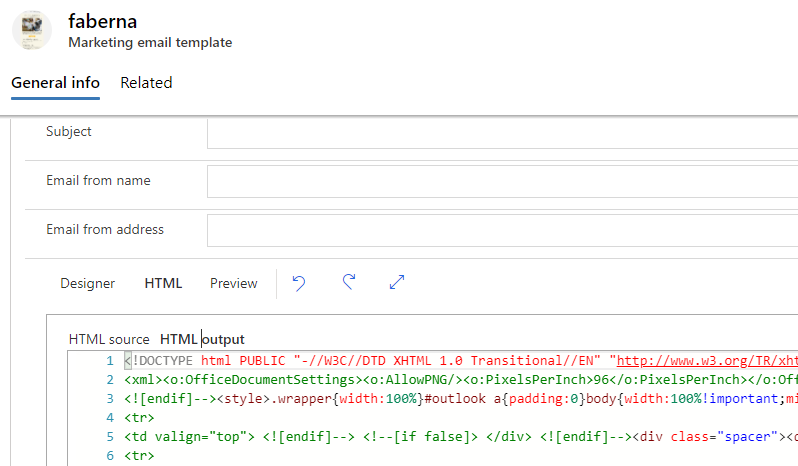
2. Save the output HTML as a local html file, format the code and modify elements with Visual Studio Code.
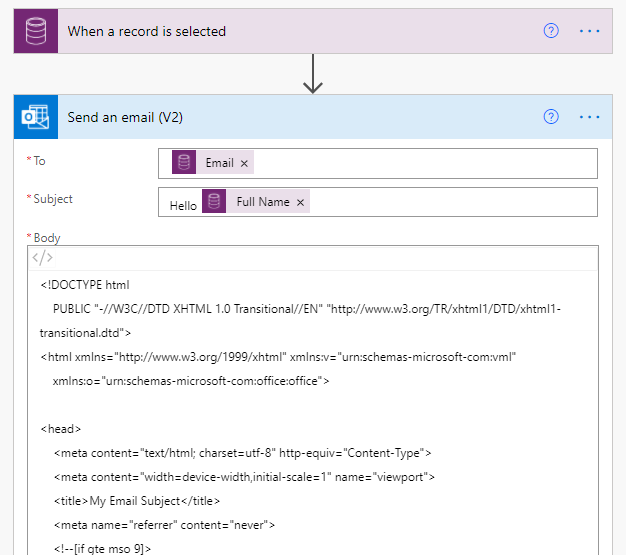
3. Create a flow to send email, in the email sending action, edit the email in code mode, embed the code of step 2 as email body.
Test
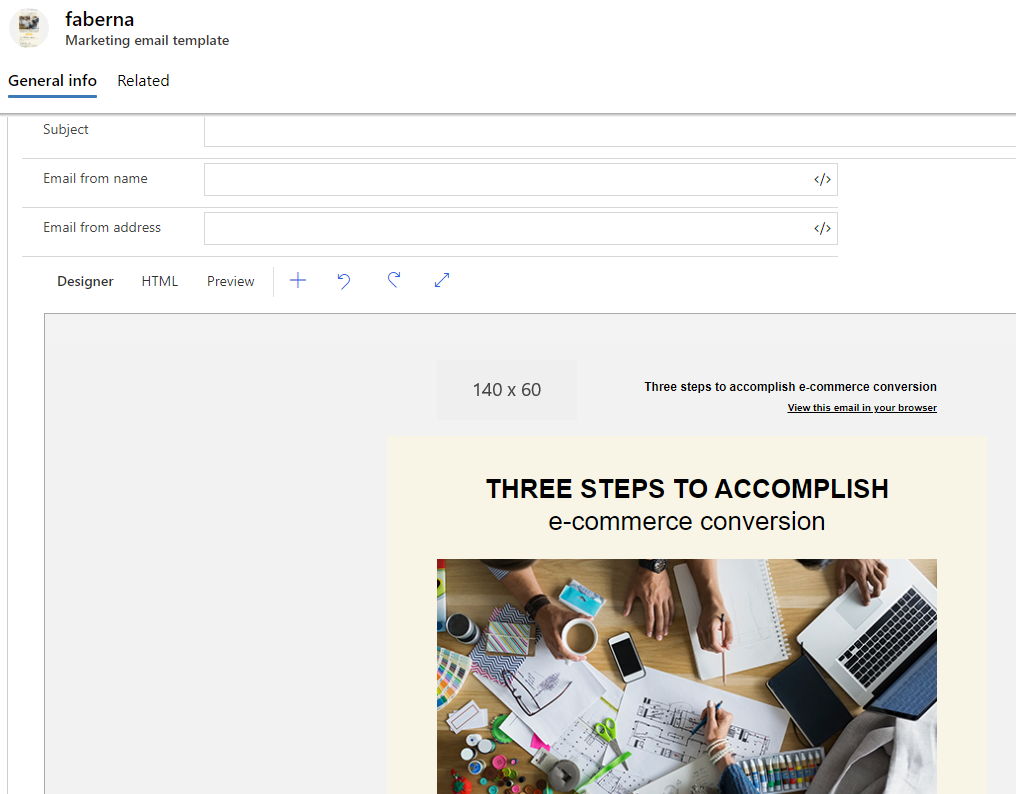
The original marketing email template
Message in mailbox
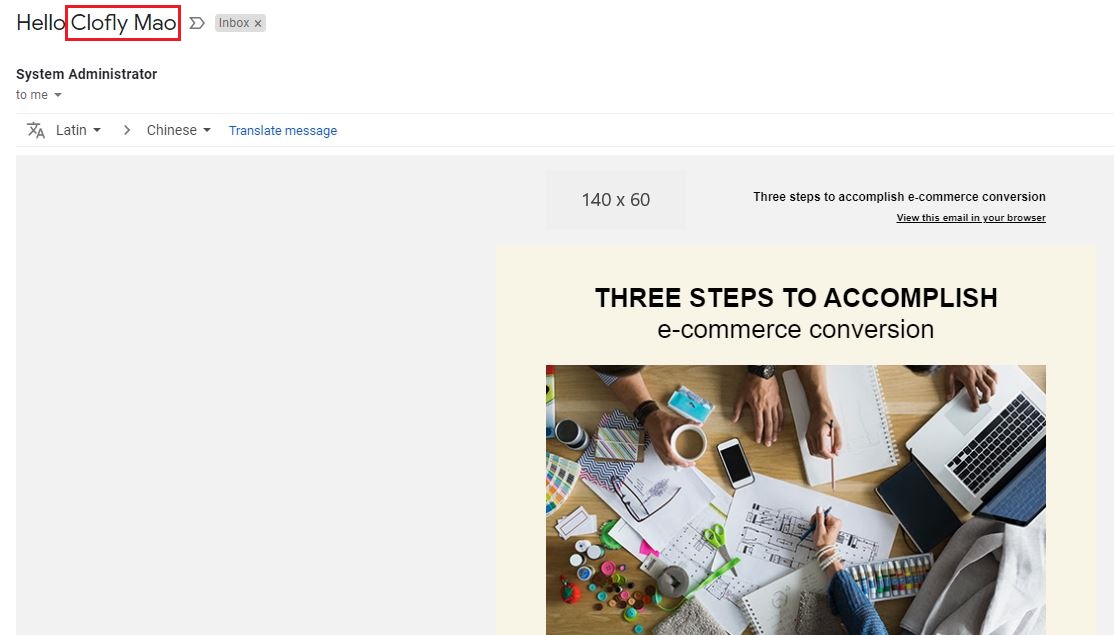
You can just put dynamic contents/variables to the email body.
Regards,
Clofly


