web
You’re offline. This is a read only version of the page.
close
Skip to main content

Notifications

Announcements

No record found.

Community site session details

Community site session details

Session Id :
Microsoft Dynamics 365 | Integration, Dataverse...
Answered

FetchXML - Query multiple tables to display one field in a report

(0) ShareShare
ReportReport
Posted on by 905

Hello everyone,

I built a very simple sub-report that is connected to the Work Order entity.
That sub-report is related to a parent report that will be generated from "Customer Asset" entity to show the related work orders of the asset.

I have a custom entity that is related to the Work order, and the customer asset, and both has 1:N relationship which are the below fields:
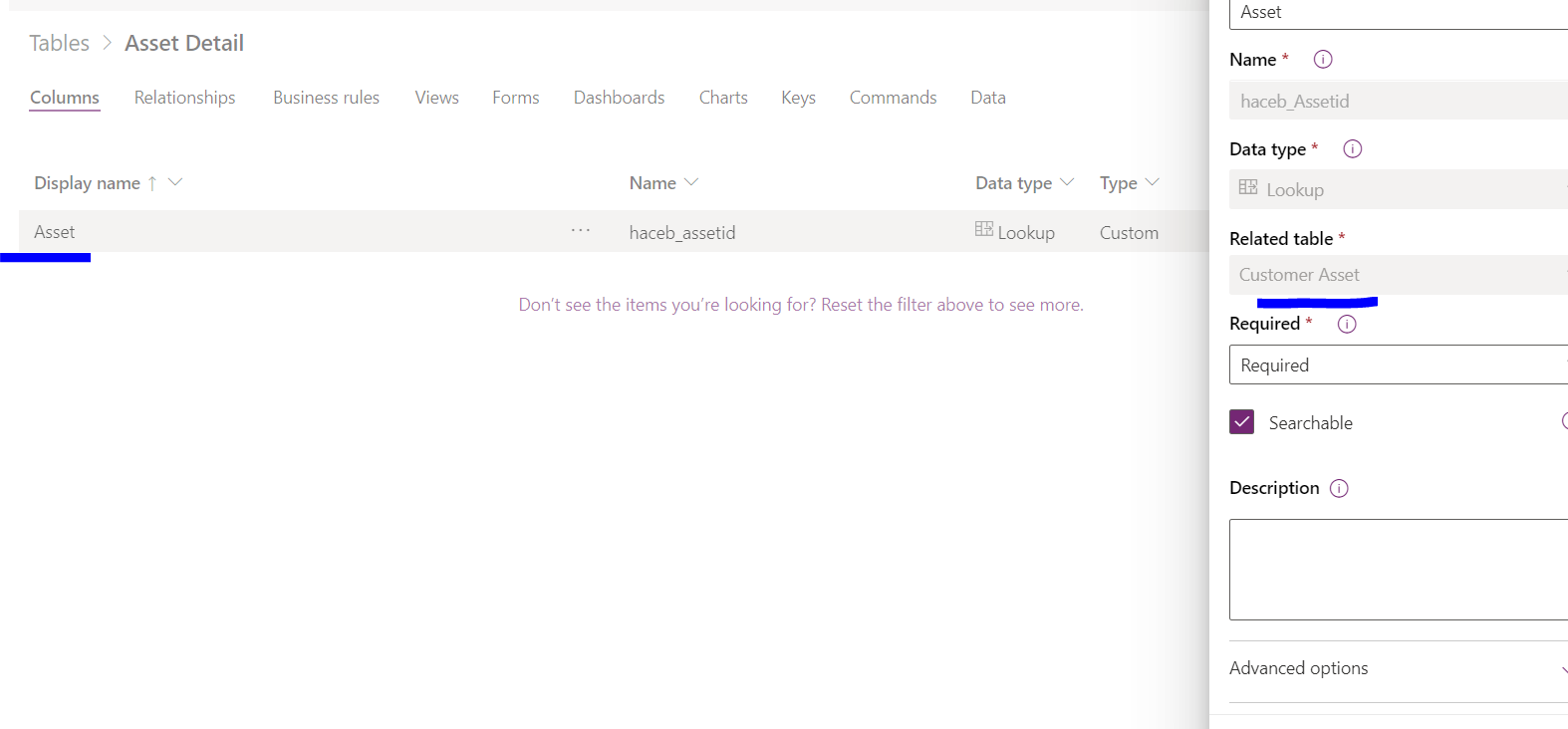
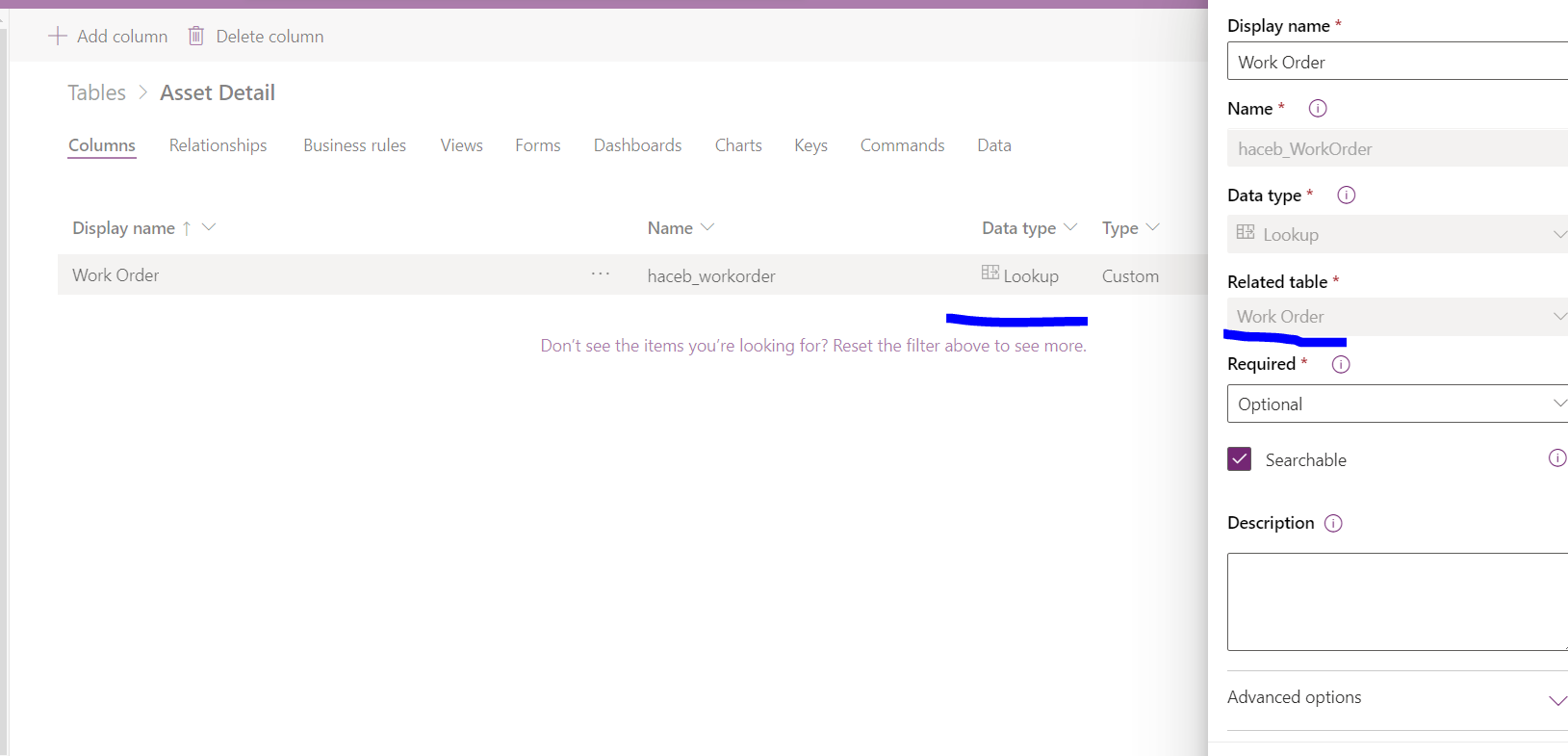
Related to asset tableRelated to WO
I would like to add to my fetch XML a link query to my custom entity to fetch only one attribute and display it in the report once it got generated from the Customer Asset entity.

The fetch XML that I tried:


However, when I tried to import the report it is showing the below error:
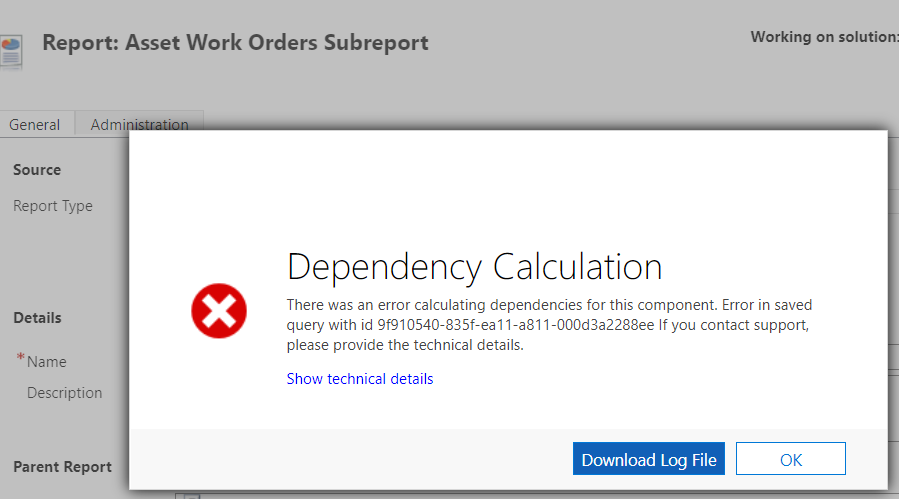
ReportError.PNG
If I removed from the above XML line 21 until 23 the report will be uploaded successfully but the problem without that custom field that I want to show.
It seems that because my query logic is wrong on those lines.

I tried to use Advanced find just to query directly from WO entity to my custom entity and it worked fine.
XML query:


Can please someone advise what should be the updated XML query in order to achieve the above to display that custom field in the report?

Please let me know if you need any further information.
Any help is highly appreciated.

I have the same question (0)
  • Verified answer
    Community Member Profile Picture
    on at

    Hi EBMRay,

    According to your description, Asset Detail entity is related to Customer Asset entity and Work Order entity, not Bookable Resource Booking entity.

    However, in your XML query your Asset Detail entity is linked to your Bookable Resource Booking entity which causes the error.

    Please change your code like this to have a try(Make  Asset Detail entity link to Work Order entity):


    I previewed it on my side and it should work:

    pastedimage1639016479896v1.png

  • EBMRay Profile Picture
    905 on at

    Hey ,

    Thank you for your reply and for providing the updated XML query.

    Yes, the Asset detail is not related to the bookable resource entity.

    I used the code mentioned, I was able to import it and it is showing that field value successfully in the report.

    Your help is highly appreciated!

Under review

Thank you for your reply! To ensure a great experience for everyone, your content is awaiting approval by our Community Managers. Please check back later.

Helpful resources

Quick Links

Responsible AI policies

As AI tools become more common, we’re introducing a Responsible AI Use…

Neeraj Kumar – Community Spotlight

We are honored to recognize Neeraj Kumar as our Community Spotlight honoree for…

Leaderboard > Microsoft Dynamics 365 | Integration, Dataverse, and general topics

#1
Martin Dráb Profile Picture

Martin Dráb 62 Most Valuable Professional

#2
#ManoVerse Profile Picture

#ManoVerse 57

#3
Pallavi Phade Profile Picture

Pallavi Phade 49

Last 30 days Overall leaderboard

Product updates

Dynamics 365 release plans
