web
You’re offline. This is a read only version of the page.
close
Skip to main content

Notifications

Announcements

No record found.

Community site session details

Community site session details

Session Id :
Microsoft Dynamics CRM (Archived)

CRM Reports not loading...

(0) ShareShare
ReportReport
Posted on by

Hi all,

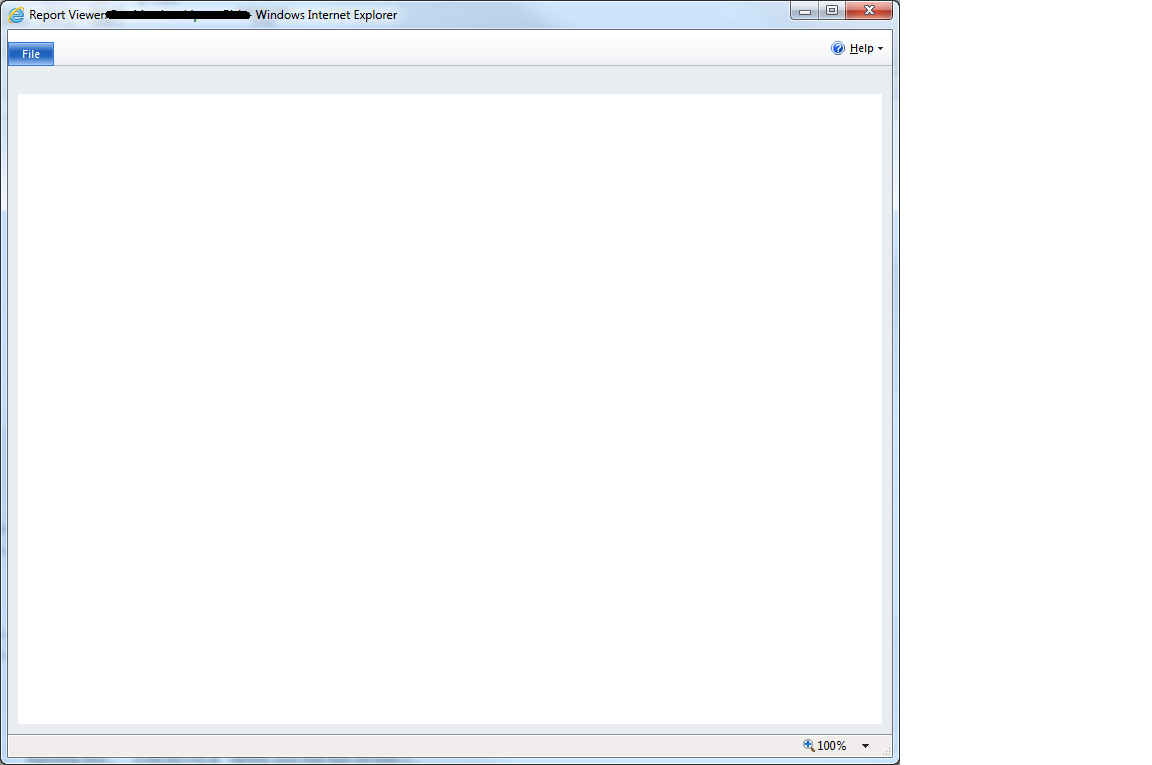
Very strange problem has just started. No reports on my prod CRM organisation will load (custom or OOB). I don't receive any error messages, the Report Viewer window just shows a blank screen. Is this happening for all users. They ran fine yesterday, no changes have been made. Running CRM 2011 on prem on RU11.
Has anyone come across anything similar?

Thanks.

*This post is locked for comments

I have the same question (0)
  • Cornel Croitoriu Profile Picture
    50 on at

    Try performing some cheks in Report Server Configuration and see everything is still defined corectly.

  • Community Member Profile Picture
    on at

    Everything is set correctly.

    Also, the New Report window hangs in exactly the same way...

  • Aileen Gusni Profile Picture
    44,524 on at

    Rich,

    You are using onpremise, try to restart your ssrs first?

    And if you update rolup, try to beside update rollup of your crm app server,  also try to update the ssrs data connector, I hope this can help you otherwise you need to repair or reinstall.

    I had this user problem before but after they waited 5 minutes suddenly it was okay.

    Then we tried to restart the ssrs server.

    Thank you

  • Community Member Profile Picture
    on at

    Aileen,

    I tried restarting the ssrs server, but it made no difference. I have compared the ssrs setting and MSCRM_DataSource settings between my live and test environments and they are identical in every way. The reports will run in test, but not in live.

    When I test the MSCRM_DataSource connection, I get an error message of Login failed for user 'NT AUTHORITY\ANONYMOUS LOGON'. The same settings for the MSCRM_DataSource in the test environment connected successfully...

    Thanks.

  • Verified answer
    Community Member Profile Picture
    on at

    The problem was solved by doing an IIS reset on the active CRM server.

    Thanks.

Under review

Thank you for your reply! To ensure a great experience for everyone, your content is awaiting approval by our Community Managers. Please check back later.

Helpful resources

Quick Links

Responsible AI policies

As AI tools become more common, we’re introducing a Responsible AI Use…

Neeraj Kumar – Community Spotlight

We are honored to recognize Neeraj Kumar as our Community Spotlight honoree for…

Leaderboard > 🔒一 Microsoft Dynamics CRM (Archived)

#1
SA-08121319-0 Profile Picture

SA-08121319-0 4

#1
Calum MacFarlane Profile Picture

Calum MacFarlane 4

#3
Alex Fun Wei Jie Profile Picture

Alex Fun Wei Jie 2

Last 30 days Overall leaderboard

Featured topics

Product updates

Dynamics 365 release plans



