web
You’re offline. This is a read only version of the page.
close
Skip to main content
Community site session details

Community site session details

Session Id :
Microsoft Dynamics GP (Archived)

Dynamics GP Web Client Error

(0) ShareShare
ReportReport
Posted on by

webclient2.png

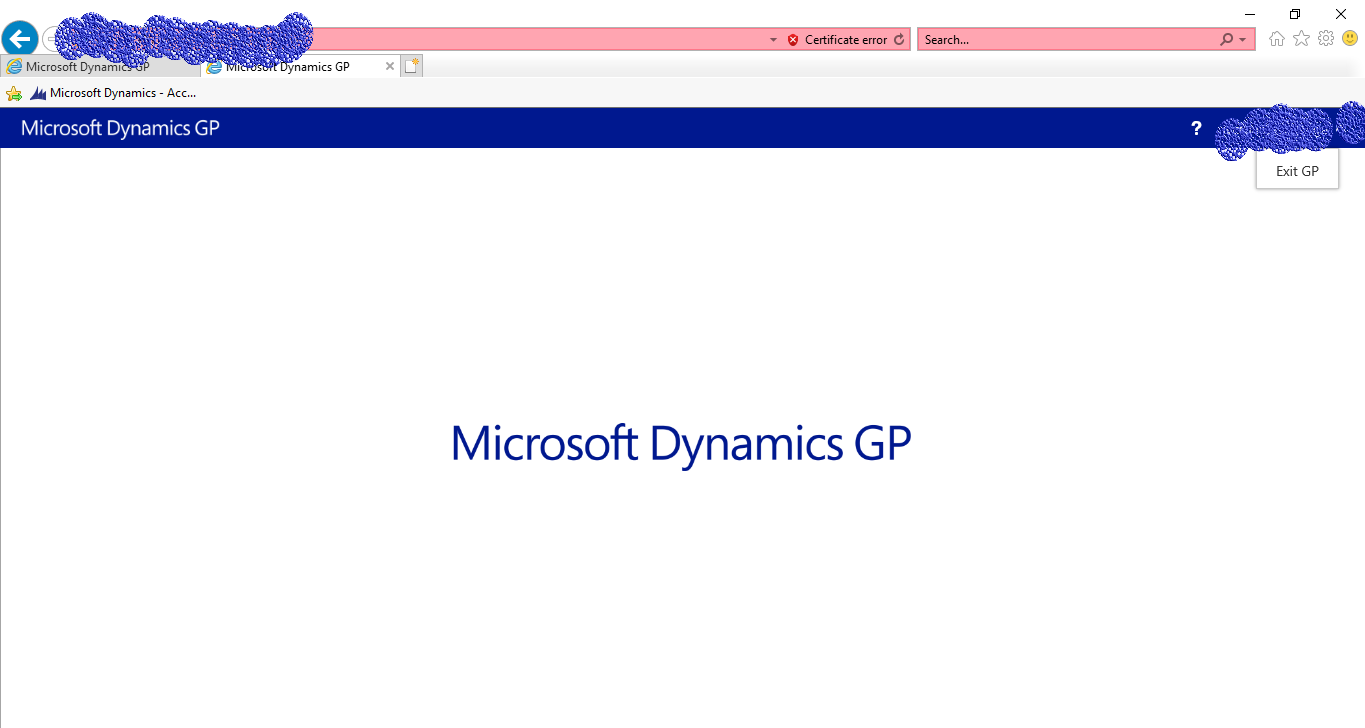
This is the stagnation am getting on web client when I access from a public IP. When I use the servername or IP for the server I log in to GP successfully. This public IP that has a port is pointed to the server IP. Within the site I can access the GP web client using this public IP but away from the site I get the stagnation. What have I not done??.

RomRyan

*This post is locked for comments

I have the same question (0)
  • Suggested answer
    MG-16101311-0 Profile Picture
    26,225 on at
    RE: Dynamics GP Web Client Error

    Your certificate is incorrect according to the picture you posted. In many cases, when the certificate is invalid for the URL you are specifying, you will not be able to log into the application.

  • Romryan Profile Picture
    on at
    RE: Dynamics GP Web Client Error

    This a self signed certificate. I can launch web client flawlessly  when am clients network but when am outside clients network the stagnation returns.

  • Suggested answer
    MG-16101311-0 Profile Picture
    26,225 on at
    RE: Dynamics GP Web Client Error

    Because the certificate is only for *inside* the network and probably uses the machine name where it was created. If the URL to access the server is different on the outside then your certificate will not work, hence the certificate error. Self-signed certificates are not recommended for full blown intra/extra net implementations of web client. You are better off with an Active Directory Certificate Store certificate or a certificate issued by a Third-party Certification Authority such as Comodo, Symantec, GoDaddy, GlobalSign, DigiCert, Verizon or the likes. A Third-party Certification Authority will only issue a certificate for the public facing URL, i.e., somecompany.com, so you will need to setup your routing tables to map internal server names to, let's say, gp.somecompany.com 

Under review

Thank you for your reply! To ensure a great experience for everyone, your content is awaiting approval by our Community Managers. Please check back later.

Helpful resources

Quick Links

Responsible AI policies

As AI tools become more common, we’re introducing a Responsible AI Use…

Pallavi Phade – Community Spotlight

We are honored to recognize Pallavi Phade as our Community Spotlight honoree for…

Leaderboard > 🔒一 Microsoft Dynamics GP (Archived)

Last 30 days Overall leaderboard

Featured topics

Product updates

Dynamics 365 release plans


