Hello Eduardo,
When you want to create an invoice to follow the progress of a job, there are two ways in Business Central:
Creation from the job line:
Go to :
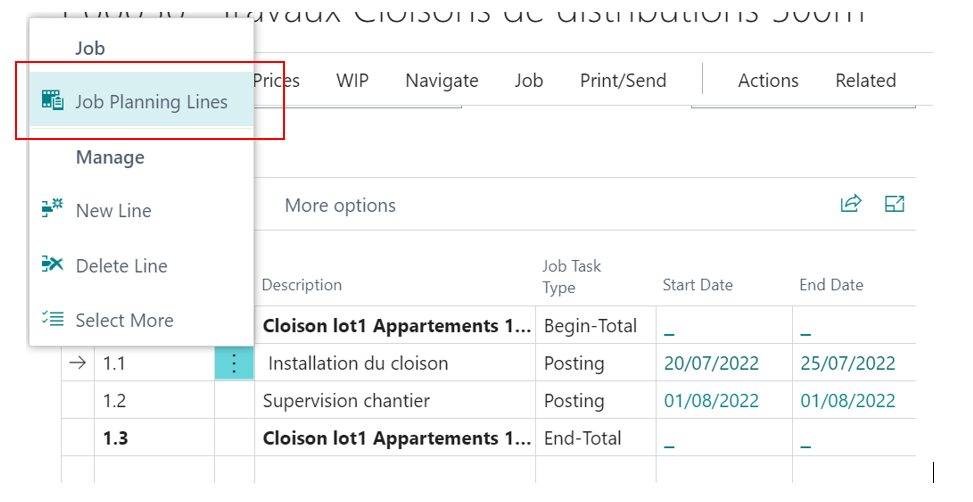
and create the an invoice for the line or the lines :
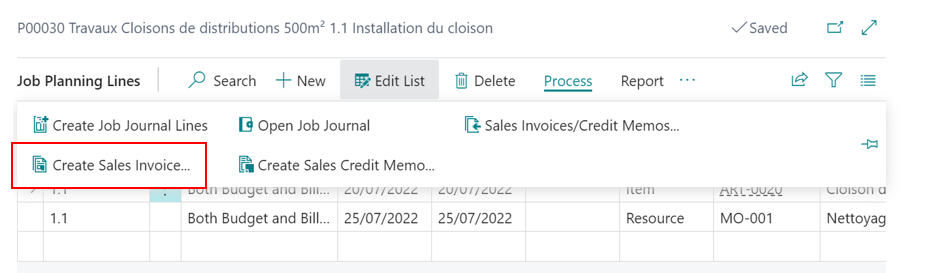
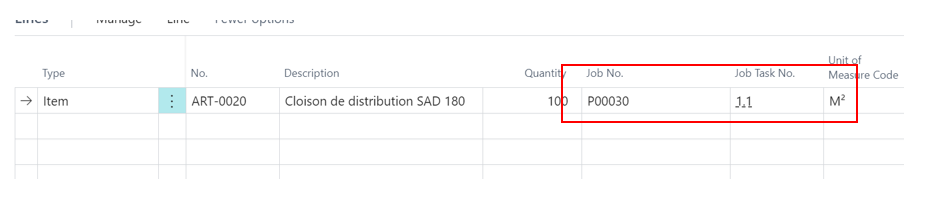
a sales invoice is created. go to sales invoices,
you will see that the Job N and the Job task No are filled (if you dont see the two fileds go to personalize and add them)
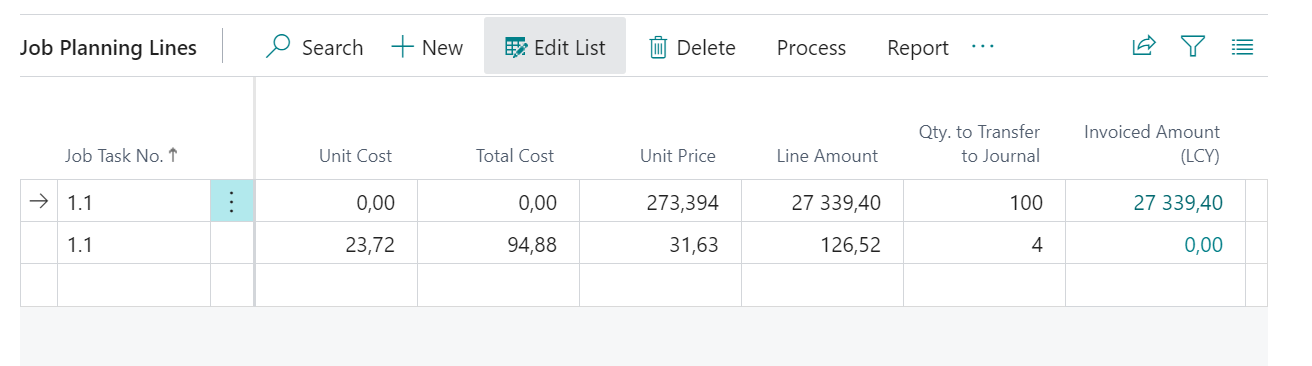
you can post yhe invoice and you will see that the invoiced amout is god.
The second is by creating a sales invoice and then filled the two filds Job N° and Job Task N° with the good data.
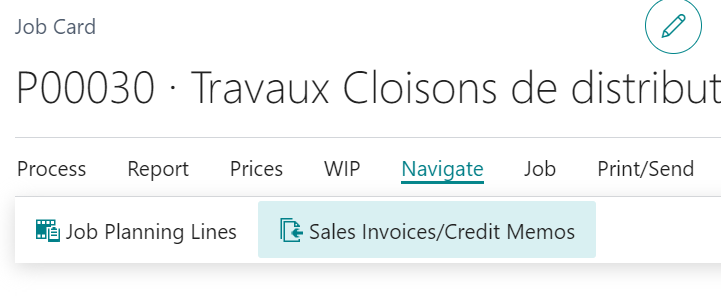
you can also see all your job invoices by going the your Job - Navigate- Sales invoices...
Best regards,
** To help other members of community please verify my answer if you find my answer helpful **


