web
You’re offline. This is a read only version of the page.
close
Skip to main content

Announcements

No record found.

News and Announcements icon
Community site session details

Community site session details

Session Id :
Microsoft Dynamics AX (Archived)

Account structure, for combination, is not valid for ledger

(0) ShareShare
ReportReport
Posted on by 3,658

Dears,

we are facing the below error with the below setup.

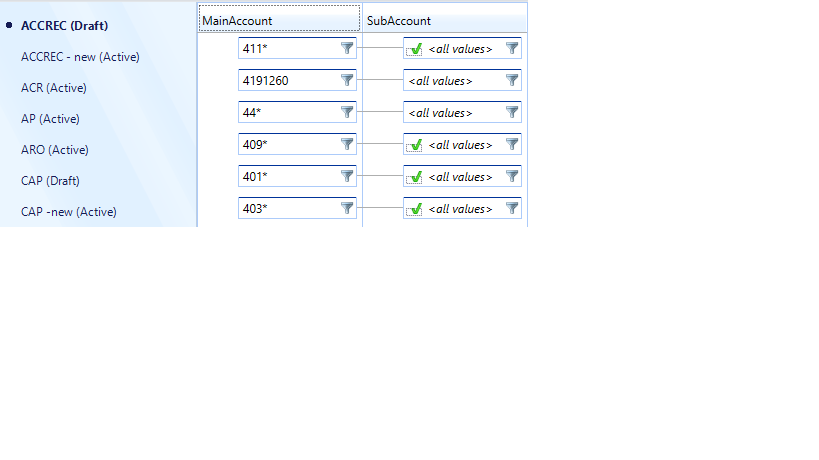
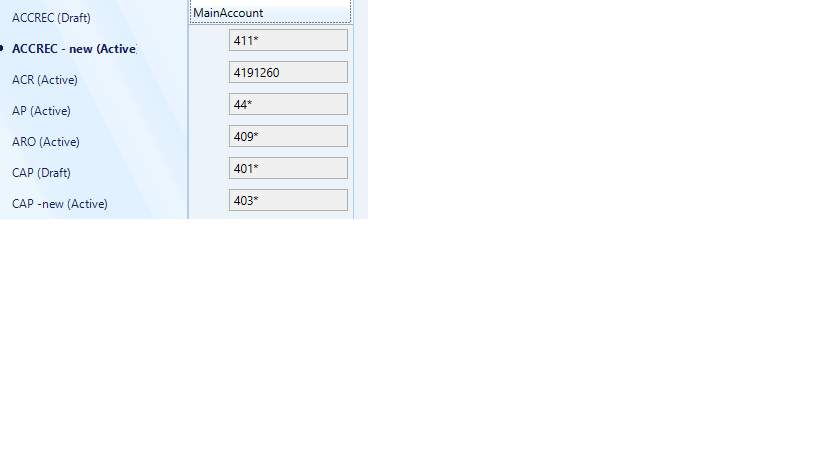
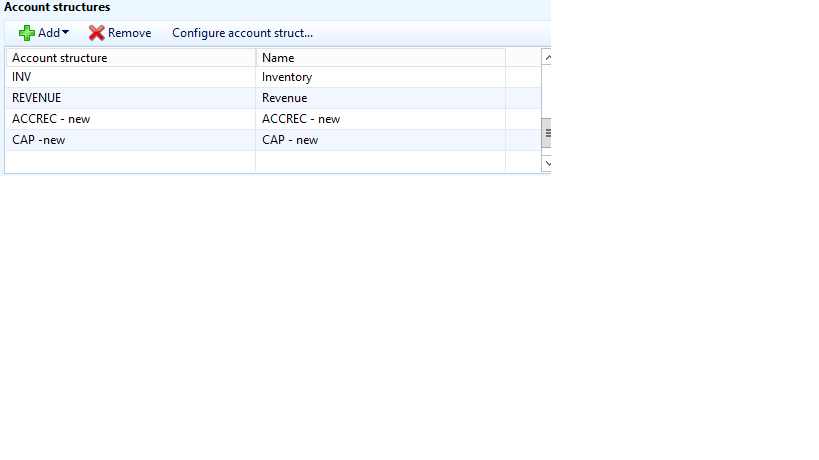
we had an Account Structure that we modified, we created a new one and we kept the old one as well which is draft now as you can see below.

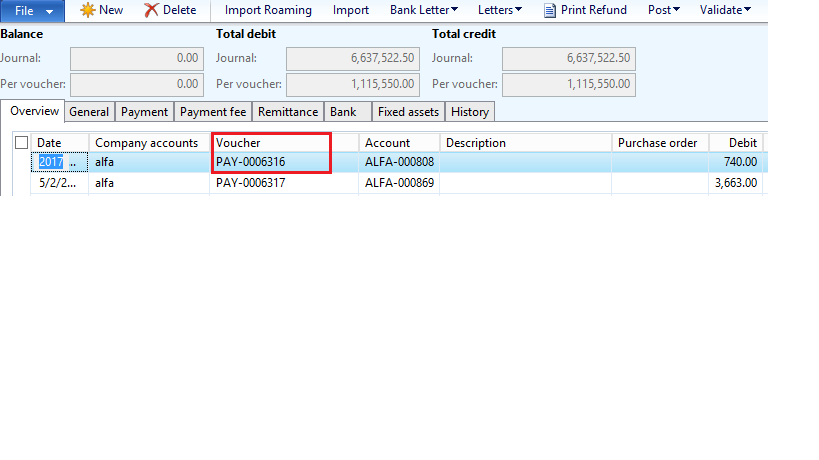
we created a new payment journal but the system is not using the new structure on posting.

can anyone help?
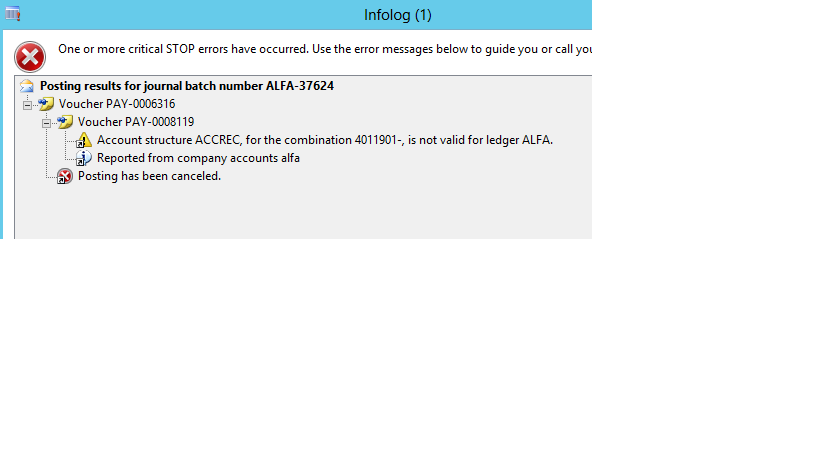
3162.Post.png1524.Lines.pngACCREC.pngACCREC2.png2185.Ledger.png

*This post is locked for comments

I have the same question (0)
  • Suggested answer
    Ludwig Reinhard Profile Picture
    Microsoft Employee on at

    Hi,

    Are you running a AX2012 R2 System?

    If so, please ensure that you have all necessary hotfixes installed as I have come across similar issues in the past that were finally resolved by installing all required hotfixes.

    Best regards,

    Ludwig

  • Khaled Alloud Profile Picture
    3,658 on at

    Thank you, i will do that and come back to you.

    I already saw many answers from your side about such cases, but i want also to hear if anyone might have another clue, but probably no :)

    Regards,

  • Ludwig Reinhard Profile Picture
    Microsoft Employee on at

    Hi Khaled Alloud,

    Would be great if you could keep us updated here with your findings.

    Many thanks and best regards,

    Ludwig

  • Felipe Queija Profile Picture
    110 on at

    Hi Khaled,

    Please verify if you have the KB 3031611 applied in your environment ?

    This should resolve your case.

    Cheers!

  • Verified answer
    Khaled Alloud Profile Picture
    3,658 on at

    Hi again,

    We found it! It happened that the invoice was validated by the old account structure, so now that payment cannot be posted because the Vendor account with its dimension is different. We need to reverse the invoice and create a new one and then post the payment based on the new invoice.

    many thanks in all cases

  • Ludwig Reinhard Profile Picture
    Microsoft Employee on at

    Hi Kaled Alloud,

    Great to hear that you found the answer.

    It would be great if you could validate it so that also other community members can easily find it if they run into similar problems.

    Many thanks and best regards,

    Ludwig

  • Verified answer
    Khaled Alloud Profile Picture
    3,658 on at

    Hello Mr. Ludwig Reinhard,

    Yes sure i will do that.

    Well there are 2 solutions for such case:

    1- reverse the invoice and create new ones

    2- set the current account structure as draft and delete it from Ledger, and activate the old one and add it to the ledger, then post the payment. Once done, set the structures as they were again.

    Best,

Under review

Thank you for your reply! To ensure a great experience for everyone, your content is awaiting approval by our Community Managers. Please check back later.

Helpful resources

Quick Links

Introducing the 2026 Season 1 community Super Users

Congratulations to our 2026 Super Stars!

Meet the Microsoft Dynamics 365 Contact Center Champions

We are thrilled to have these Champions in our Community!

Congratulations to the March Top 10 Community Leaders

These are the community rock stars!

Leaderboard > 🔒一 Microsoft Dynamics AX (Archived)

#1
Joris dG Profile Picture

Joris dG 5

#2
Andrew Jones a1x Profile Picture

Andrew Jones a1x 2

#3
GL-01081504-0 Profile Picture

GL-01081504-0 1

Last 30 days Overall leaderboard

Featured topics

Product updates

Dynamics 365 release plans