Hi everyone,
We have a cloud-hosted machine with a database which is a copy from a Tier-4 environment. In the Tier-4 environment retail is working as expected and the CPOS activation was successfull.
In the cloud-hosted environment, everytime we attempt to activate a CPOS, we have the following error message:
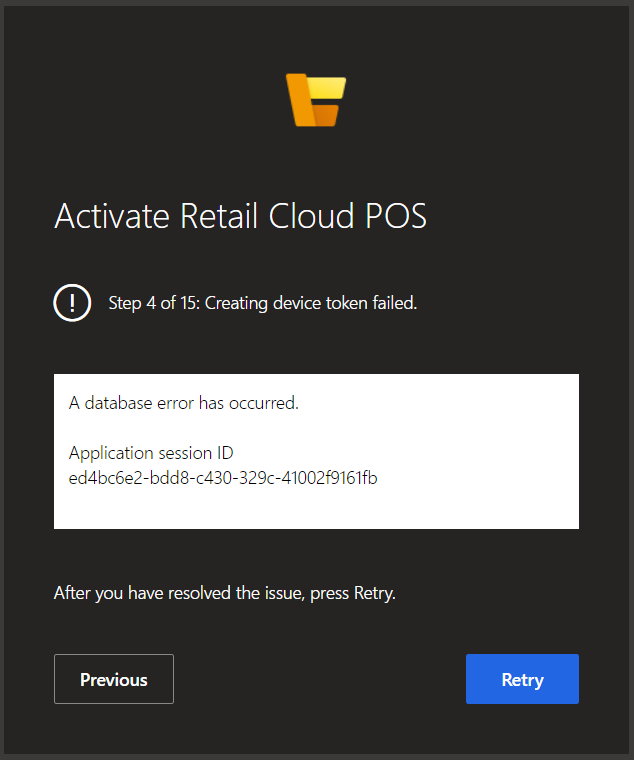
Step 4 of 15: Creating device token failed.
A database error has occurred.
Application session ID
ed4bc6e2-bdd8-c430-329c-41002f9161fb
We have validated that both the "channel profile" and channel databases were properly configured. In the channel database we re-created the connection string and all async jobs are successfulling executing. The store has been synced with a full-9999 job to make sure all data is there. We have also re-initialized the commerce module (Initialize retail function), and the scheduler. The async metadata was also reseted. Still, the error remains.
We have also created from scratch a new channel profile and a new channel database and repeated all steps mapping to these, with the same error I'm afraid.
Checking the event viewer for the retail server, we identified that everytime a new CPOS activation is attempted (and results in failure), the following message is logged:
".An error occurred during the Retail Server Request. RequestUri: https://#####.cloudax.dynamics.com/Commerce/ActivateDevice?api-version=7.3. RequestId: a79b411d-b4a2-5923-24fb-55a85a32befe. Exception: Microsoft.Dynamics.Commerce.Runtime.StorageException: Failed to read from the database. See inner exception for details
DatabaseErrorCode: 0 ---> Microsoft.Dynamics.Commerce.Runtime.Data.DatabaseException: Database error 'Unknown' occurred for 'execute stored procedure '[crt].GETSTAFFIDBYEXTERNALIDENTITY''. Could not find stored procedure 'crt.GETSTAFFIDBYEXTERNALIDENTITY'. ---> System.Data.SqlClient.SqlException: Could not find stored procedure 'crt.GETSTAFFIDBYEXTERNALIDENTITY'...."
The referred stored procedure does not exist indeed, but it also does not exist in any other environment we have where all activations happen successfully.
Any help?





