Hi partner,
The easiest way is to use the OOB workflow, which is a codeless way.
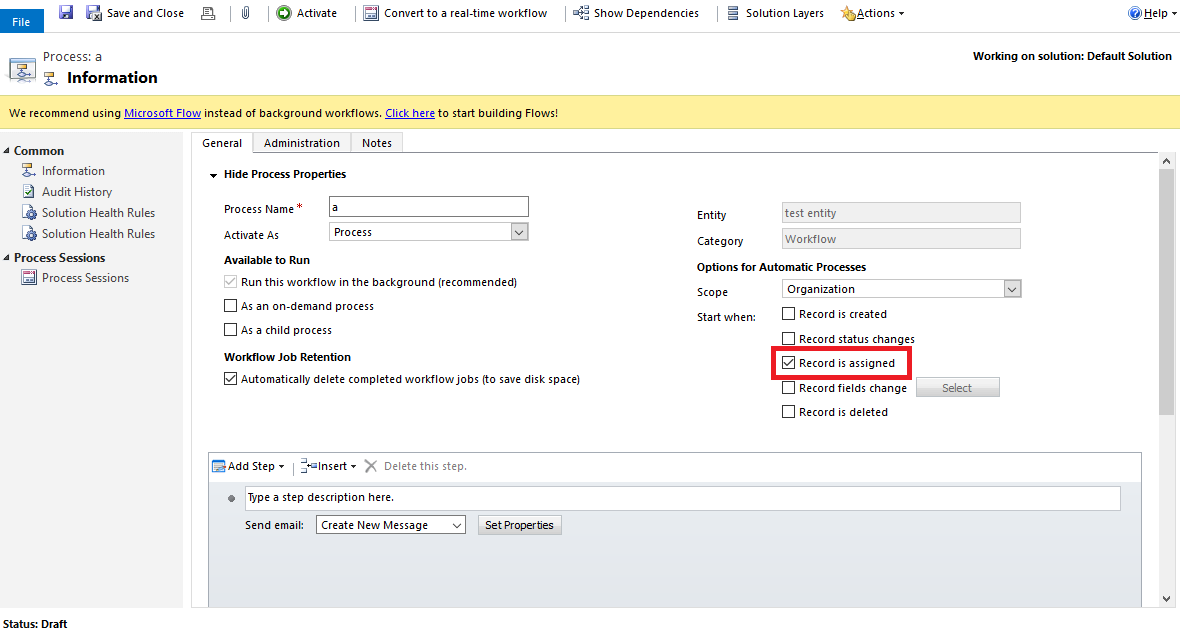
Create a workflow, select Scope as Organization, and check 'Start when' is 'Record is assigned'.
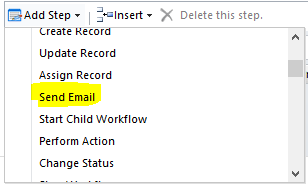
Add a step - Send email.
Set its properties, use the form assistant on the right to insert dynamic values.
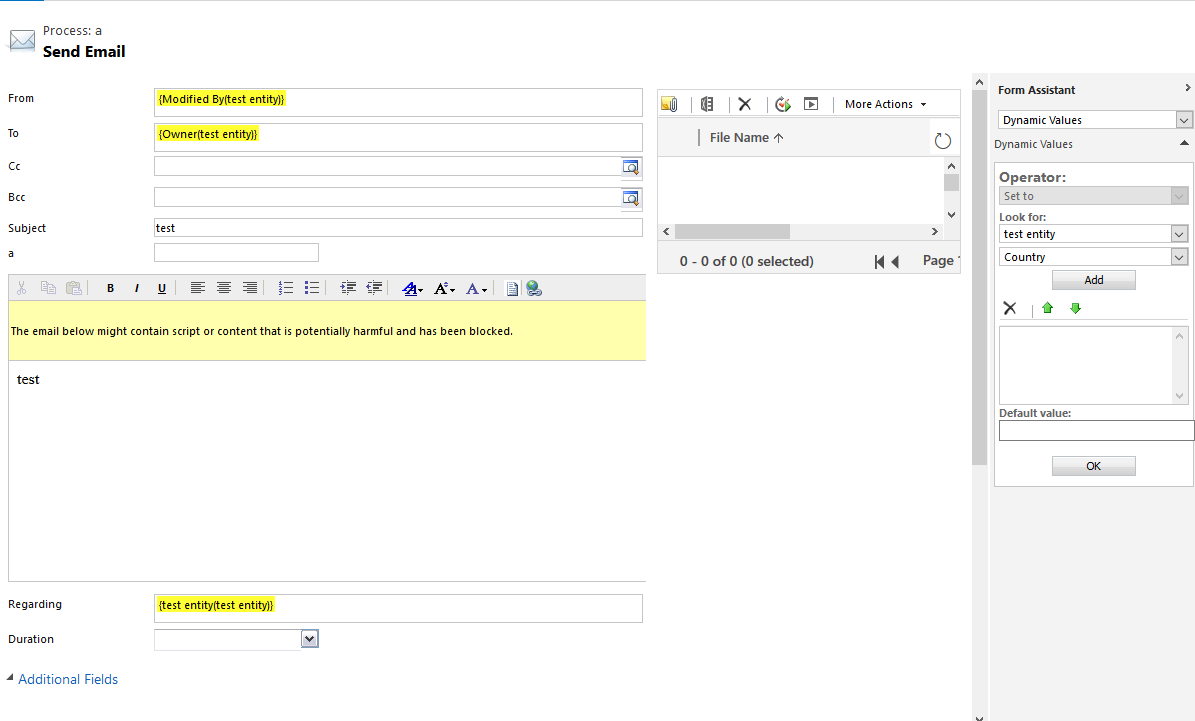
When you populate From and To, there are two fields to note, they are 'Modified By' and 'Owner'. Since the assignment event is executed first, then this workflow is triggered immediately. So 'Modified By' and 'Owner' here are the field values after the assignment.
- The value of 'Modified By' is the user who clicks the Assign button to perform the assignment event.
- The value of 'Owner' is the user to whom this record is assigned, that is, the user of 'Assign to' in the dialog box after clicking the Assign button.
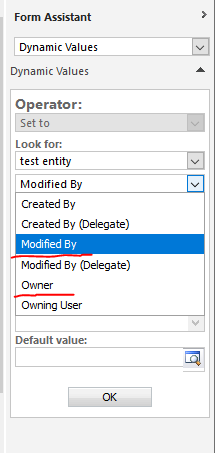
So, if you want the 'From' to be the user who click the Assign button and 'To' is the user who is assigned to, then you should use form assistant to set 'From' for {Modified By(entity name)} and 'To' for {Owner(entity name)}.







