Hello! We recently installed a third party plug in called Provance into our Dynamics 365 CRM (on prem). The plug-in appears to have changed the form that loads when we go to do a bulk edit in certain entities. For example, when I try to do a bulk edit of 7 Contact records by choosing those records from a grid and then clicking Edit, the form that loads on the Change Multiple Records screen is new and configured for our new plug-in and does not contain all of the fields that we would typically bulk edit.
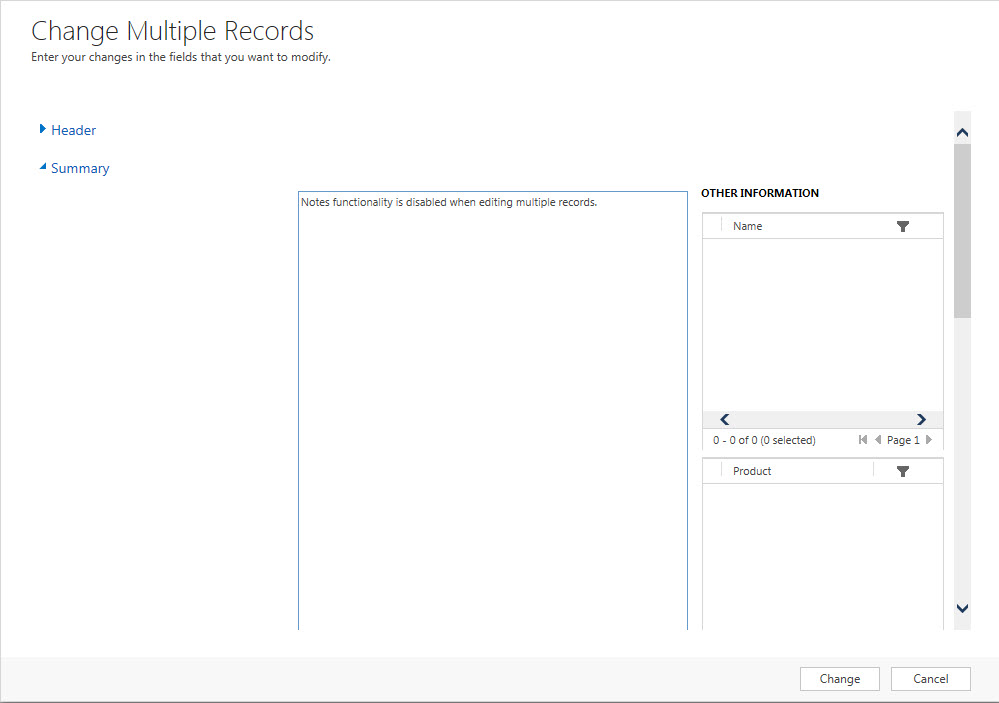
Is there a way to change the form that loads in this Change Multiple Records screen that I get when I click on [bulk] Edit?
*This post is locked for comments
I have the same question (0)







