web
You’re offline. This is a read only version of the page.
close
Skip to main content

Announcements

No record found.

News and Announcements icon
Community site session details

Community site session details

Session Id :
Customer experience | Sales, Customer Insights,...
Suggested Answer

Forward to a Friend Not Working

(0) ShareShare
ReportReport
Posted on by 65

I've set up a Forward to a Friend marketing page, but when I test it, I never receive the fowarded email. 

I have the same question (0)
  • cloflyMao Profile Picture
    25,210 on at

    Hi sunkat,

    Could you share detailed steps of your process?

    As the documentation introduced about Forward to a friend type marketing page: 

    https://docs.microsoft.com/en-us/dynamics365/marketing/create-deploy-marketing-pages#types-of-marketing-pages

    We should open Forward to a Friend page via the link in marketing email, otherwise it won't work.

    Please to refer to following sections for how to set Forward to a Friend page in content setting and then add the link to FTF page to marketing email.

    https://docs.microsoft.com/en-us/dynamics365/marketing/dynamic-email-content#use-content-settings-to-set-up-repositories-of-standard-and-required-values-for-email-messages

    https://docs.microsoft.com/en-us/dynamics365/marketing/dynamic-email-content#expressions-created-by-assist-edit

    When everything is configured well and after a test, 

    An insights data record "Forwarded emails" will be created in Marketing email > Insights > Delivery > Results by domain.(The domain is mailbox of contact who submitted forwarded form.)

    0361.JPG

    In addition, we will see that the email is logged as being opened by an unknown contact.(the friend)

    0882.JPG

    Regards,

    Clofly

  • cloflyMao Profile Picture
    25,210 on at

    Hi sunkat,

    Have you solved the problem successfully?

    Regards,

    Clofly

  • Suggested answer
    Defne Ayanoglu Profile Picture
    Microsoft Employee on at

    Hi Sunkat, 

    Thank you for your question. 

    Would you care to share more details on the issue, walking through the steps so we can better identify the issue?

    Regards, 
    Defne from D365 Marketing team

  • sunkat Profile Picture
    65 on at

    I will try this next week (deadlines, sorry!) and let you know the results. Thank you for responding! 

  • sunkat Profile Picture
    65 on at

    I'm going to work on this next and I will let you know the outcome. Thanks for reaching out!

  • cloflyMao Profile Picture
    25,210 on at

    Hi sunkat,

    Did you succeed? :)

    Regards,

    Clofly

  • sunkat Profile Picture
    65 on at

    No, I do not have this feature working yet. Below are the steps and screenshots showing what I've done:

    Create a forward to a friend (type) marketing page, live:
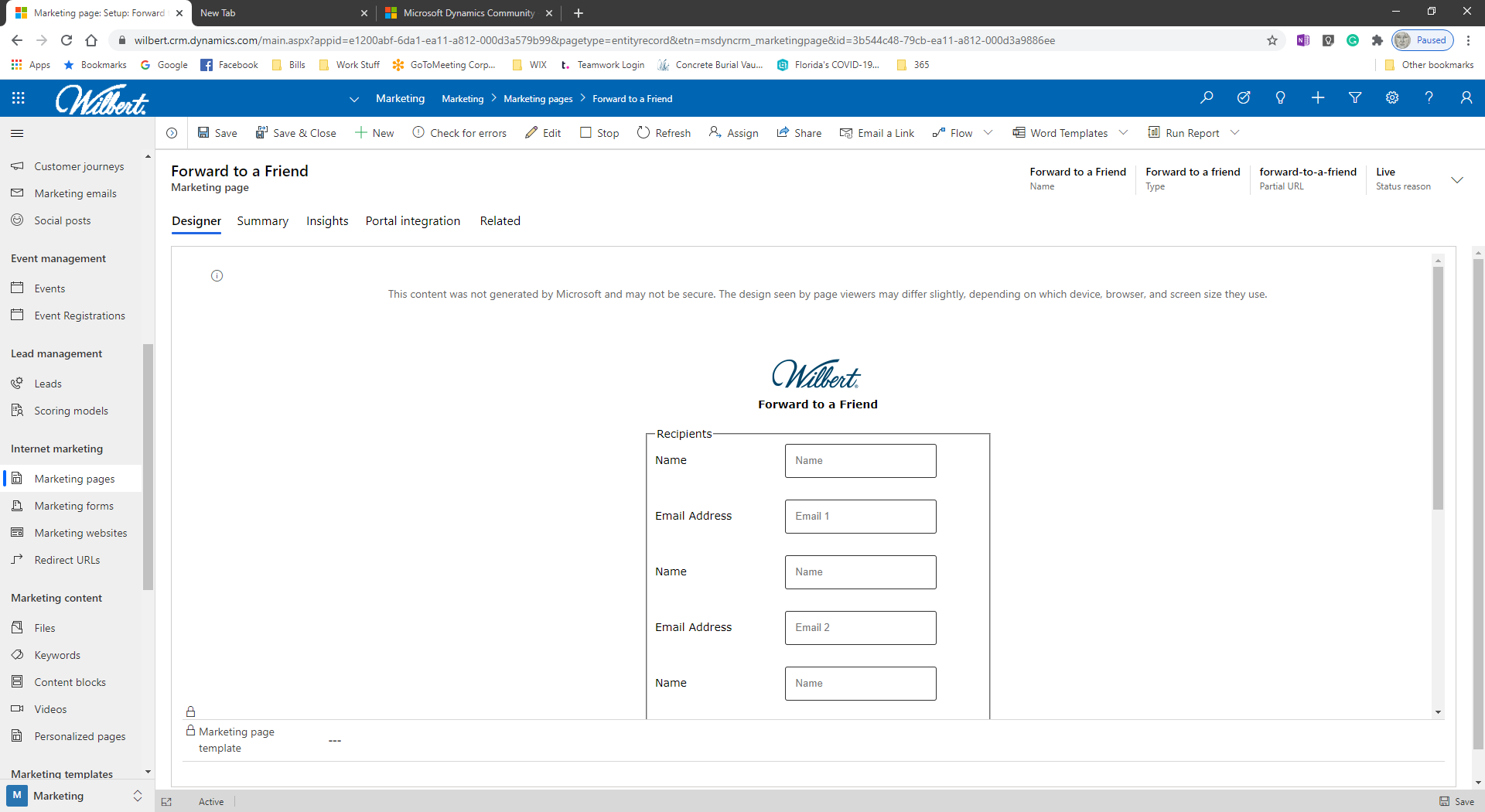
    pastedimage1598545408792v1.png

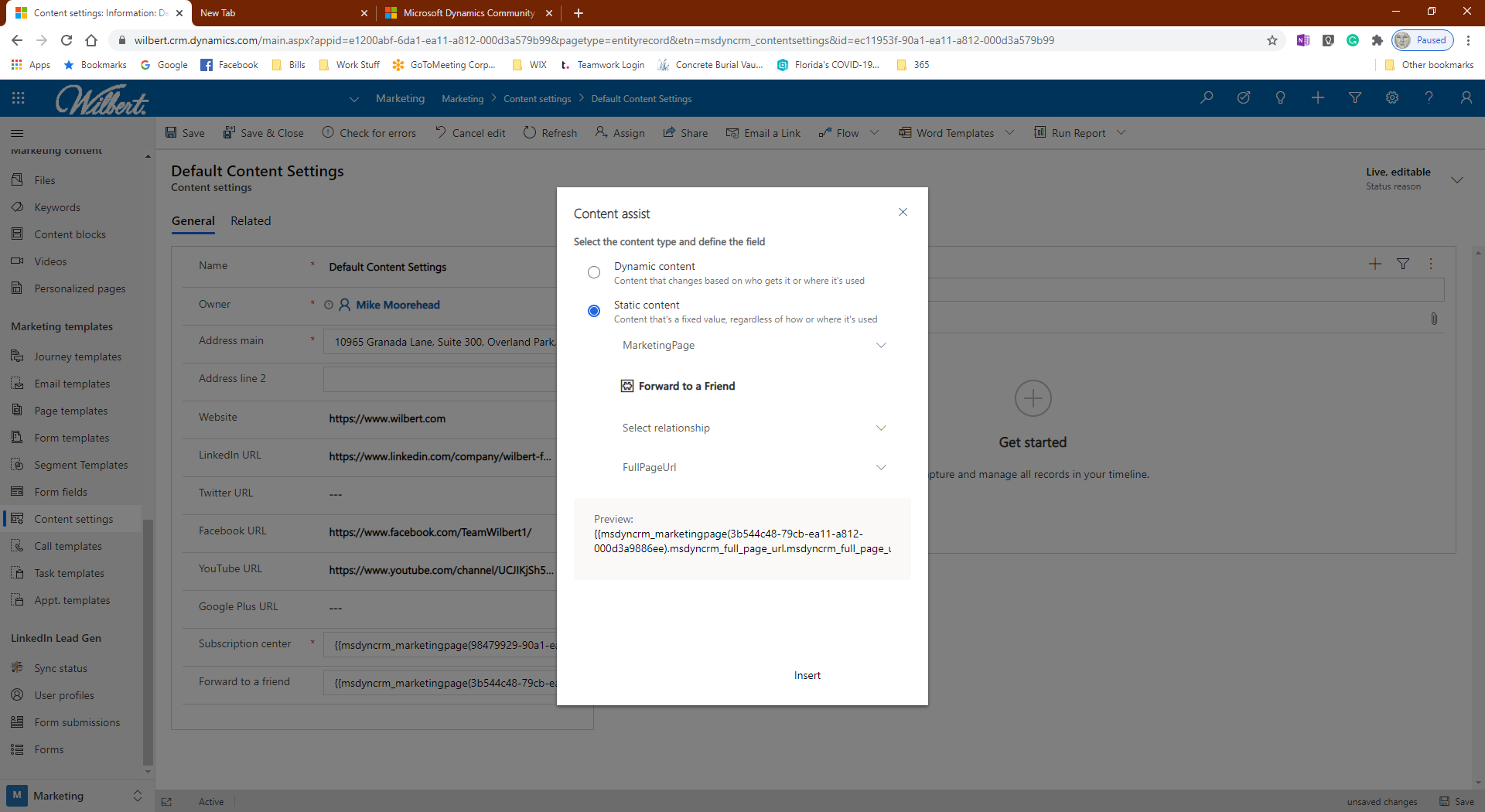
    Adding the marketing page to the Content Settings > Forward to a Friend

    Content assist editor > static content > marketing page > forward to a friend > fullpageurl
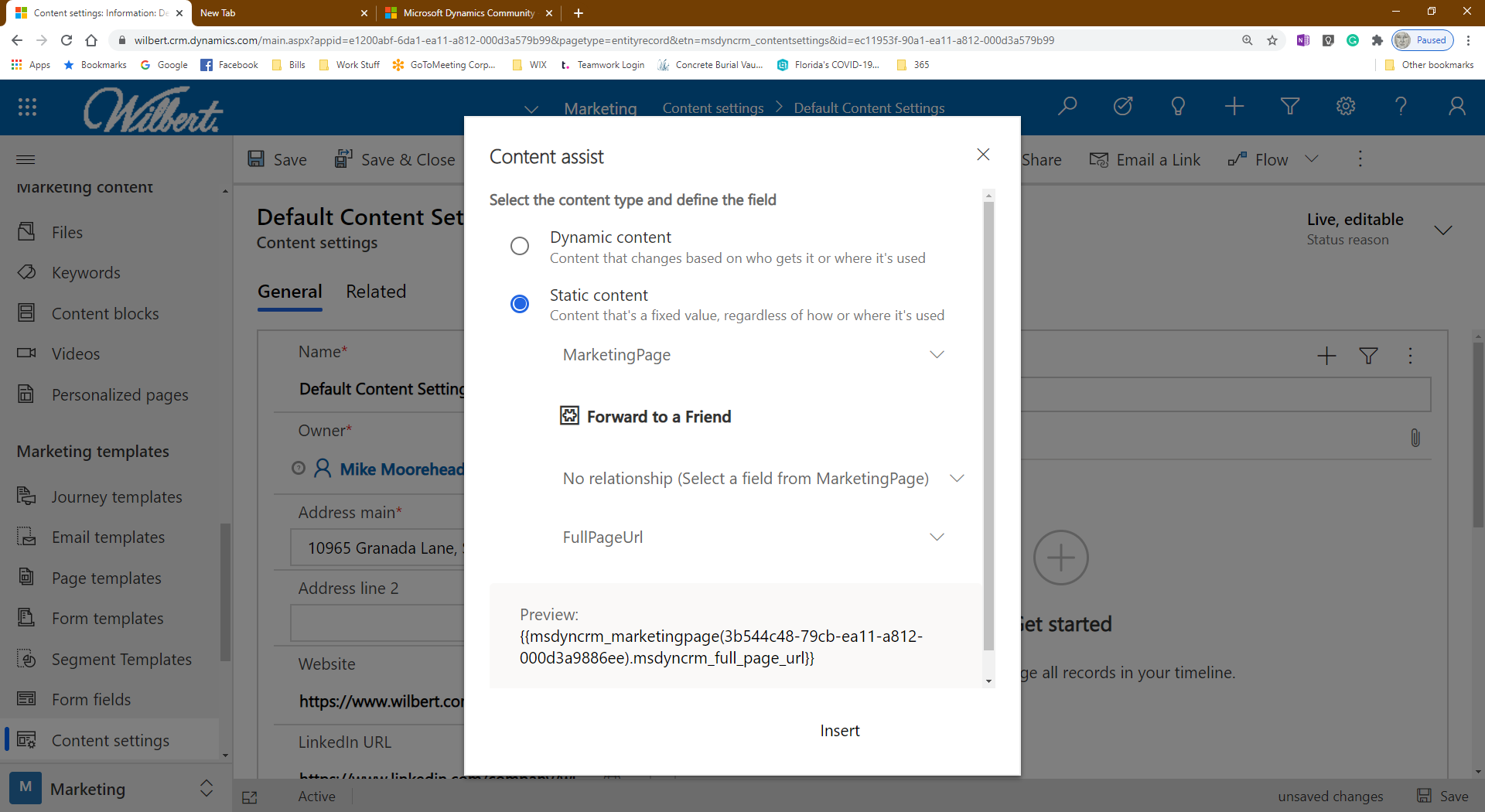
    pastedimage1598545722602v2.png

    Content assit > static content > marketing page > forward to a friend > fullpageurl
    pastedimage1598545856193v3.png

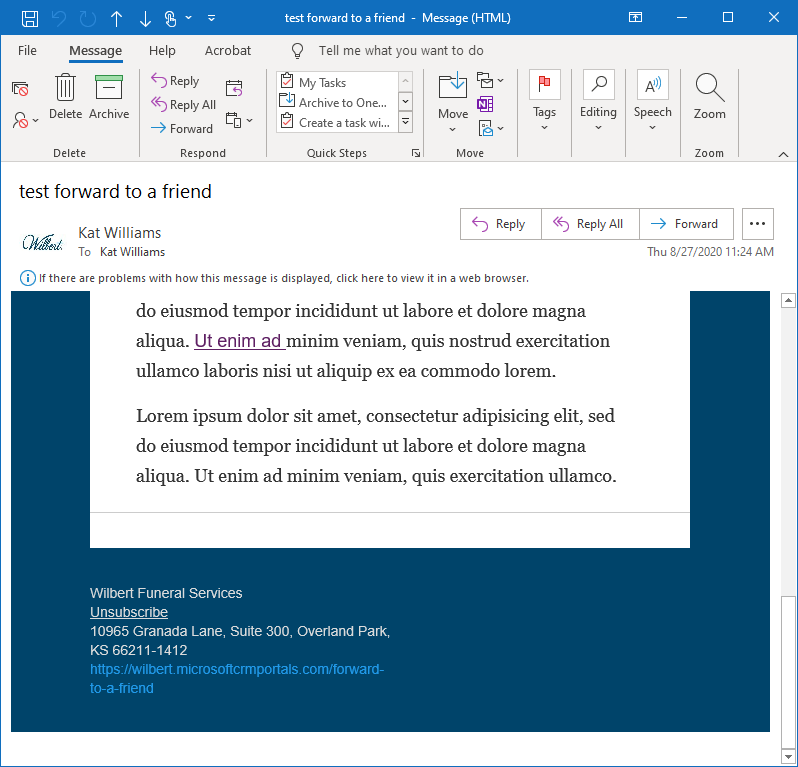
    Created a test email and added the Forward to a Friend link in the footer under the address
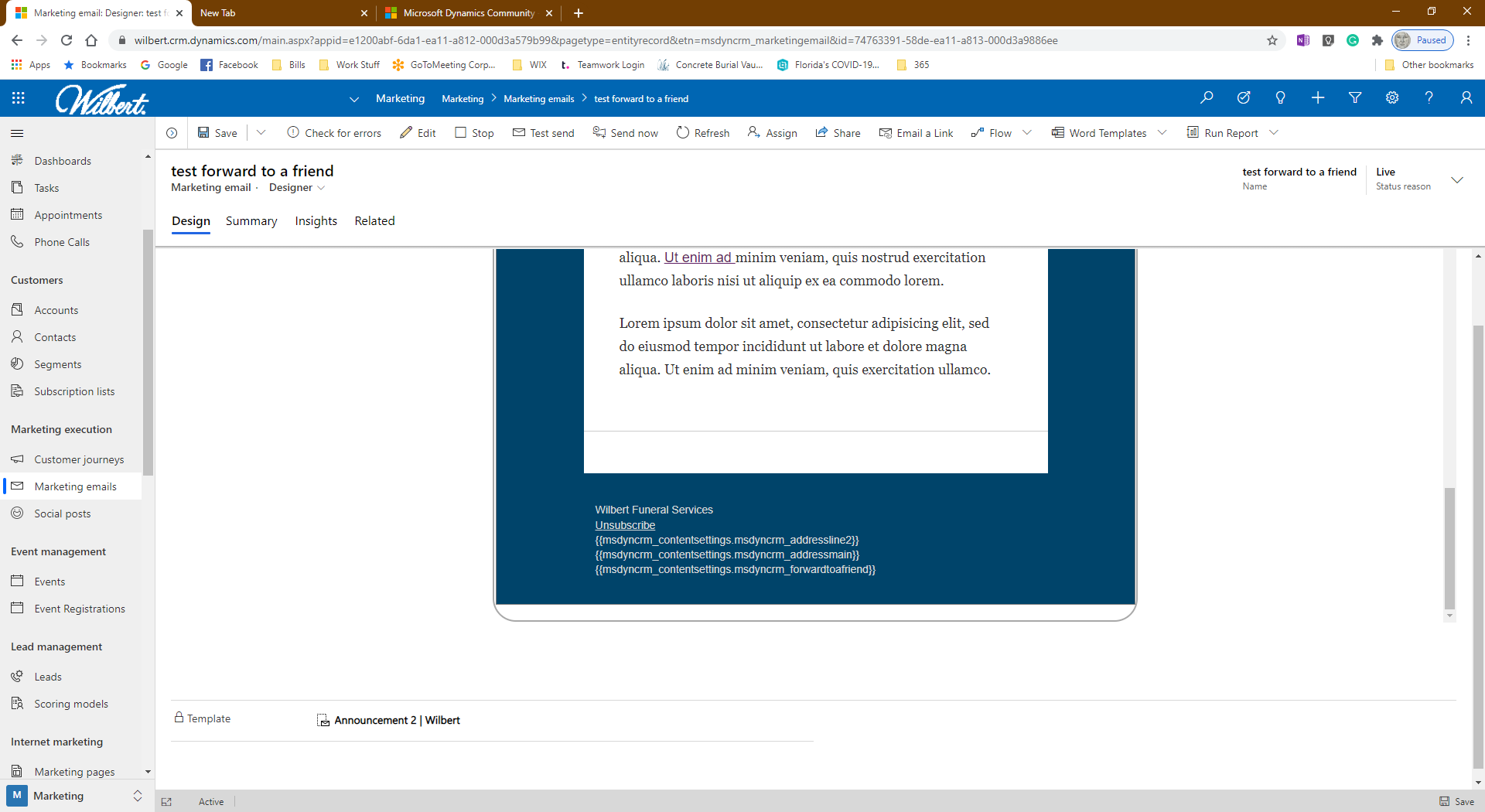
    pastedimage1598546169994v7.png

    sent the email to myself

    pastedimage1598546133427v6.png

    after I click the forward to a friend link, it opens the page in a browser (I don't why i'ts duplicating the email address; I only typed in the first name and email)
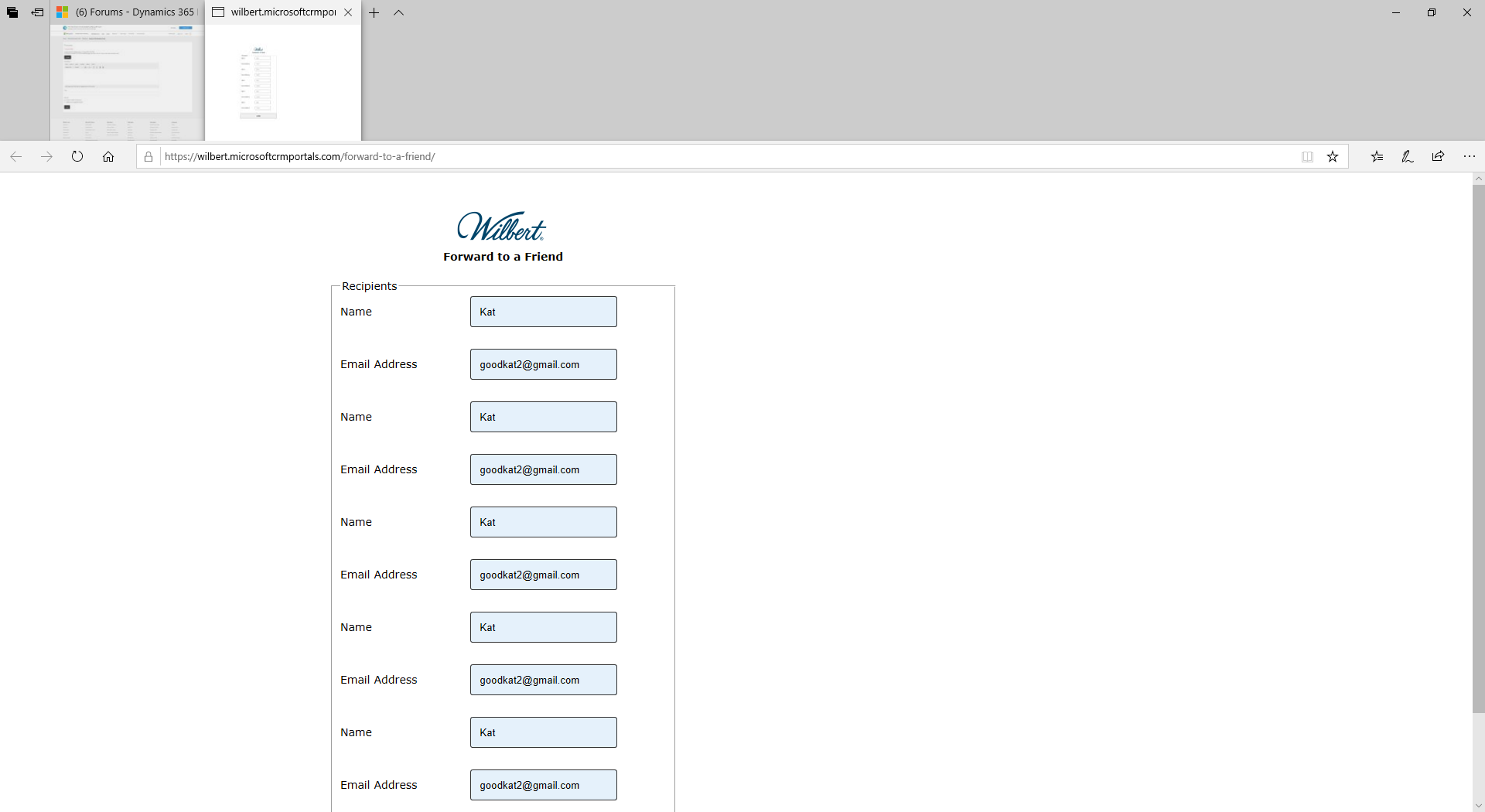
    pastedimage1598546252166v8.png

    Once I hit the submit button, the page redirects to our website, which is how I set it up
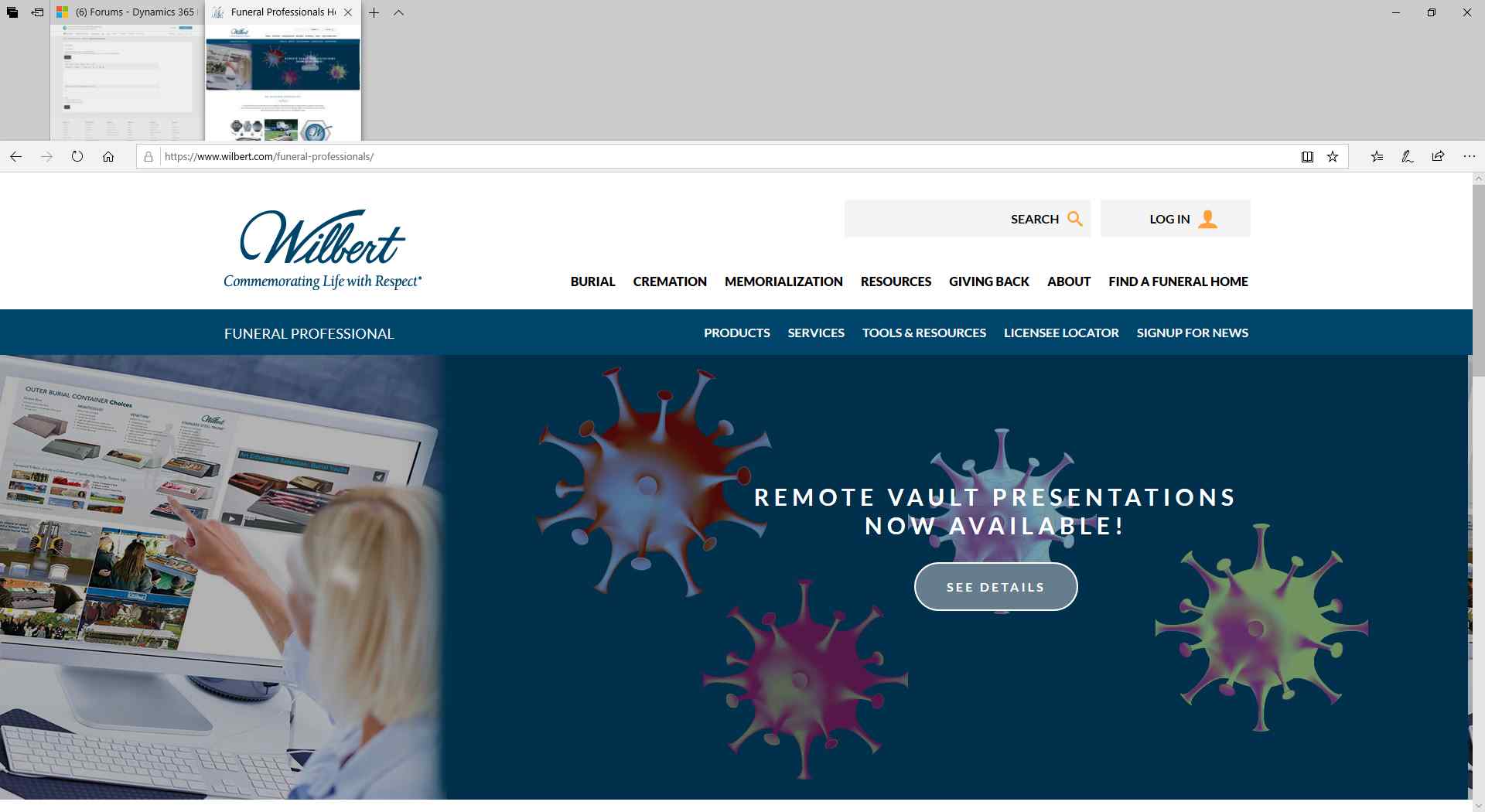
    pastedimage1598546345450v9.png

    On the insights tab of the forward to a friend marketing page, it shows the form submission
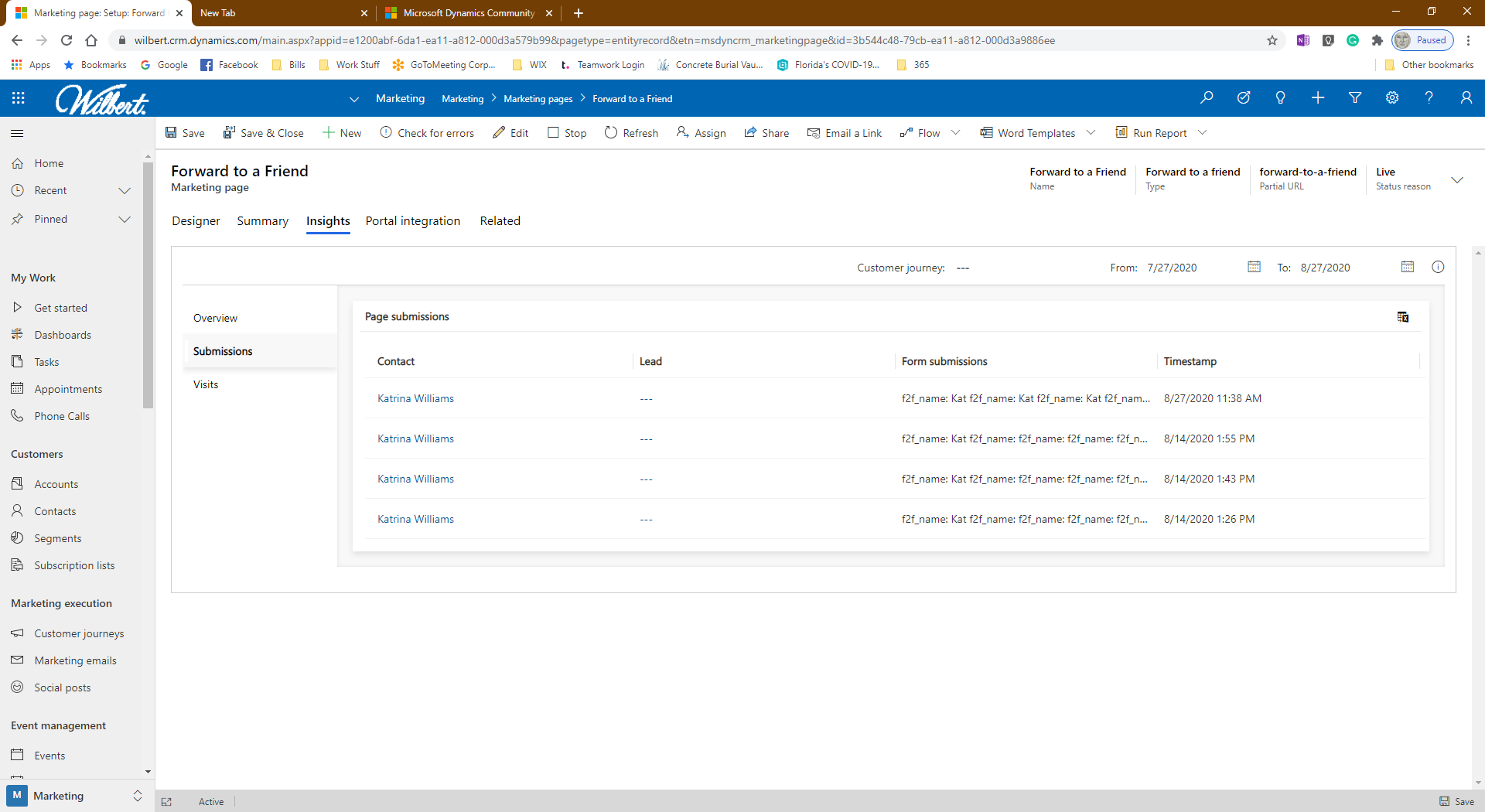
    pastedimage1598546459894v10.png

    The problem is, I never receive the forwarded email, which I sent my gmail account.

  • cloflyMao Profile Picture
    25,210 on at

    Hi, 

    I followed your steps and sent test email to an Outlook mailbox and opened it in desktop client, but I didn't reproduce your issue, 

    the forwarded email was sent to my gmail account in a few seconds after submission.

    1. Is there an id parameter in URL when you opened the forward to friend page?

    0272.JPG

    2. You could check whether the forwarded email was moved to junk or spam folder

    3. test whether the problem happened to other mailboxes. 

    Regards,

    Clofly

  • sunkat Profile Picture
    65 on at

    Sorry, I don't know what you mean by URL parameter but below is the URL.

    I've checked my spam folder, and searched my gmail account to no avail.

    Thanks for testing. At least I know it works for you so that is positive.

    wilbert.microsoftcrmportals.com/.../

  • sunkat Profile Picture
    65 on at

    OMG! I got it finally. I don't know what I did differently but it's working. Thank you for your help!

Under review

Thank you for your reply! To ensure a great experience for everyone, your content is awaiting approval by our Community Managers. Please check back later.

Helpful resources

Quick Links

Introducing the 2026 Season 1 community Super Users

Congratulations to our 2026 Super Stars!

Congratulations to our 2025 Community Spotlights

Thanks to all of our 2025 Community Spotlight stars!

Leaderboard > Customer experience | Sales, Customer Insights, CRM

#1
ManoVerse Profile Picture

ManoVerse 129 Super User 2026 Season 1

#2
Jimmy Passeti Profile Picture

Jimmy Passeti 46 Most Valuable Professional

#3
NeerajPawar Profile Picture

NeerajPawar 41

Last 30 days Overall leaderboard

Product updates

Dynamics 365 release plans