web
You’re offline. This is a read only version of the page.
close
Skip to main content

Notifications

Announcements

No record found.

Community site session details

Community site session details

Session Id :
Microsoft Dynamics NAV (Archived)

Install Language Modules PL-pl , missing language selection

(0) ShareShare
ReportReport
Posted on by

Hi all!

I've problem with language pack in Nav 2016, I 've installed language PL-pl according to "Install Language Modules" , service was restarted several times , according to How to find which language modules are you licensed to use?  I checked licensed language 
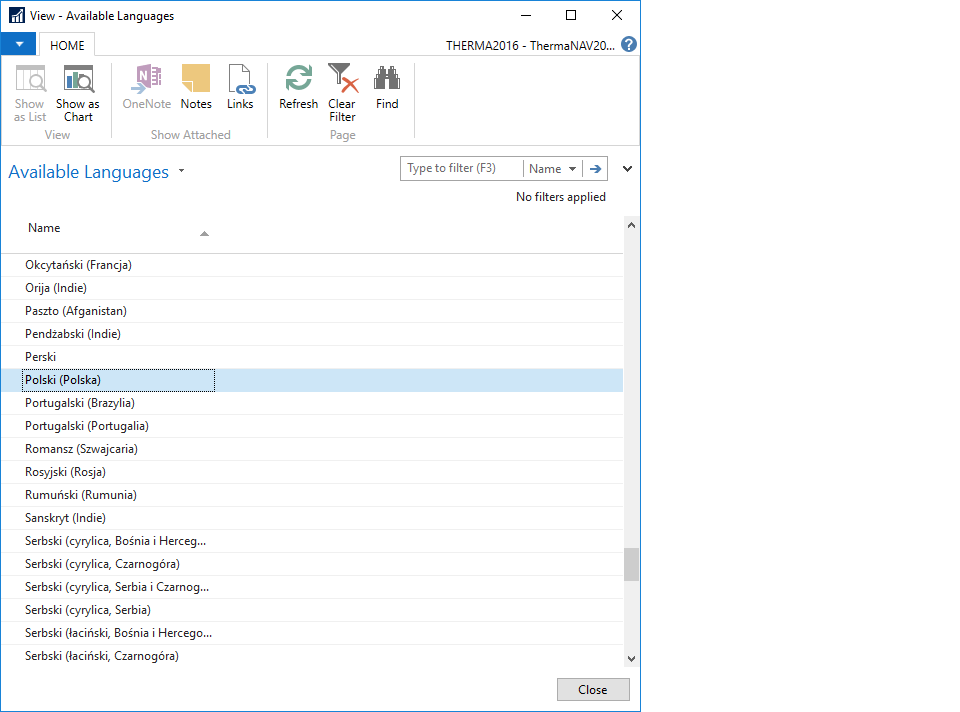
7851.1.png

I can't see PL-pl language in my language selection window
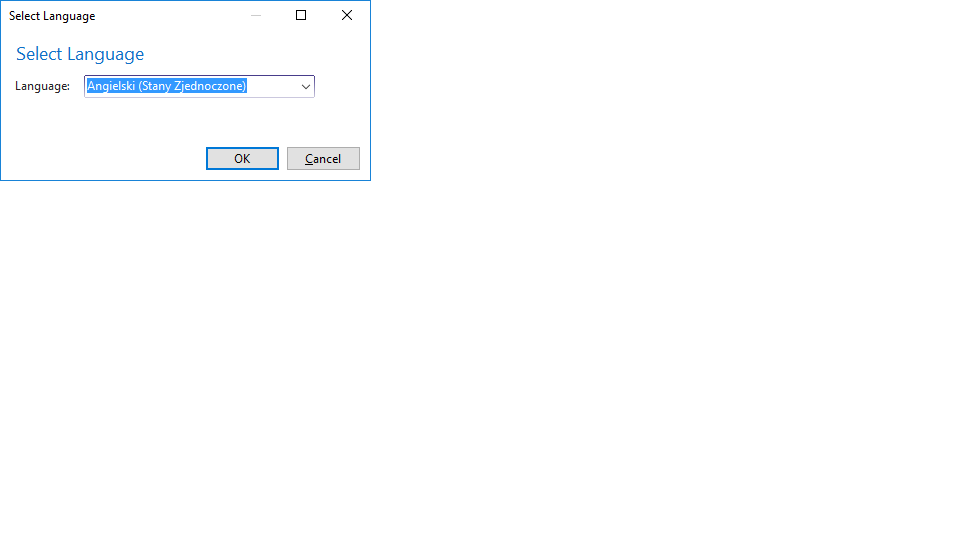
1565.2.png

but the oddest is when I restart  nav server  -> run Dev Environment -> select windows languages page (id 535) and press run I see pl language to selection
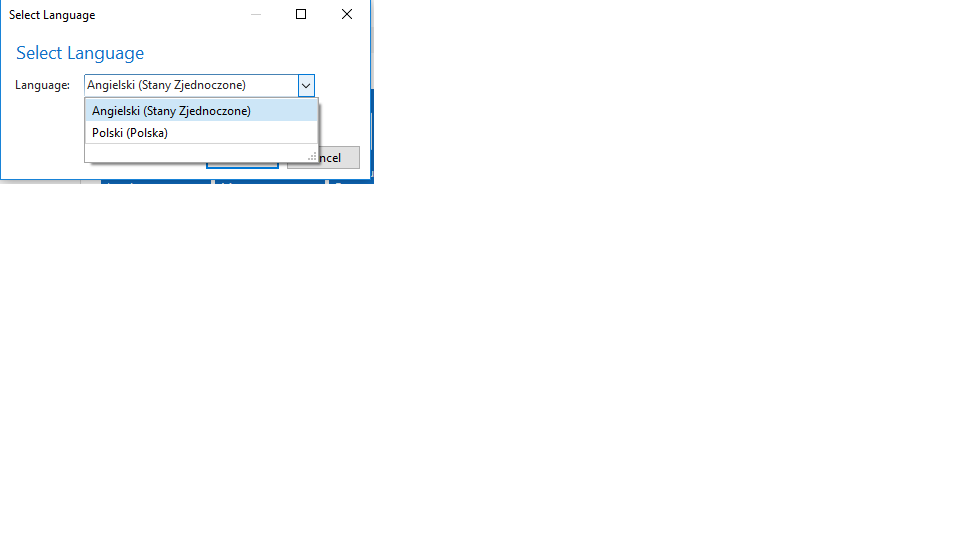
0027.3.png

but it is only on first time when I open client again PL language disappear. 

Have you any ideas what going on ? :) 

*This post is locked for comments

I have the same question (0)
  • Suggested answer
    Miguel Llorca Gómez Profile Picture
    7,019 User Group Leader on at

    Are you trying to change the language on the server or on a client? I mean that you should update your client with the PL language too.

    The license is more related with localization than to "language packs".

  • Community Member Profile Picture
    on at

    Yes ,I installed language  on client and server , I have PL-pl folders in C:\Program Files (x86)\Microsoft Dynamics NAV\90\RoleTailored Client

    2577.4.png

  • Community Member Profile Picture
    on at

    Do you know where Nav store user settings like language.. ? this sql table (wich one ? ) or file on local drive?

  • Community Member Profile Picture
    on at

    Hi, still i have problem with additional language pack after install language is not visible in language selection but when I changed it in user personalization from 1033 (english) to 1045 (polish) language appear in "Lnaguage selection box"  ?

Under review

Thank you for your reply! To ensure a great experience for everyone, your content is awaiting approval by our Community Managers. Please check back later.

Helpful resources

Quick Links

Responsible AI policies

As AI tools become more common, we’re introducing a Responsible AI Use…

Neeraj Kumar – Community Spotlight

We are honored to recognize Neeraj Kumar as our Community Spotlight honoree for…

Leaderboard > 🔒一 Microsoft Dynamics NAV (Archived)

#1
HoangNam Profile Picture

HoangNam 7

Last 30 days Overall leaderboard

Featured topics

Product updates

Dynamics 365 release plans
