web
You’re offline. This is a read only version of the page.
close
Skip to main content

Notifications

Announcements

No record found.

Community site session details

Community site session details

Session Id :
Customer experience | Sales, Customer Insights,...
Suggested Answer

Print event attendees Marketing Dynamics

(0) ShareShare
ReportReport
Posted on by 534

Hi all,

Question is it possible to create a list of attendees and print the badge with one click in a mobile list and send it to a mobile printer?

Thx

I have the same question (0)
  • cloflyMao Profile Picture
    25,210 on at

    Hi Jetj25,

    Could you let me know what these concepts mean ?

    -> badge:

    Is it the image for event ?
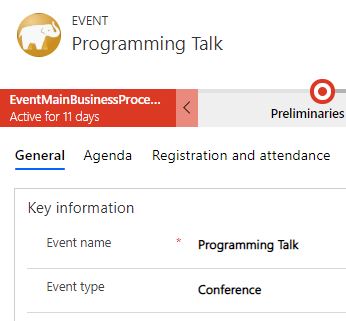
    c001.JPG

    -> one click in a mobile list:

    How would you perform one click action and what the mobile list refers to ? Is it mobile view which we can see entity image when we're browsering with mobile application ?
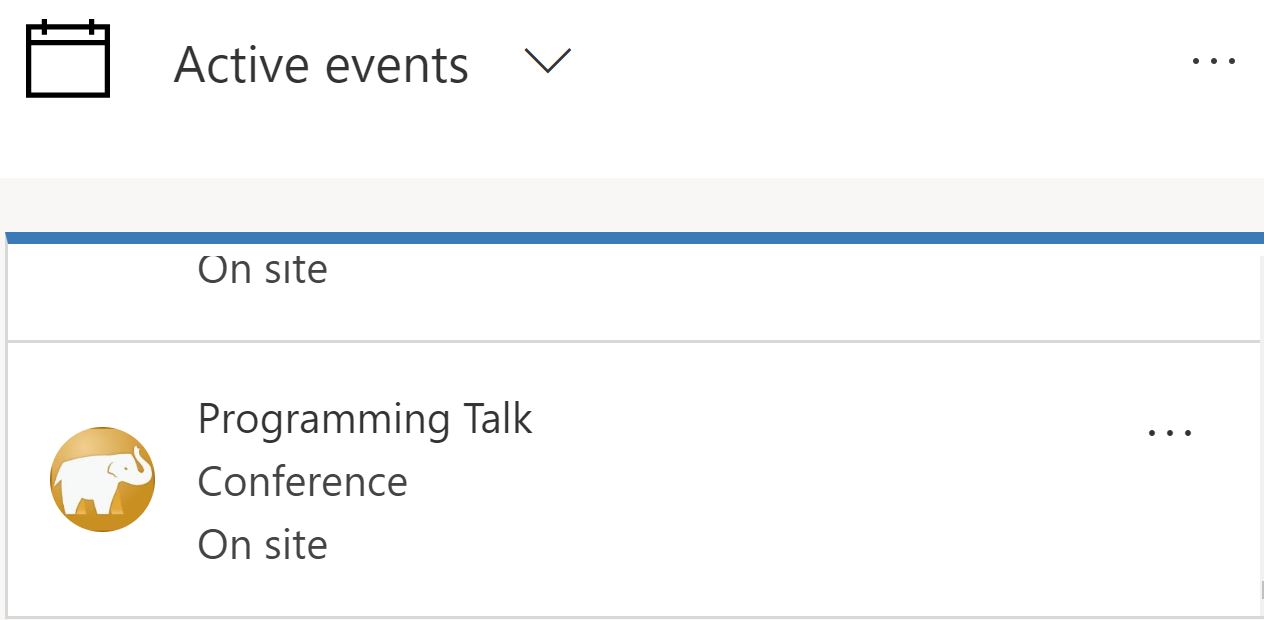
    c002.JPG

    -> mobile printer: is it computer printer ?

    As per my understanding, were you planning to print out a list which contains event registration records with event icon as one of its column like below ?
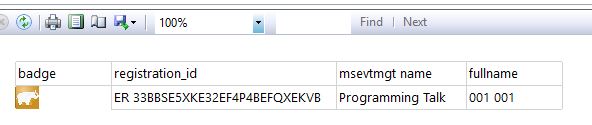
    c003.JPG

    If so, I would give more details with such thought;

    If not, please let me know your real requirement.

    Regards,

    Clofly 

  • Jet25 Profile Picture
    20 on at

    With an event badge I mean the name badge for attendees printed in a special format. The printer is a mobile label printer.

    We are developing it for ourselves and our customers now. But maybe someone in the community has built a print functionality before and can share it here.

  • Suggested answer
    Karl Maybach Profile Picture
    on at

    I don't think you can do it with one click unless you do some custom development (sounds like maybe you are). One way to do it would be to open the registrations list in Dynamics 365 Marketing, filter the list to show only those registrations you're looking for, and export the list to Excel. Then set up a Word document to establish the badge layout and finally do a mail merge with that Excel doc and print.

Under review

Thank you for your reply! To ensure a great experience for everyone, your content is awaiting approval by our Community Managers. Please check back later.

Helpful resources

Quick Links

Responsible AI policies

As AI tools become more common, we’re introducing a Responsible AI Use…

Neeraj Kumar – Community Spotlight

We are honored to recognize Neeraj Kumar as our Community Spotlight honoree for…

Leaderboard > Customer experience | Sales, Customer Insights, CRM

#1
Tom_Gioielli Profile Picture

Tom_Gioielli 171 Super User 2025 Season 2

#2
#ManoVerse Profile Picture

#ManoVerse 83

#3
Jimmy Passeti Profile Picture

Jimmy Passeti 50 Most Valuable Professional

Last 30 days Overall leaderboard

Product updates

Dynamics 365 release plans
