Hope everyone had found the answer now.
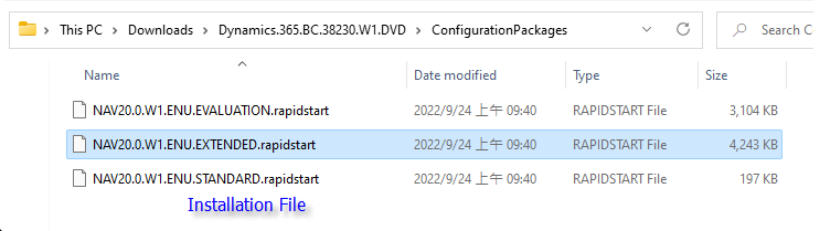
Both EVALUATION AND EXTENDED sample data can be found in the BC's installation file: folder [ConfigurationPackages].
?BC W1 2.0 Downloads?
Microsoft Dynamics 365 Business Central Release Wave 1 2022 (Version 20.0, Published 4/1/2022):
Download Microsoft Dynamics 365 Business Central Release Wave 1 2022 from Official Microsoft Download Center
?LAB: Create new company with complete sample data?
Version: BC W1 2.0
Hint: Create new company with Evaluation sample data. Then import predefined package of extended sample data and apply.
Try the steps:
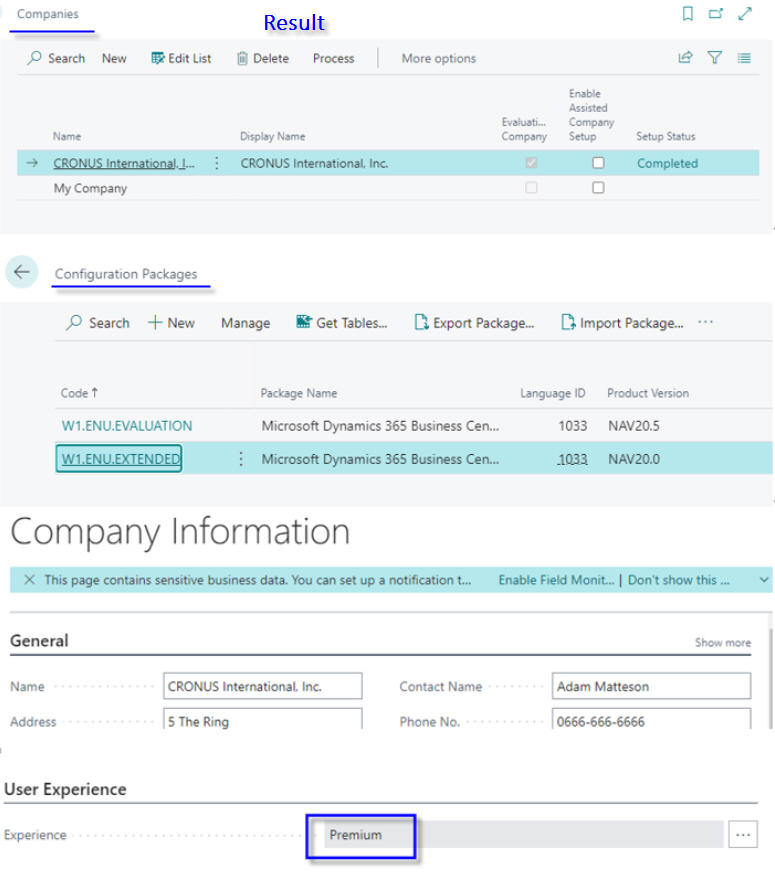
1. Companies: Create New Company by [Evaluation - Sample Data].
2. Company Information: Change User Experience to [Premium].
3. Get package [NAV20.0.W1.ENU.EXTENDED.rapidstart] from installation file.
4. Configuration Package: Import package then Apply package.
*May check Package data for tables of Manufacturing/Service modules.


?Other reference?
Dynamics 365 Business Central: How to import Advance Evaluation Data (EXTENDED Package – Complete Sample Data): https://yzhums.com/11629/


