web
You’re offline. This is a read only version of the page.
close
Skip to main content

Announcements

No record found.

News and Announcements icon
Community site session details

Community site session details

Session Id :
Microsoft Dynamics 365 | Integration, Dataverse...
Unanswered

When to enable Dynamics 365 apps in Power Platform Environments

(1) ShareShare
ReportReport
Posted on by 117

Hello everyone,

can someone explain the "Enable Dynamics 365 apps" setting when creating a new environment in more detail. Which D365 apps are they exactly?

What I know so far

  • If the D365 apps are activated, Dataverse already contains tables for D365 Sales (lead, opportunity, etc.), etc.
  • If the 365 apps are disabled, I can still add D365 apps to the environment as resources. E.g. "Business Central Virtual Table".
  • In the settings of an environment (D365 apps deactivated) there is still the button for "Dynamics 365 App for Outlook". However, this does not work.
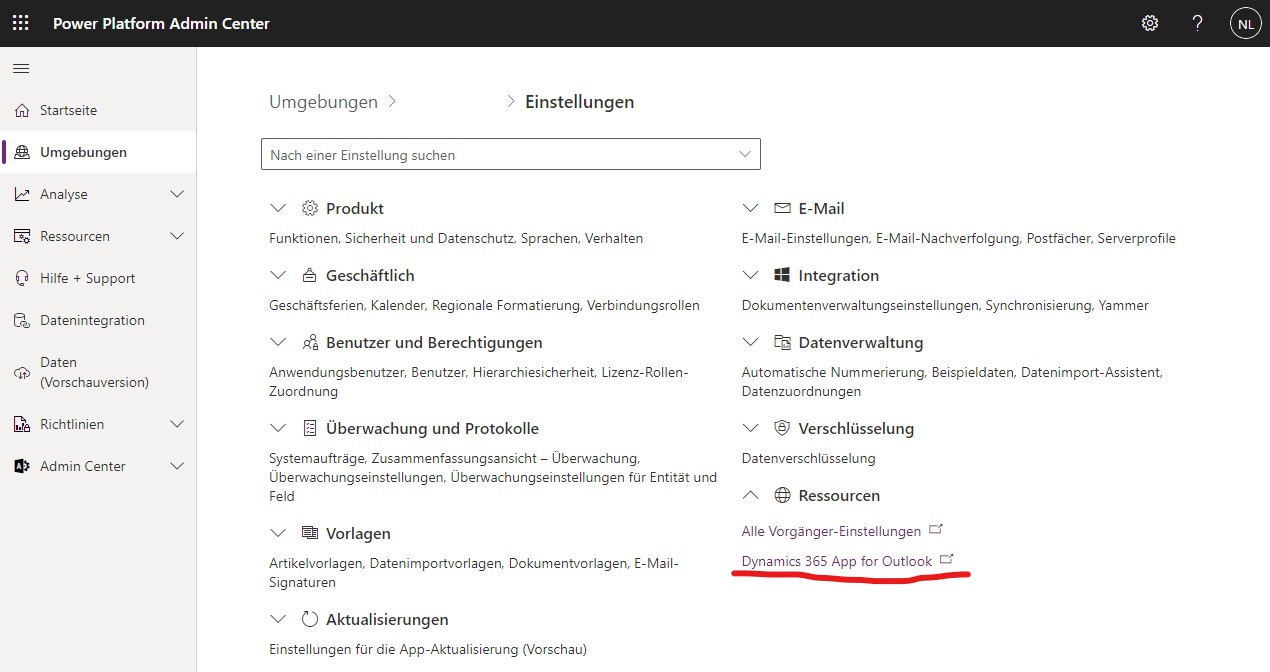
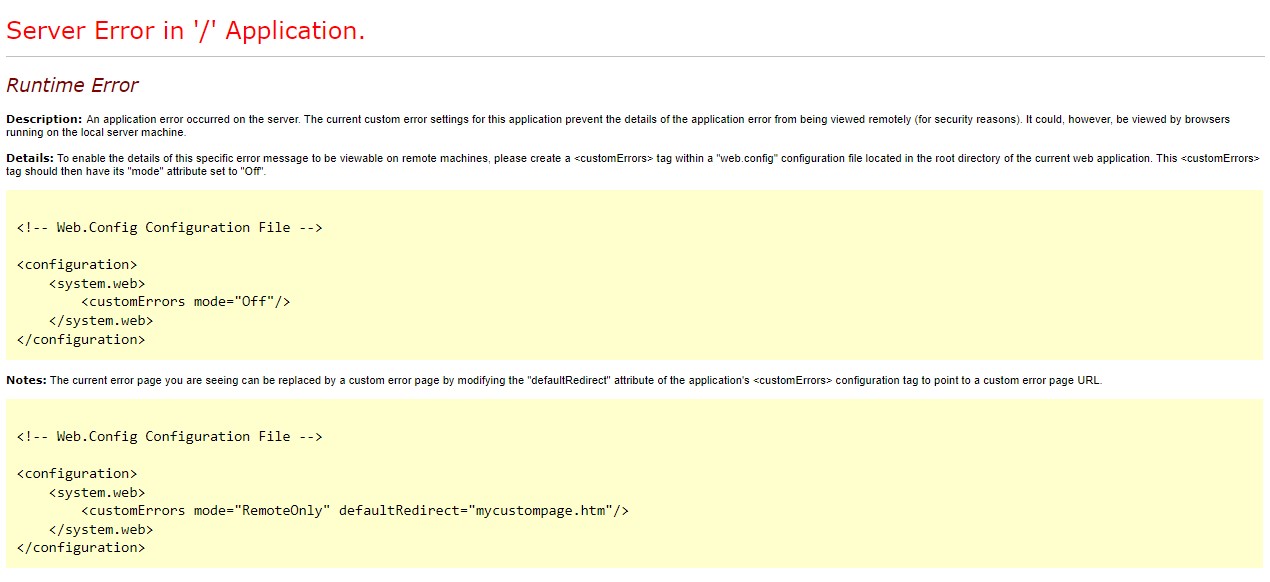
    d365_2D00_outlook.jpgd365_2D00_outlook_2D00_error.jpg

A few questions

  • Are there any downsides to always activating the D365 apps even if you will never use Sales etc.?
  • Can I really only install "Dynamics 365 App for Outlook" if D365 apps are activated?
  • When activating D365 apps, can I clean up dataverse a bit and delete the tables that are not required (lead, opportunity, etc.)?
  • After activating D365 apps, which of the added components can I use without an additional license?

Thank you for your help and best regards
Nico

I have the same question (0)
  • Paul Ry Profile Picture
    5 on at

    Also super keen on clarity here, did you find a good explainer GER_Nico ?

  • GER_Nico Profile Picture
    117 on at

    Unfortunately not. So far, I've been doing pretty well with always activating the D365 apps. Then at least you have all the functions. Disadvantage: you use unnecessary memory.

Under review

Thank you for your reply! To ensure a great experience for everyone, your content is awaiting approval by our Community Managers. Please check back later.

Helpful resources

Quick Links

Introducing the 2026 Season 1 community Super Users

Congratulations to our 2026 Super Stars!

Congratulations to our 2025 Community Spotlights

Thanks to all of our 2025 Community Spotlight stars!

Leaderboard > Microsoft Dynamics 365 | Integration, Dataverse, and general topics

#1
11manish Profile Picture

11manish 118

#2
Pallavi Phade Profile Picture

Pallavi Phade 102 Super User 2026 Season 1

#3
ManoVerse Profile Picture

ManoVerse 56 Super User 2026 Season 1

Last 30 days Overall leaderboard

Product updates

Dynamics 365 release plans