We are setting up integration to D365 Commerce and have followed the instructions / guidelines in https://learn.microsoft.com/en-us/dynamics365/commerce/dev-itpro/consume-retail-server-api.
The environment is of type MS managed acceptance test (generated on ice, West Europe).
Following the guideline, we have in Azure AD set up
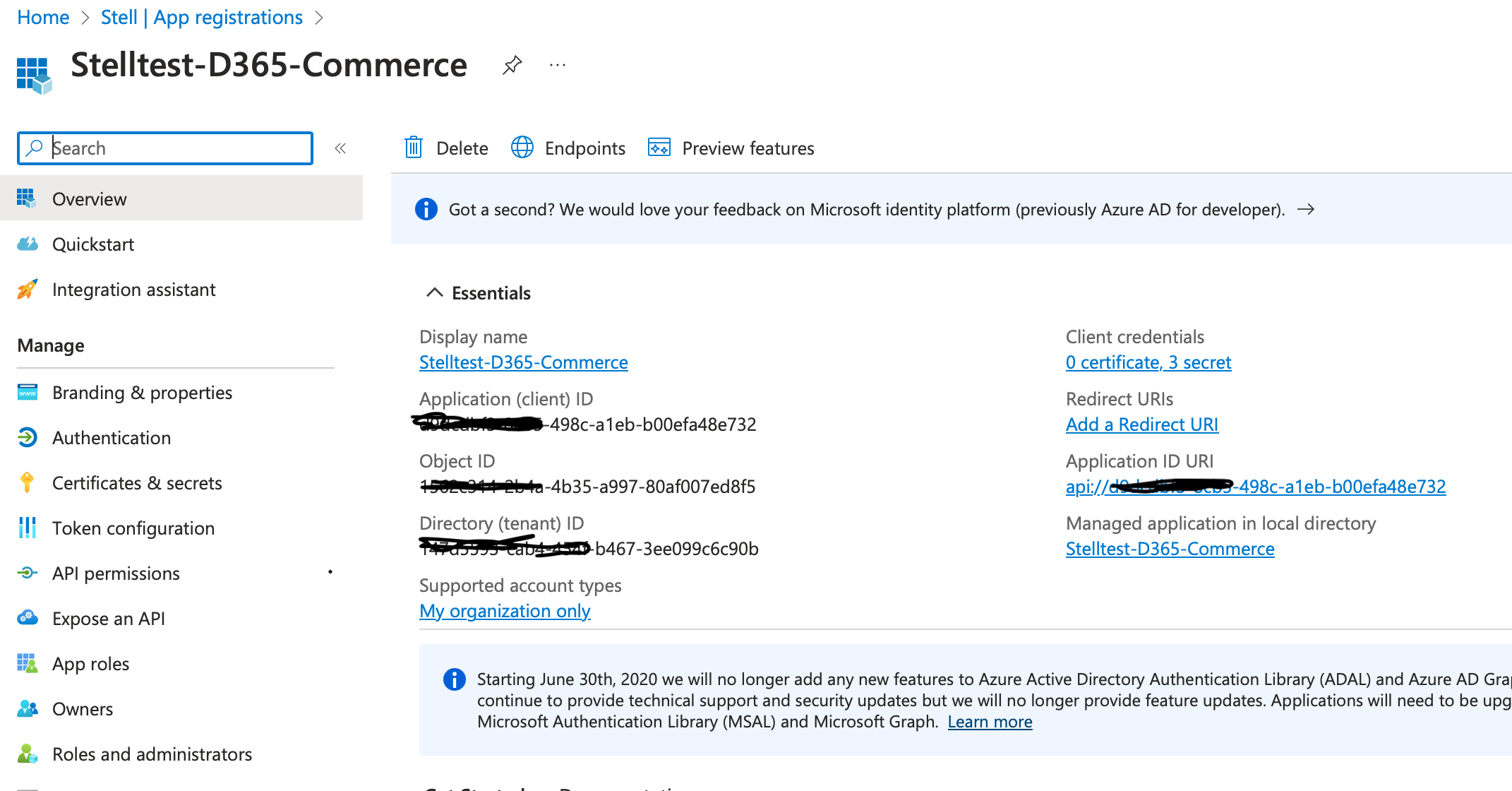
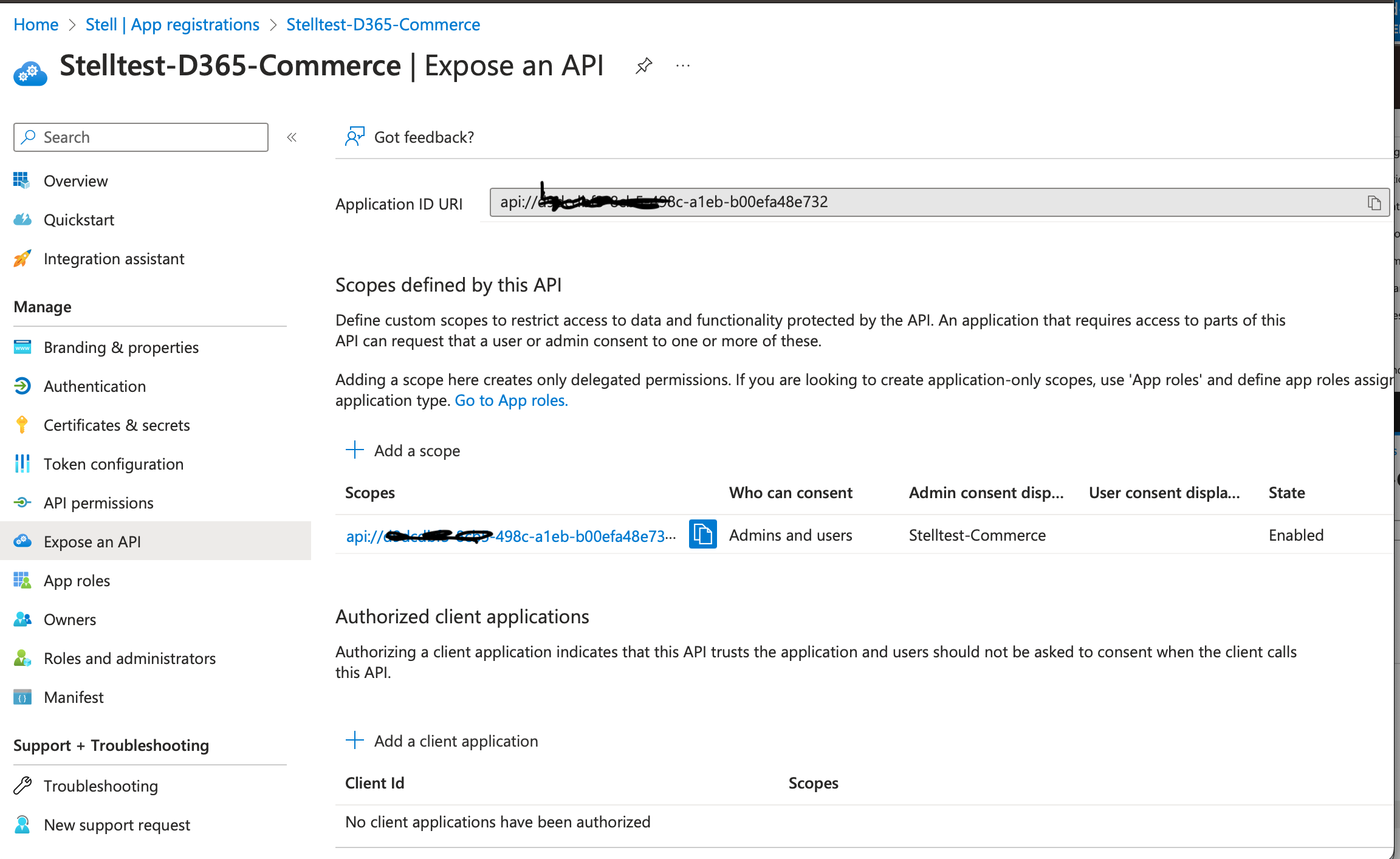
- an application for the Retail Server,
- an application for the client,
- added a client secret,
- registered the app in the finance and operations app,
- generated the Authorization token in Postman.
However, when testing the call to the Api from Postman, we run into the error :
"TypeName": "UserAuthenticationException",
"Exception": "{\r\n \"ErrorResourceId\": \"Microsoft_Dynamics_Commerce_Runtime_InvalidAudience\",\r\n \"LocalizedMessage\": \"The audience validation failed. Contact your system administrator to set up identity providers properly in retail headquarters.\\r\\n- If you are using Personnel ID and Password logon, make sure relying parties are correctly configured.\\r\\n- If you are using Azure AD logon, make sure both relying parties and server resource ids are correctly configured.\"\r\n}",
"CorrelationId": "7cc75ad7-1b84-44ee-8987-bfa4aff6880b"
Any idea on where to look to find a solution ?
Here are the screenshot of our setup.
Azure AD Retail Server App registration
Azure AD Scope
Azure AD client reg
Register app in D365 Commerce (shared parameters)


