web
You’re offline. This is a read only version of the page.
close
Skip to main content

Announcements

No record found.

News and Announcements icon
Community site session details

Community site session details

Session Id :
Customer experience | Sales, Customer Insights,...
Suggested Answer

Advanced search bar in the Timeline for Activity Pointer

(0) ShareShare
ReportReport
Posted on by 32

As mentioned in the Microsoft Doc (Enable search bar) : When you search for a phrase in the timeline, it searches in the title of the record or body and description fields of the record then displays the record for you.


Is it possible to add custom fields among the searchable fields?

If no, since this is an important requirement for us, what are the solutions you'll suggest : Model driven app, ...?
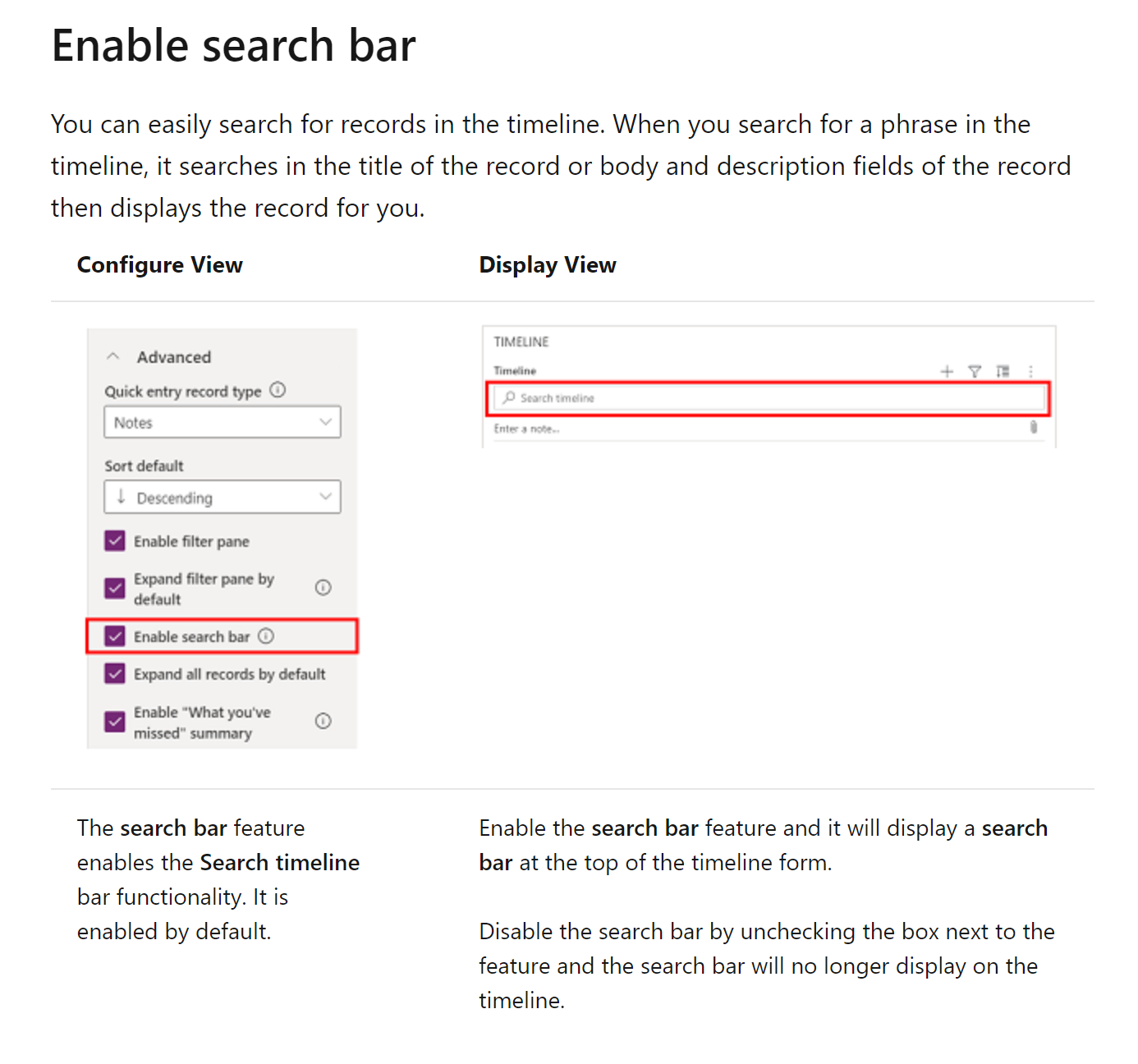
pastedimage1636399833965v1.png

Thank you!

I have the same question (0)
  • Suggested answer
    Community Member Profile Picture
    on at

    Hi Iagday,

    No, this is impossible. As the Doc says, it only supports the title of the record or body and description fields.

    As a workaround, you could add a subgrid for Activity/Note/Post and add your custom fields in the Quick Find View.

     Steps:

    1. Open your Quick Find View and click Add Find Column button:

    pastedimage1636423246339v1.png

    2. Check your custom fields and publish it is ok:

    pastedimage1636423281354v2.png

  • Iagday Profile Picture
    32 on at

    Hi Steve,

    Thank you for your answer but even the workaround you mentionned won't work since it's not possible to add new custom fields in the activitypointer table.

    pastedimage1636491715327v1.png


    Regards,

  • Suggested answer
    Community Member Profile Picture
    on at

    Hi Iagday,

    Sorry for that. I even forgot this thing. You could create fields on Email,Task etc. Then create a web resource with grid  to fetch these data through Web API. Then insert the web resource to your form.

    This is a really long way to go. But this could be only way to achieve your requirement.

Under review

Thank you for your reply! To ensure a great experience for everyone, your content is awaiting approval by our Community Managers. Please check back later.

Helpful resources

Quick Links

Introducing the 2026 Season 1 community Super Users

Congratulations to our 2026 Super Stars!

Meet the Microsoft Dynamics 365 Contact Center Champions

We are thrilled to have these Champions in our Community!

Congratulations to the April Top 10 Community Leaders

These are the community rock stars!

Leaderboard > Customer experience | Sales, Customer Insights, CRM

#1
ManoVerse Profile Picture

ManoVerse 75 Super User 2026 Season 1

#2
Muhammad Shahzad Shafique Profile Picture

Muhammad Shahzad Sh... 69 Most Valuable Professional

#3
11manish Profile Picture

11manish 52

Last 30 days Overall leaderboard

Product updates

Dynamics 365 release plans
