web
You’re offline. This is a read only version of the page.
close
Skip to main content

Announcements

No record found.

News and Announcements icon
Community site session details

Community site session details

Session Id :
Finance | Project Operations, Human Resources, ...
Answered

How to filter an existing lookup field on SalesTable form while creating a new sales order

(0) ShareShare
ReportReport
Posted on by 72

Hi

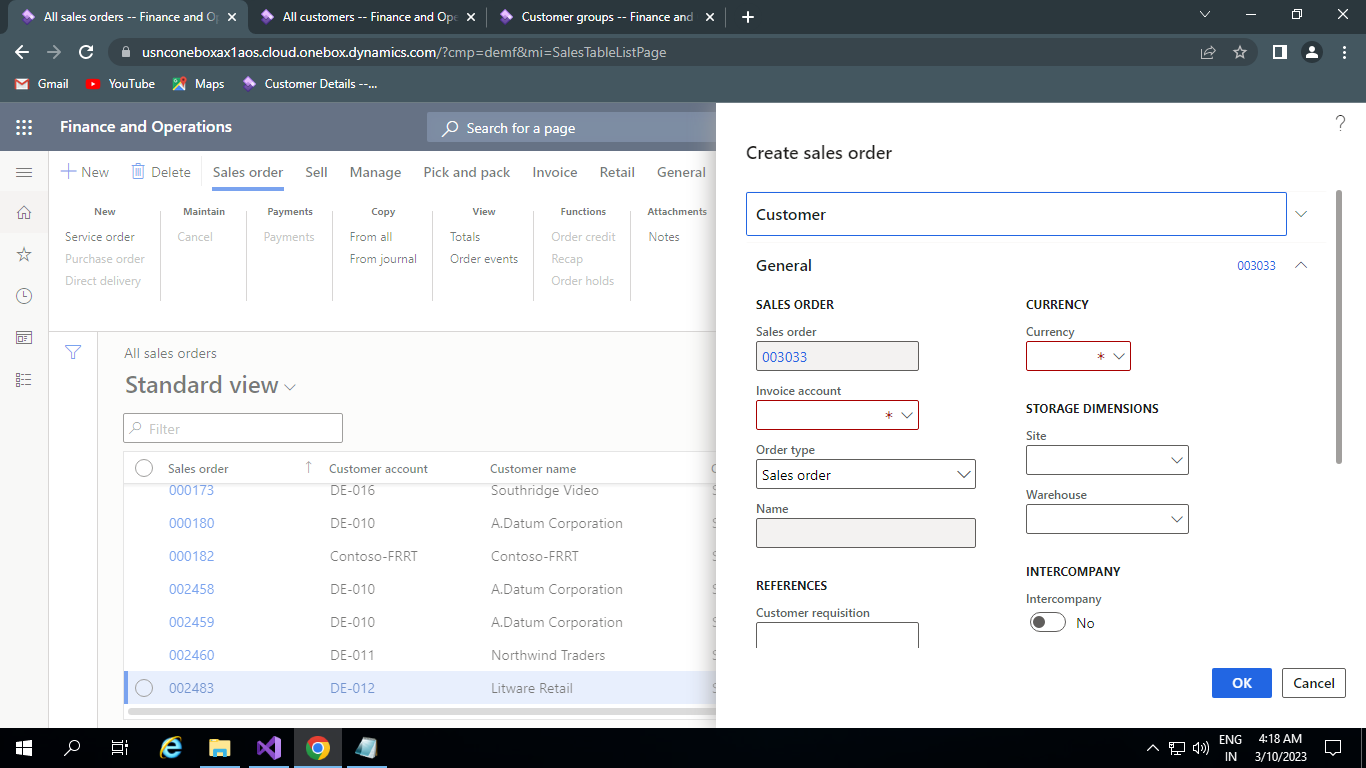
While creating a new sales order, their are two fields in that form- Customer Account in Customer Tab & Invoice Account in General Tab, Initially , these two fields are lookup fields which Populate Customer Account Number from CustTable & Invoice Account field is getting initialized as soon as we choose value in Customer Account field & with the same account number we choose in Customer Account field.

I need to filter the records in Invoice Account field as per the customer group of the Account number we choose in Customer Account field.

for ex, if we choose Account no- DE-010 (let say Customer Group- 10) in Customer Account lookup field then Invoice Account lookup field should be filter & shows only records which has Customer Group 10. This functionality I need in my instance.

I have tried to write Chain of Extension for the salesTable at formDataFieldStr, I am attaching my code below-

[ExtensionOf(formDataFieldStr(SalesTable,SalesTable,InvoiceAccount))]
final class HSHTSalesTable_FormDataFieldStr_Extension
{
    public void lookup(FormControl _formControl, str _filterStr)
    {
        Query                           query = new Query();
        QueryBuildDataSource            queryBuildDataSource;
        QueryBuildRange                 queryBuildRange;
        SalesTable                      salesTable;
        
        next lookup(_formControl, _filterStr);
        
        SysTableLookup sysTableLookup = SysTableLookup::newParameters(tableNum(CustTable), _formControl);
        
        queryBuildDataSource = query.addDataSource(tableNum(CustTable));

        //queryBuildDataSource.addSelectionField(fieldnum(CustTable,AccountNum));

        queryBuildRange = queryBuildDataSource.addRange(fieldNum(CustTable,CustGroup));

        queryBuildRange.value(queryValue(CustTable::find(salesTable.CustAccount).CustGroup));

        sysTableLookup.addLookupfield(fieldNum(CustTable, AccountNum));
        sysTableLookup.addLookupfield(fieldNum(CustTable, CustGroup));

        sysTableLookup.parmQuery(query);
        sysTableLookup.performFormLookup();
    
    }

}

I am attaching images as well for the refernce-
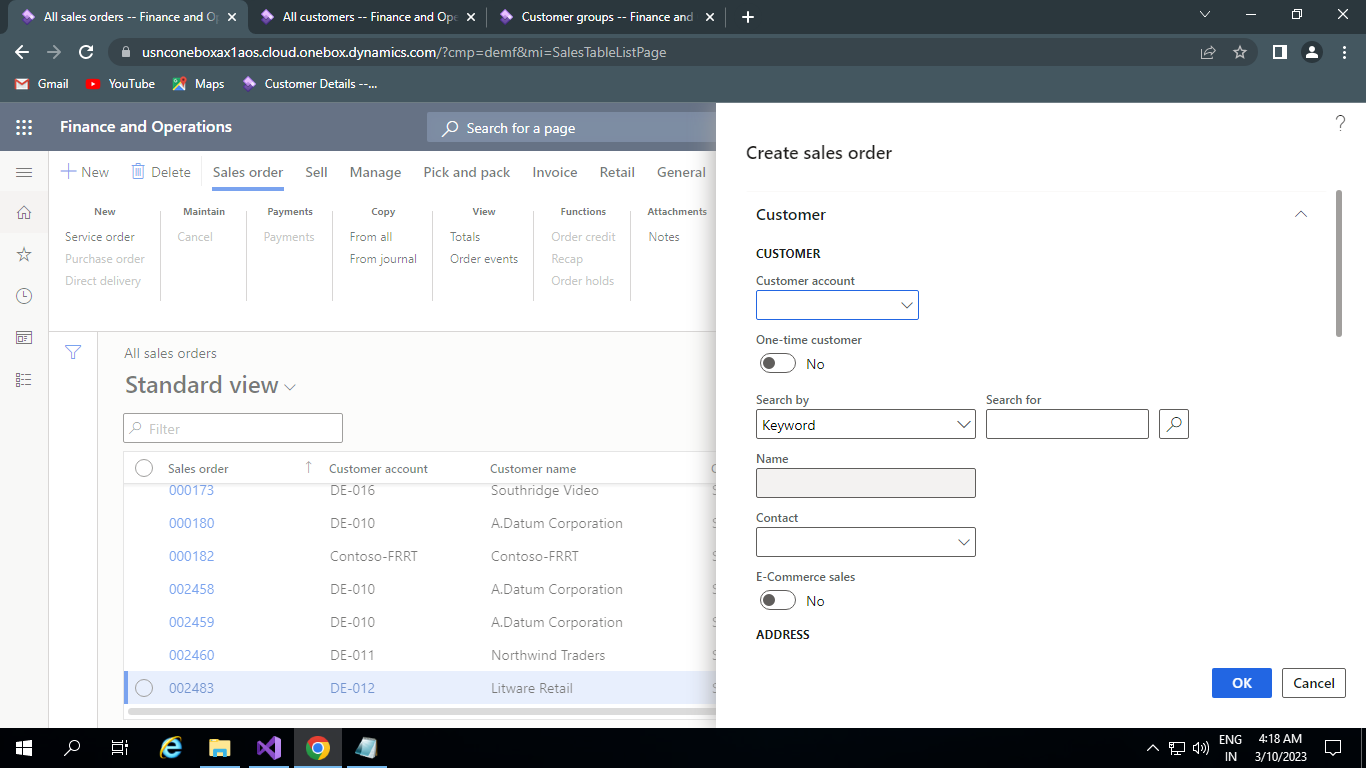
3782.CustomerAccount.png

5148.InvoiceAccount.png

I have the same question (0)
  • Rahul Dahiya Profile Picture
    72 on at

    Hi,

    I have tried this with Event Handlers too but this filtering is not working.

  • GirishS Profile Picture
    27,833 Moderator on at

    Hi Rahul,

    Event handler is the best place to customize the standard lookup code.

    Have you debugged the code and print the query in the Infolog to see how the query was built in.

    Thanks,

    Girish S.

  • Suggested answer
    Mohit Rampal Profile Picture
    12,565 Moderator on at

    Hi Rahul, As Girish mentioned it best to use event handler in this case and cancel call to super so standard lookup method is not called.

    Check his article

    dynamics365musings.com/.../

  • Rahul Dahiya Profile Picture
    72 on at

    Hi Girish & Mohit,

    I have tried above task with event handlers, & records has filtered in Invoice Account lookup field based on Customer Group but same records have been fetching many times.

    I am sharing my code, pls help in this.

    [FormControlEventHandler(formControlStr(SalesCreateOrder, SalesTable_InvoiceAccount), FormControlEventType::Lookup)]
    
       public static void SalesTable_InvoiceAccount_OnLookup(FormControl sender, FormControlEventArgs e)
    
       {
    
           FormRun                         element;
    
           FormControl                     formCtrl;
    
           Query                           query = new Query();
    
           QueryBuildDataSource            qbdsSalesTable, qbdsCustTable;
    
           QueryBuildRange                 queryBuildRange;
    
           element  = sender.formRun();
    
          // accessing CustAccount form control to use on filtering custgroup
    
           formCtrl = element.design().controlName(formControlStr(SalesCreateOrder,SalesTable_CustAccount));
    
    
           SysTableLookup sysTableLookup  = SysTableLookup::newParameters(tableNum(SalesTable), sender);
    
           qbdsSalesTable = query.addDataSource(tableNum(SalesTable));
    
           qbdsCustTable = qbdsSalesTable.addDataSource(tableNum(CustTable));
    
           qbdsCustTable.relations(true);
    
           // Add the lookup columns
    
           sysTableLookup.addLookupfield(fieldNum(SalesTable, CustAccount));
    
           sysTableLookup.addLookupMethod(tableMethodStr(SalesTable,customerName));
    
           sysTableLookup.addLookupfield(fieldNum(SalesTable, CustGroup));
    
           sysTableLookup.addLookupMethod(tableMethodStr(SalesTable,customerPhone));
    
           //sysTableLookup.addLookupMethod(tableMethodStr(SalesTable,deliveryAddress));
    
           sysTableLookup.addLookupMethod(tableMethodStr(SalesTable,customerEmail));
    
           qbdsCustTable.addRange(fieldNum(CustTable, CustGroup)).value(queryValue(CustTable::find(formCtrl.valueStr()).CustGroup));
    
           // Run the query
    
           sysTableLookup.parmQuery(query);
    
           // Run the lookup
    
           sysTableLookup.performFormLookup();
    
           //cancel the call to super() to prevent the system from trying to show
    
           //the lookup form twice and cause an error.
    
           FormControlCancelableSuperEventArgs cancelableSuperEventArgs = e as FormControlCancelableSuperEventArgs;
    
           cancelableSuperEventArgs.CancelSuperCall();
    
       }

    Thanks & Regards,

    Rahul

  • Verified answer
    GirishS Profile Picture
    27,833 Moderator on at

    You have added SalesTable to the query - SalesTable will have same Invoice account for multiple SalesOrder. Thats why you are getting invoice account multiple times.

    So, the query must have CustTable as a Datasource. Dont use SalesTable as a Datasource in the query.

    Thanks,

    Girish S.

  • Suggested answer
    Mohit Rampal Profile Picture
    12,565 Moderator on at

    Hi Rahul, You can add group by on Invoice Account and you will not get duplicate records. However, that won't be a right approach to get all customer's linked to that customer group. As Girish mentioned use CustTable instead of SalesTable as datasource.

    I can see your code in the question section is fine, any reason you changed it to have SalesTable as main datasource.

  • Rahul Dahiya Profile Picture
    72 on at

    Hi Mohit & Girish,

    The issue gets resolved now after adding CustTable as root DataSource in query as well as in SysTablelookup.

    but I want to fetch Address as well like city, country, zip code separately in Invoice Account lookup, for this I have added a method in sysTableLookup- 

    sysTableLookup.addLookupMethod(tableMethodStr(CustTable,postalAddress)); 

    but after adding this method in lookup, it is throwing an error-

    Error - Type Record is not supported in this type of lookups.

    I am sharing my code for the reference.

    [FormControlEventHandler(formControlStr(SalesCreateOrder, SalesTable_InvoiceAccount), FormControlEventType::Lookup)]
        public static void SalesTable_InvoiceAccount_OnLookup(FormControl sender, FormControlEventArgs e)
        {
            FormRun                         element;
            FormControl                     formCtrl;
            Query                           query = new Query();
            QueryBuildDataSource            qbdsSalesTable, qbdsCustTable;
            QueryBuildRange                 queryBuildRange;
    
            element  = sender.formRun();
    
            formCtrl = element.design().controlName(formControlStr(SalesCreateOrder,SalesTable_CustAccount));
            
            SysTableLookup sysTableLookup  = SysTableLookup::newParameters(tableNum(CustTable), sender);
    
            qbdsCustTable = query.addDataSource(tableNum(CustTable));
    
            // Add the lookup columns
    
            sysTableLookup.addLookupfield(fieldNum(CustTable,AccountNum));
            sysTableLookup.addLookupMethod(tableMethodStr(CustTable,name));
            sysTableLookup.addLookupMethod(tableMethodStr(CustTable,NameAlias));
            sysTableLookup.addLookupfield(fieldNum(CustTable,CustGroup));
            sysTableLookup.addLookupMethod(tableMethodStr(CustTable,phone));
           getting error //sysTableLookup.addLookupMethod(tableMethodStr(CustTable,postalAddress));
            sysTableLookup.addLookupMethod(tableMethodStr(CustTable,email));
    
            qbdsCustTable.addRange(fieldNum(CustTable, CustGroup)).value(queryValue(CustTable::find(formCtrl.valueStr()).CustGroup));
    
            // Run the query
            sysTableLookup.parmQuery(query);
    
            // Run the lookup
            sysTableLookup.performFormLookup();
    
            //cancel the call to super() to prevent the system from trying to show
            //the lookup form twice and cause an error.
            FormControlCancelableSuperEventArgs cancelableSuperEventArgs = e as FormControlCancelableSuperEventArgs;
            cancelableSuperEventArgs.CancelSuperCall();
    
        }

    Thanks,

    Rahul

  • Suggested answer
    GirishS Profile Picture
    27,833 Moderator on at

    If that is the case, then you must add SalesTable as a DataSource and as Mohit mentioned add group by for CustAccount field on SalesTable.

    My suggestion will be creating a view with SalesTable and CustTable as DataSource and add the group by in the view itself.

    Later you can use that view as a DataSource in the lookup query.

    Thanks,

    Girish S.

  • GirishS Profile Picture
    27,833 Moderator on at

    I am wrong here don't use view it will throw the same error as you got now. Instead add a group by and check.

    Thanks,

    Girish S.

  • Rahul Dahiya Profile Picture
    72 on at

    Hi Girish,

    The issue gets resolved now by adding CustTable as root DataSource in query as well as in SysTablelookup.

    but I want to fetch Address as well like city, country, zip code separately in Invoice Account lookup, for this I have added a method in sysTableLookup- 

    sysTableLookup.addLookupMethod(tableMethodStr(CustTable,postalAddress)); 

    but after adding this method in lookup, it is throwing an error-

    Error - Type Record is not supported in this type of lookups.

    I am sharing my code for the reference.

    [FormControlEventHandler(formControlStr(SalesCreateOrder, SalesTable_InvoiceAccount), FormControlEventType::Lookup)]
        public static void SalesTable_InvoiceAccount_OnLookup(FormControl sender, FormControlEventArgs e)
        {
            FormRun                         element;
            FormControl                     formCtrl;
            Query                           query = new Query();
            QueryBuildDataSource            qbdsSalesTable, qbdsCustTable;
            QueryBuildRange                 queryBuildRange;
    
            element  = sender.formRun();
    
            formCtrl = element.design().controlName(formControlStr(SalesCreateOrder,SalesTable_CustAccount));
            
            SysTableLookup sysTableLookup  = SysTableLookup::newParameters(tableNum(CustTable), sender);
    
            qbdsCustTable = query.addDataSource(tableNum(CustTable));
    
            // Add the lookup columns
    
            sysTableLookup.addLookupfield(fieldNum(CustTable,AccountNum));
            sysTableLookup.addLookupMethod(tableMethodStr(CustTable,name));
            sysTableLookup.addLookupMethod(tableMethodStr(CustTable,NameAlias));
            sysTableLookup.addLookupfield(fieldNum(CustTable,CustGroup));
            sysTableLookup.addLookupMethod(tableMethodStr(CustTable,phone));
            getting error //sysTableLookup.addLookupMethod(tableMethodStr(CustTable,postalAddress));
            sysTableLookup.addLookupMethod(tableMethodStr(CustTable,email));
    
            qbdsCustTable.addRange(fieldNum(CustTable, CustGroup)).value(queryValue(CustTable::find(formCtrl.valueStr()).CustGroup));
    
            // Run the query
            sysTableLookup.parmQuery(query);
    
            // Run the lookup
            sysTableLookup.performFormLookup();
    
            //cancel the call to super() to prevent the system from trying to show
            //the lookup form twice and cause an error.
            FormControlCancelableSuperEventArgs cancelableSuperEventArgs = e as FormControlCancelableSuperEventArgs;
            cancelableSuperEventArgs.CancelSuperCall();
    
        }

    Thanks,

    Rahul

Under review

Thank you for your reply! To ensure a great experience for everyone, your content is awaiting approval by our Community Managers. Please check back later.

Helpful resources

Quick Links

Introducing the 2026 Season 1 community Super Users

Congratulations to our 2026 Super Stars!

Congratulations to our 2025 Community Spotlights

Thanks to all of our 2025 Community Spotlight stars!

Leaderboard > Finance | Project Operations, Human Resources, AX, GP, SL

#1
André Arnaud de Calavon Profile Picture

André Arnaud de Cal... 512 Super User 2026 Season 1

#2
Giorgio Bonacorsi Profile Picture

Giorgio Bonacorsi 386

#3
Adis Profile Picture

Adis 259 Super User 2026 Season 1

Last 30 days Overall leaderboard

Product updates

Dynamics 365 release plans