Hello,
you cannot suppress rows with zeros in the own Account Schedule Overview, but you can set a certain row to show in the Printed Report or not depending on that.
For example, Edit an Account Schedule and use this option for a row where you find no values (Show: If Any Column Not Zero):
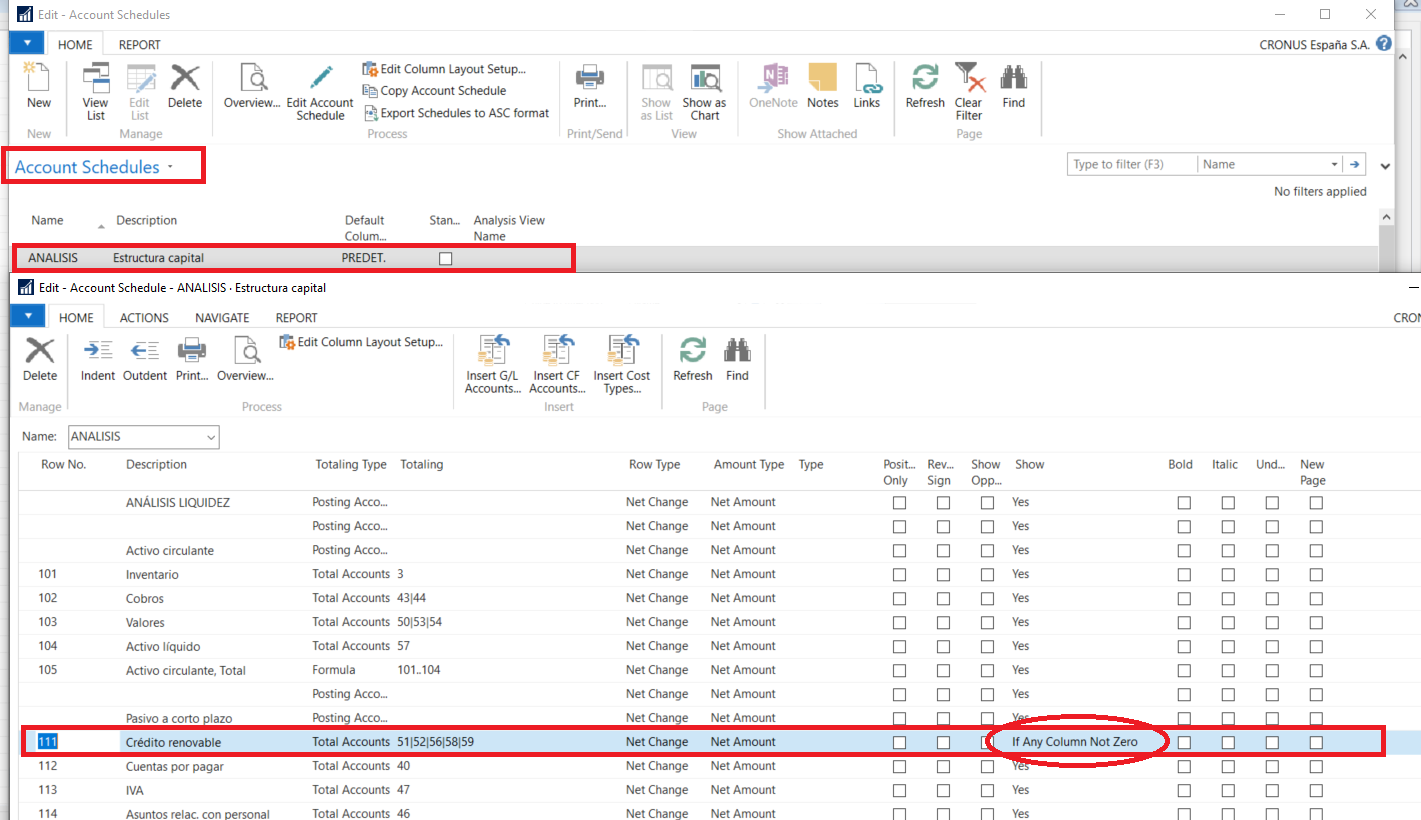
Then, in the own Account Schedule Overview, you will still see Column 111:

But not in the Account Schedule report layout:


