web
You’re offline. This is a read only version of the page.
close
Skip to main content

Notifications

Announcements

Community site session details

Community site session details

Session Id :
Microsoft Dynamics CRM (Archived)

Why No Plug-in Profile created by custom workflow in Dynamics 365?

(0) ShareShare
ReportReport
Posted on by

Created a custom workflow activity in Visual Studio, and registered successfully. I created workflow to use that custom activity and try to debug for it.

Workflow Profile is created successfully with correct workflow.
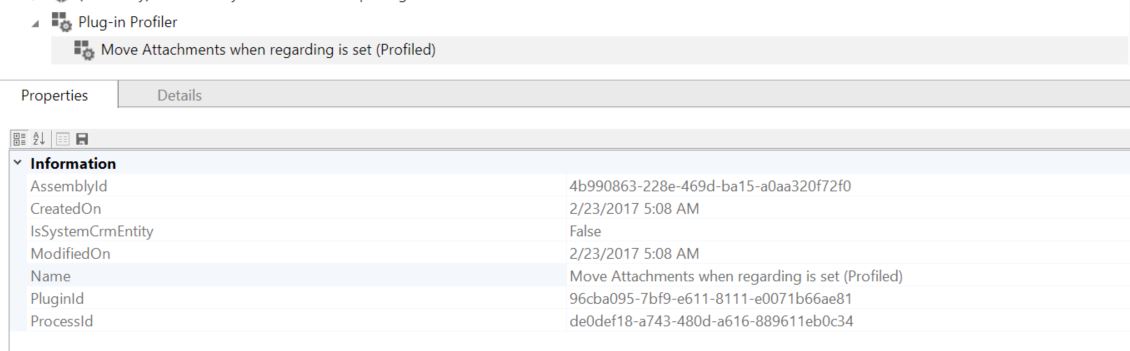
profile1.JPG

Workflow runs but no profile can be found under Plug-in Profile section. I have no way to debug through the code.
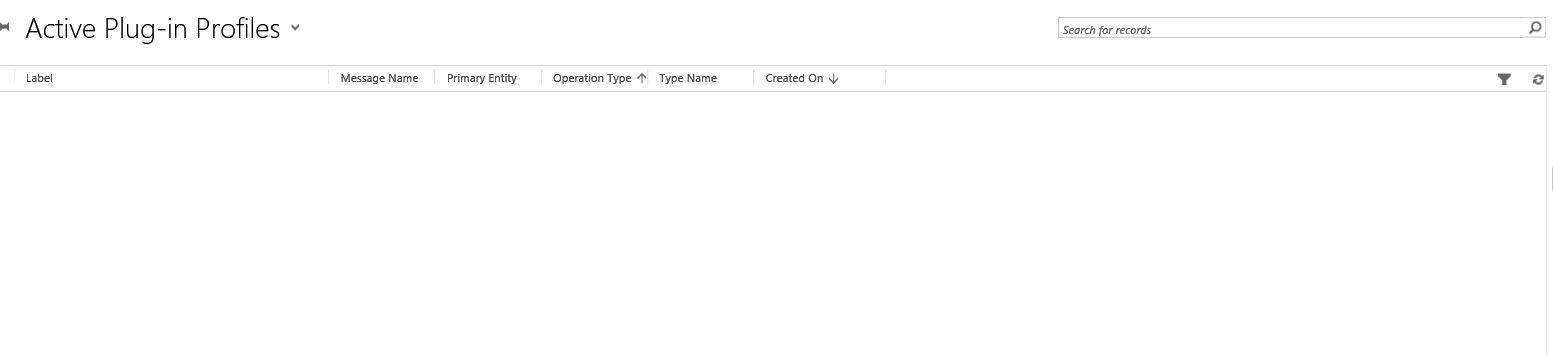
profile2.JPG

Could any one help on this?

Thanks,

*This post is locked for comments

I have the same question (0)
  • Community Member Profile Picture
    on at

    Make you workflow synchronous and try again

  • Suggested answer
    Nadeeja Bomiriya Profile Picture
    6,804 on at

    Hi Jeffz80,

    Please follow the instructions below to debug your custom workflow activity.

    ssharmacrm.wordpress.com/.../how-to-debug-a-custom-workflow-activity-in-dynamics-crm

  • Suggested answer
    Nithya Gopinath Profile Picture
    17,078 on at

    Hi Jeffz,

    Please follow the steps in the following blog to debug a custom workflow activity in dynamics CRM.

    dreamingincrm.com/.../debugging-custom-workflow-assemblies/

    Hope this helps.

  • Verified answer
    Community Member Profile Picture
    on at

    I figured out the problem.

    The issue is that my profiled workflow status is "Waiting", not "successful", because it throws exceptions before goings to "execute" function in custom activity class.

    The issue is due to the fact you will need to add default value for your custom InArguments as in the following link: https://crmdynamicsblog.wordpress.com/2016/11/30/custom-activity-workflow-debug-error-syntax-error-in-cast-operator-two-arguments-separated-by-comma-are-required/

    After adding default values for input properties, workflow runs successfully and profile is created in plug-in profile entity.

    Hope this post will help others who pulling their hairs to dead. :)

Under review

Thank you for your reply! To ensure a great experience for everyone, your content is awaiting approval by our Community Managers. Please check back later.

Helpful resources

News and Announcements

Season of Giving Solutions is Here!

Quick Links

Responsible AI policies

As AI tools become more common, we’re introducing a Responsible AI Use…

Neeraj Kumar – Community Spotlight

We are honored to recognize Neeraj Kumar as our Community Spotlight honoree for…

Leaderboard > 🔒一 Microsoft Dynamics CRM (Archived)

#1
SA-08121319-0 Profile Picture

SA-08121319-0 4

#1
Calum MacFarlane Profile Picture

Calum MacFarlane 4

#3
Alex Fun Wei Jie Profile Picture

Alex Fun Wei Jie 2

Last 30 days Overall leaderboard

Featured topics

Product updates

Dynamics 365 release plans



