web
You’re offline. This is a read only version of the page.
close
Skip to main content

Announcements

No record found.

News and Announcements icon
Community site session details

Community site session details

Session Id :
Microsoft Dynamics AX (Archived)

Parameter _reportName cannot be null or empty.

(0) ShareShare
ReportReport
Posted on by

Hi,

I have a scenario where in I have 2 companies i.e company_1 and company_2.

I am executing sales quotation report, in which I have customized design.

Problem: Report executing well in Company_1 but in Company_2 its enabling debugger window, though I haven't enabled breakpoint and after running debugger its throwing "Parameter _reportName cannot be null or empty." error.
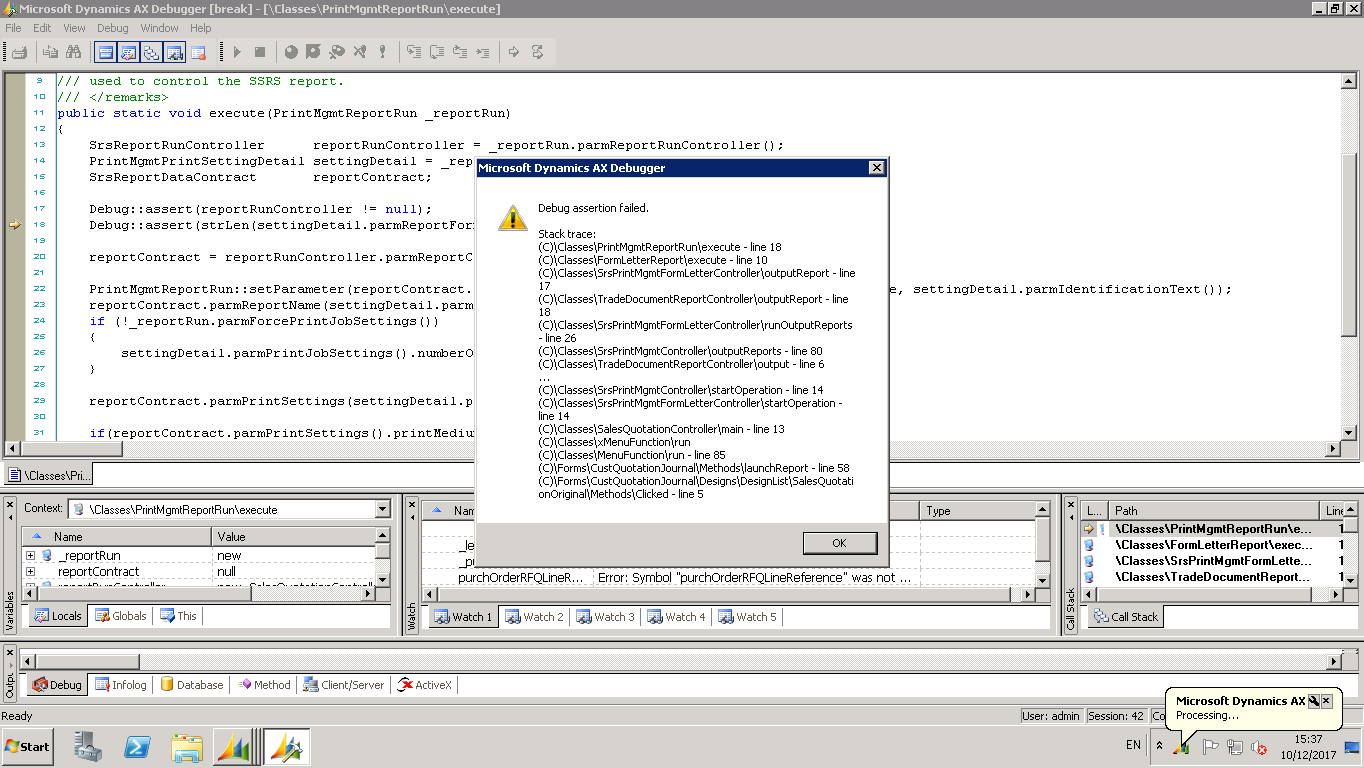
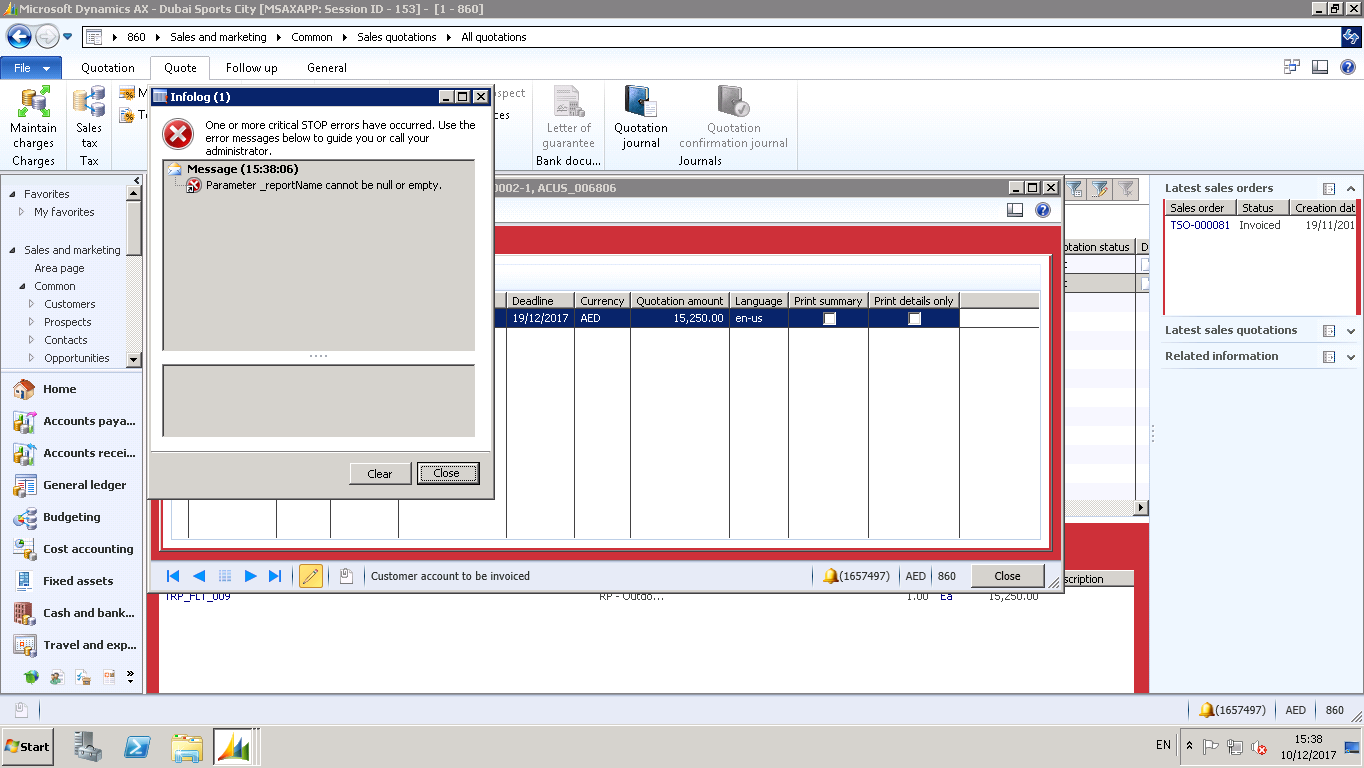
5141.Error-1.png8765.Error-2.png

*This post is locked for comments

I have the same question (0)
  • Suggested answer
    Chaitanya Golla Profile Picture
    17,225 on at

    Hi,

    Please compile the classes and report(node) concerned to your report.  If the error still persists then compile all the classes and build Full CIL.

    Please refer the following links:

    (SSRS ERROR : Parameter _ReportName cannot be null or empty)

    nandishax.blogspot.com/.../ssrs-error-parameter-reportname-cannot.html

    (Error: Parameter _reportName cannot be null or empty. SSRS in Dynamic AX)

    abdulghani121.blogspot.com/.../error-parameter-reportname-cannot-be.html

    ("Parameter _reportName cannot be null or empty".error while opening any report)

    dynamicsuser.net/.../parameter-_reportname-cannot-be-null-or-empty-error-while-opening-any-report

  • Community Member Profile Picture
    on at

    Hi Chaitanya,

    Thanks for reply.

    Just want to clear one thing i.e. my ax environment has got two legal entity, for legal_entity_1 report is fine but with legal_entity_2 facing the above issue.

    My concern is will full compilation solve my issue, or is there any other solution ?

    Thanks,

    Zeeshan Ali.

  • Chaitanya Golla Profile Picture
    17,225 on at

    Hi,

    When we faced the same issue earlier, it got resolved by recompiling the classes.Its definitely worth a try and after that if issue still exists let us know will try to help you further.

Under review

Thank you for your reply! To ensure a great experience for everyone, your content is awaiting approval by our Community Managers. Please check back later.

Helpful resources

Quick Links

Introducing the 2026 Season 1 community Super Users

Congratulations to our 2026 Super Stars!

Meet the Microsoft Dynamics 365 Contact Center Champions

We are thrilled to have these Champions in our Community!

Congratulations to the March Top 10 Community Leaders

These are the community rock stars!

Leaderboard > 🔒一 Microsoft Dynamics AX (Archived)

#1
CP04-islander Profile Picture

CP04-islander 16

#2
GiacomoRovai Profile Picture

GiacomoRovai 4

#3
Douglas Noel Profile Picture

Douglas Noel 2

Last 30 days Overall leaderboard

Featured topics

Product updates

Dynamics 365 release plans
