web
You’re offline. This is a read only version of the page.
close
Skip to main content

Notifications

Announcements

No record found.

Community site session details

Community site session details

Session Id :
Microsoft Dynamics CRM (Archived)

Showing embedded images in email body on tracked emails

(0) ShareShare
ReportReport
Posted on by 665

Hi all

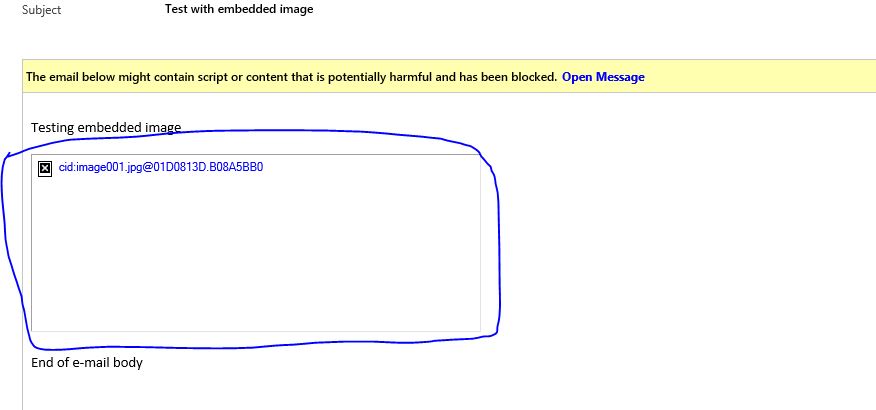
I have a problem that has been annoying me for quite some time in different CRM installations and versions. When I open e-mails that have been tracked into CRM I always get the yellow warning "The email below might contain script or content that is potentially harmful and has been blocked". If there there are any embedded images in the email body they are not shown. You have to click the "Open message" link in the warning box to view the entire content. It's quite annoying and a VERY bad user experience.

The other day I discovered that if I change the System Setting

"Use Secure frame to restrict email message content"

to Yes it actually shows the entire content in the email body. The user is still presented with the warning that content has been blocked. But that's OK. As long as the content is actually show we can live with it.

Yeahh I thought. Problem solved! It makes no sense. But what the heck... It Works.

But no... The next day users where complaining that they were no longer able to reply to the e-mails in CRM. The email body (description) field was completely locked and empty. So I had to switch the system setting back to No.

In other words I'm back to start.

ARGH! Am I the only one that finds this issue extremly annoying? Is there a solution?

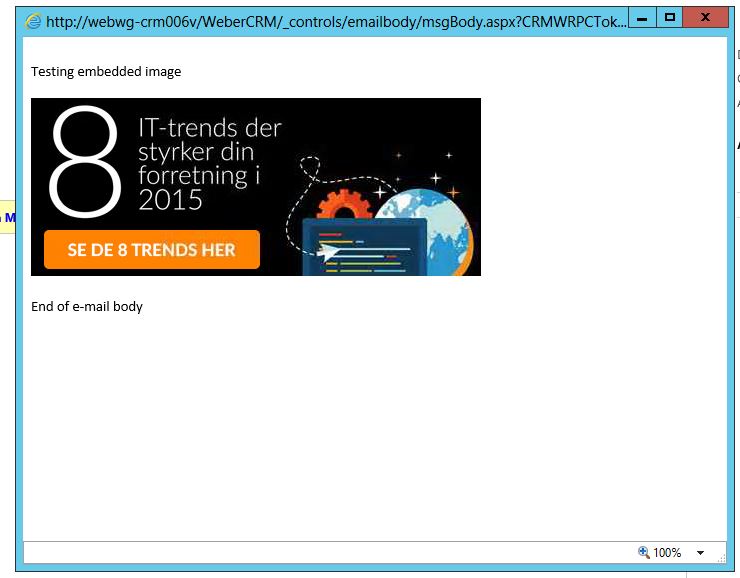
Se attached images
1780.Capture1.JPG

4403.Capture2.JPG

*This post is locked for comments

I have the same question (0)
  • Community Member Profile Picture
    on at

    Hi Thomas,

    Did you ever find out about how to do this as I have exactly the same issue?

    Thanks,

    Bryan

  • Thomas Rath Profile Picture
    665 on at

    No unfortunately not. Still the same problem

  • Community Member Profile Picture
    on at

    Hi Thomasa,

    Did you get the answer for your above Question. Here we are also facing same isssue.??  

  • Thomas Rath Profile Picture
    665 on at

    No unfortunately not. Sorry

  • Wouter Madou Profile Picture
    3,392 on at

    Just want to put this here:

    https://community.dynamics.com/crm/f/117/t/103605

    Althought the page from Gustaf Westerlund is not accessible (permission denied), you might want to contact him to see if they ported their solution to the newer versions and see if that solves your issue.

  • Thomas Rath Profile Picture
    665 on at

    Hi Wouter

    Great post. I'll try it out when I have some spare time and post the results here.

Under review

Thank you for your reply! To ensure a great experience for everyone, your content is awaiting approval by our Community Managers. Please check back later.

Helpful resources

Quick Links

Responsible AI policies

As AI tools become more common, we’re introducing a Responsible AI Use…

Neeraj Kumar – Community Spotlight

We are honored to recognize Neeraj Kumar as our Community Spotlight honoree for…

Leaderboard > 🔒一 Microsoft Dynamics CRM (Archived)

#1
SA-08121319-0 Profile Picture

SA-08121319-0 4

#1
Calum MacFarlane Profile Picture

Calum MacFarlane 4

#3
Alex Fun Wei Jie Profile Picture

Alex Fun Wei Jie 2

Last 30 days Overall leaderboard

Featured topics

Product updates

Dynamics 365 release plans