Hi ps_k1,
Yes, the scenario is possible.
Can you tell me which entity you are using currently? It's very import!
'Activities' will appear in related tab as long as you check the ‘Activities’ option of entity in Communication and Collaboration section. And you can’t uncheck it once you check it.
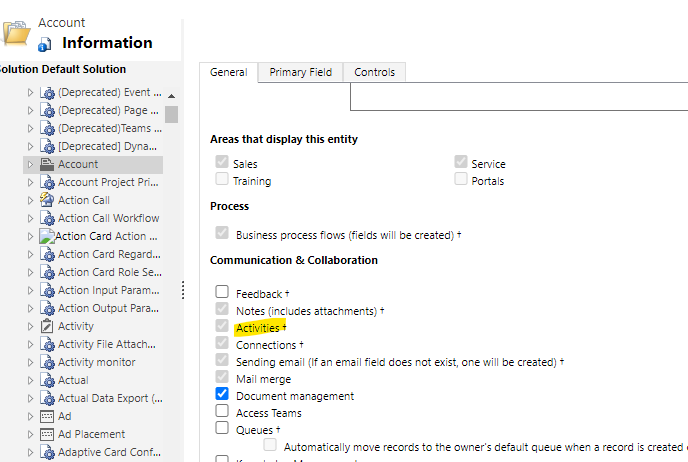
For some OOB entities that has enabled 'Activities' option by default, you can remove ‘Activities’ from navigation to hide it in the form.
However, it is not possible for custom entities and other OOB entities that enabled 'Activities' option by the user himself, there will be no Activities option present on Navigation pane and relationship explorer(That's what happened to you.).
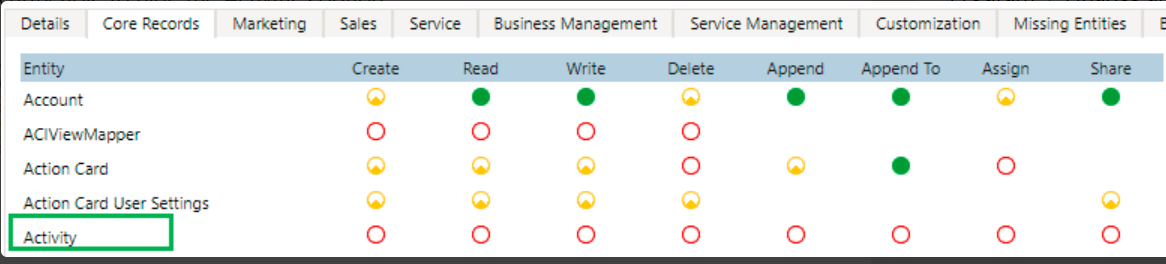
For it, you can hide it through setting security roles that assigned to users without any privileges of Activity entity.