



How to add and use multiple email accounts on Dynamics 365 Business Central
Views (24)
 Like
Like Share
Share
 Report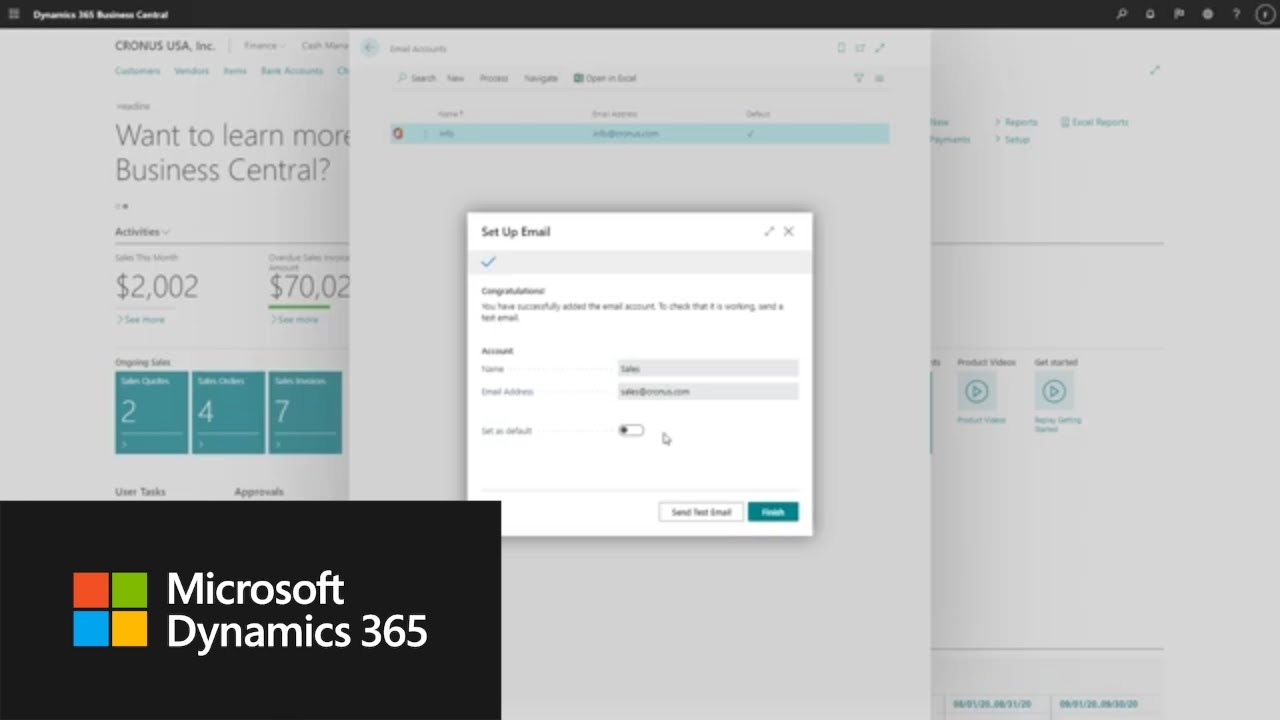
 Posted
by
Community Member
Posted
by
Community Member
Learn how to add multiple email accounts to #Microsoft #Dynamics 365 Business Central, and how to specify the business scenarios in which the accounts will be used to send messages. By connecting email accounts to Business Central, administrators can enable people to send information and documents directly from the page they're using, without opening an email app. Additionally, you can define specific business scenarios for which to use an account. For example, you can specify one account for sending sales documents, and another for purchase.
Learn more here: https://dynamics.microsoft.com/en-us/business-central/overview/
Thank you for watching our video! Stay up-to-date with the latest news and updates from the Dynamics 365 Team by visiting: https://dynamics.microsoft.com/en-us/
The opportunities don’t stop there! We urge our community to continue learning through the following resources:
Dynamics 365 Blog: https://cloudblogs.microsoft.com/dynamics365/
Free trial: https://trials.dynamics.com/Dynamics365/Signup
Subscribe to Dynamics 365 YouTube: http://www.youtube.com/c/MicrosoftDynamics365
Dynamics 365 on Facebook: https://www.facebook.com/msftdynamics365/
Dynamics 365 on LinkedIn: https://www.linkedin.com/showcase/microsoft-dynamics/
Dynamics 365 on Twitter: https://twitter.com/MSFTDynamics365?lang=en
*This post is locked for comments