



Create emails easily and without compromises using Dynamics 365 Marketing
Views (150)
 Like
Like Share
Share
 Report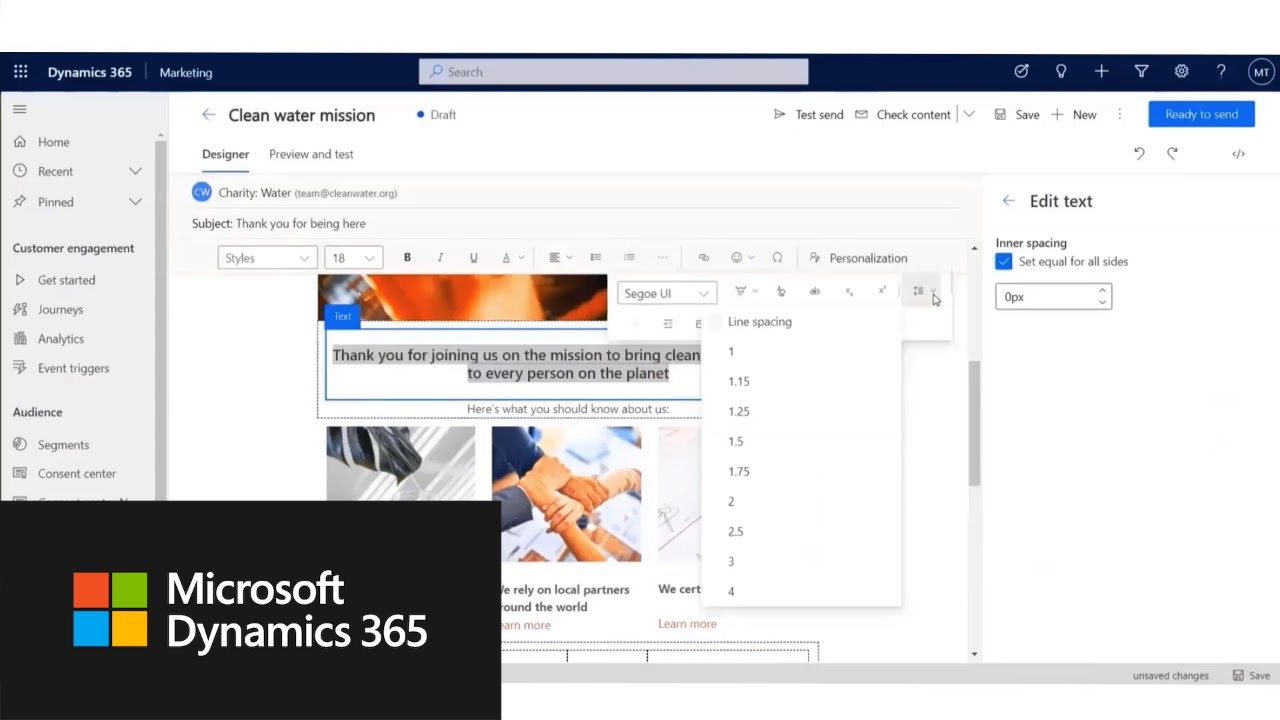
 Posted
by
Community member
Posted
by
Community member
In this feature overview video series, we highlight new capabilities included in the latest update to Dynamics 365 Marketing.
With the revamped email editor, we have designed a completely new way of creating engaging and relevant content. The improved email editor optimizes for a productive workflow including real-time error information, making it easy to produce professional emails with far less time and effort.
Get the most out of Dynamics 365 Release plan
View all capabilities included in this release: https://aka.ms/Plan/2021RW1/Marketing
Product updates
Stay up to date on latest product updates: https://aka.ms/Updates/Marketing
Release calendar
Know important release milestones: https://aka.ms/Updates/Calendar/Marketing
Licensing
Improve your understanding of how to license Dynamics 365: https://aka.ms/Licensing/Marketing
Product documentation
Find documentation for Dynamics 365: https://aka.ms/Documentation/Marketing
User community
Engage with Dynamics 365 experts and peers in the community: https://aka.ms/Community/Marketing
Upcoming events
Find and register for in person and online events: https://aka.ms/Events/Marketing
Product trials
Get started with Dynamics 365: https://aka.ms/Trials/Marketing
Thank you for watching our video! Stay up-to-date with the latest news and updates from the Dynamics 365 Team by visiting: https://dynamics.microsoft.com/en-us/
The opportunities don’t stop there! We urge our community to continue learning through the following resources:
Content Library: https://explore.dynamics.com/h/
Dynamics 365 Blog: https://cloudblogs.microsoft.com/dynamics365/
Free trial: https://trials.dynamics.com/Dynamics365/Signup
Subscribe to Dynamics 365 YouTube: http://www.youtube.com/c/MicrosoftDynamics365
Dynamics 365 on Facebook: https://www.facebook.com/msftdynamics365/
Dynamics 365 on LinkedIn: https://www.linkedin.com/showcase/microsoft-dynamics/
Dynamics 365 on Twitter: https://twitter.com/MSFTDynamics365?lang=en
#Microsoft #MSFTDyn365
*This post is locked for comments