







Why my product images doesn’t show up on my eCommerce site

 817
817 Like
Like Share
Share
 Report
So here’s the scenario. We’ve got the POS running and the eCommerce site too; but somethings wrong with the product images. They’re not showing up on the eCommerce site. No matter how many times we restart the IIS and change the images on the media server. The thing is that the eCommerce site doesn’t pull the images from the media server. At least not for the products, that is.
So looking at these sunglasses we get the image of the sunglasses as expected:
Looking at the media server path here’s the image:
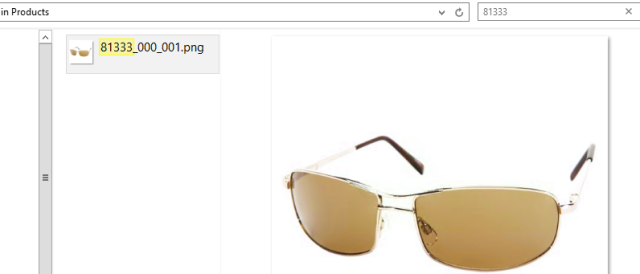
Now we add a new image to the media server like this:
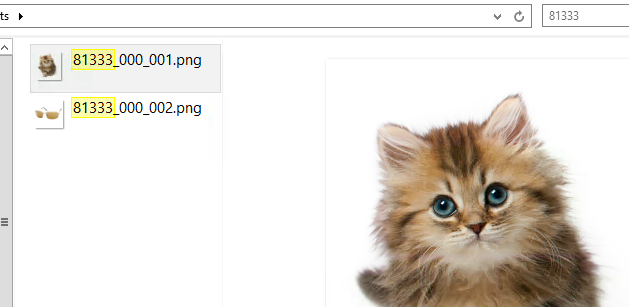
It’s ok to go “aaaawwww”…
Looking at the POS it picks up the change pretty fast and shows us two images:
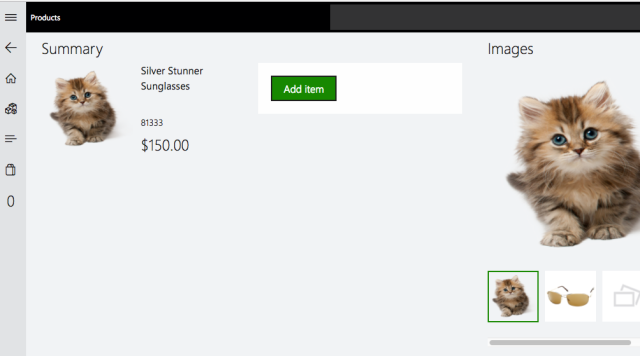
If we go the the eCom site not much happens:

You can restart the IIS all that you want, it won’t change.
Here’s the explanation:
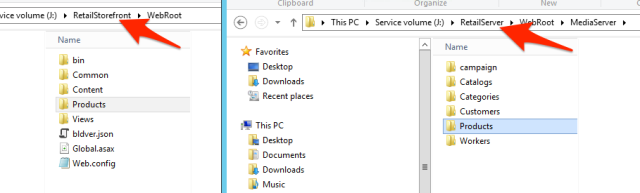
The eCom site looks for the files in another folder than the POS. This opens up for having different levels of image resolution and so on, but that is another story.
So if we copy the image files to the Retail Storefront folder we might be out of the woods … but not quite.We still only see the old image on the site, thanks to caching.
Clear your browsers image cache and bingo: another moment of aaaawwwwww:

This all might be documented somewhere … I just didn’t find it.


This was originally posted here.
*This post is locked for comments