







Adding Web Service reference directly in AX 2012, without using proxy DLL
Views (1570)
 Urminavo Das
 81
81
 Like
Like Share
Share
 Report
Dear Friends,
Thought of sharing a small yet tricky way to add a web service reference directly from AX 2012 without using proxy DLL, for consuming the same.
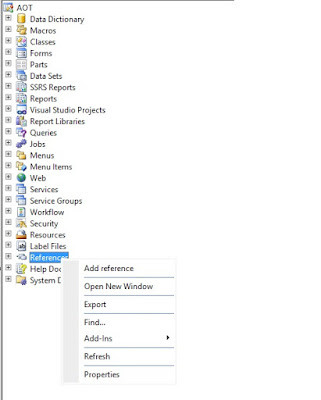
Normally, when we right click on AOT "References", we can add only the DLL references from there.
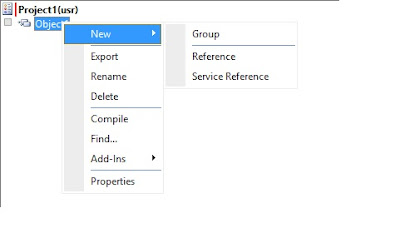
But if we create a project, and add a "Reference" group, and then right click on it, we will get both the options; of adding the DLL reference as well as adding the web service reference.
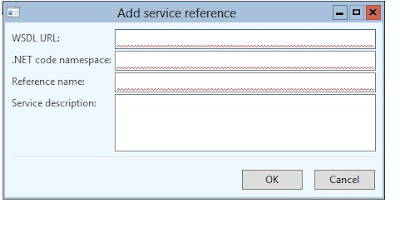
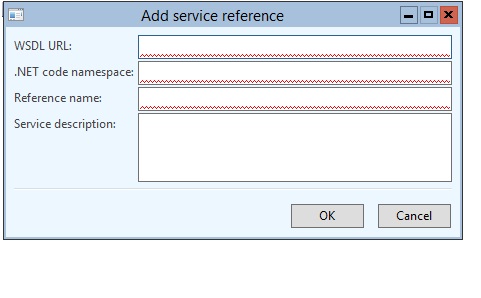
 Once we click on "Service Reference", the following form opens, which helps us inputting the WSDL URL along with the Namespace and other details.
Thought of sharing a small yet tricky way to add a web service reference directly from AX 2012 without using proxy DLL, for consuming the same.
Normally, when we right click on AOT "References", we can add only the DLL references from there.


This was originally posted here.
*This post is locked for comments